





The product is very intuitive and user-friendly, and it allows people with a non-production background to create content that looks highly produced. In addition, Switcher has provided our team with fantastic customer service and consulting.

Jackie Strouse
Senior Manager of Social Media at Golf Channel
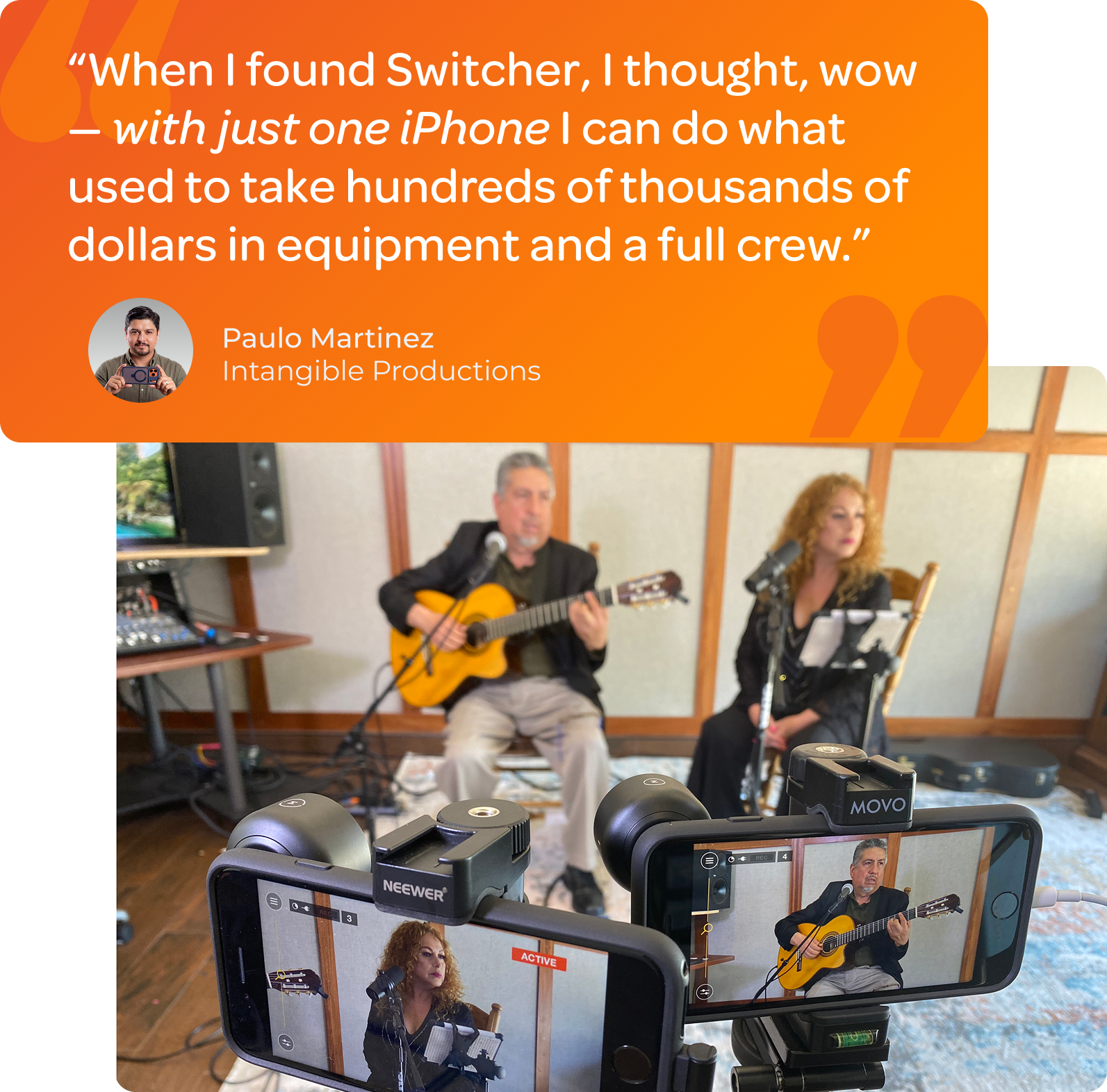
The ability to use iPhones as cameras has been SUCH an efficient and inexpensive way to get all the angles we need during a service! We’ve even been able to add our in-person Powerpoint presentation to the broadcast with Switcher Cast.

Cheri Uthe
Mayfair United Church
What a brilliant invention. A sat truck, a cameraman, a graphics system, a video server, a director, and vision mixer all in your pocket.
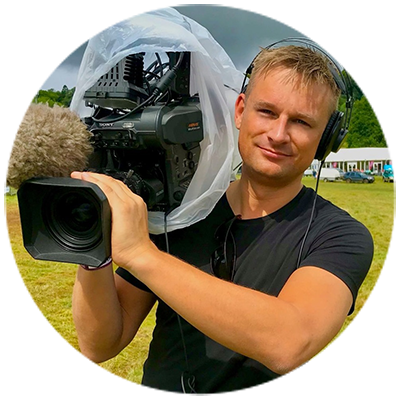
Chris James
Broadcast Editor Bristol News

Live Streaming App
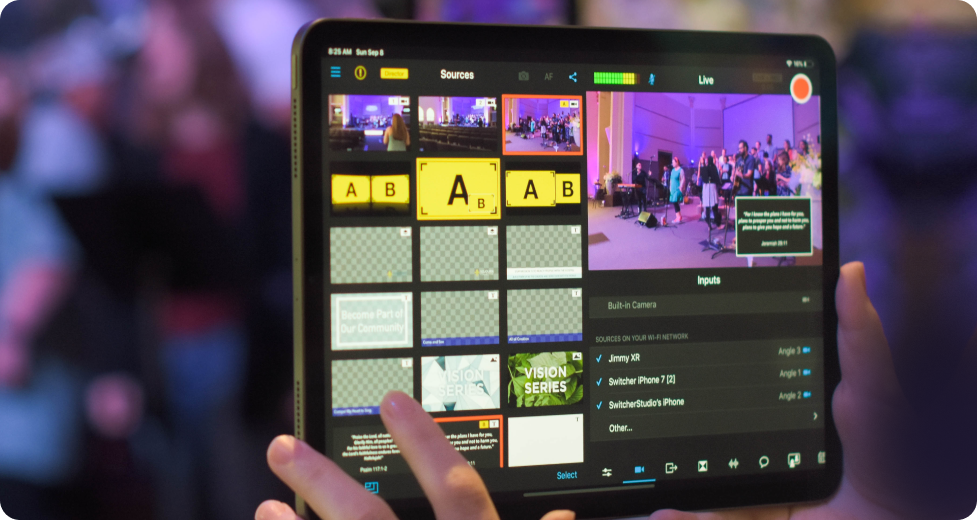
Build a pro-grade multicamera studio with the gear you already have
No expensive hardware, complex setups, or tech knowledge needed
14-day free trial Cancel anytime
Trusted by 14,000+ teams, creators, and organizations
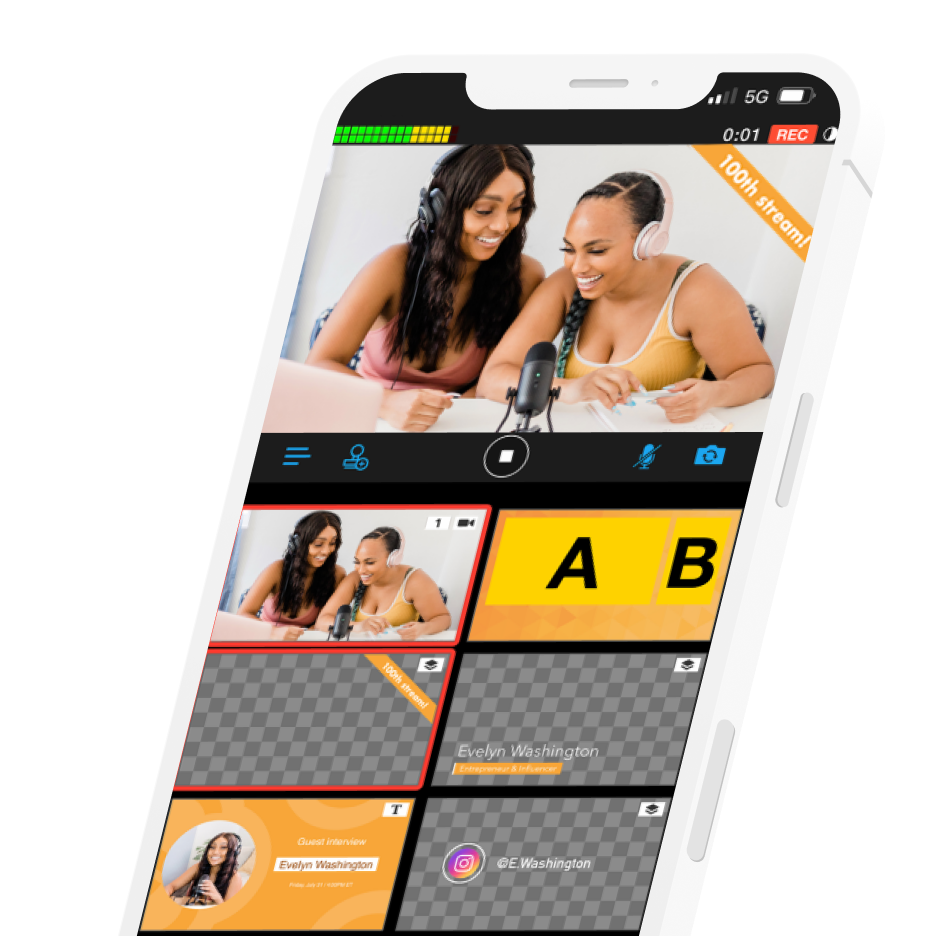
Stream everywhere at once




Run a complete multicamera stream in minutes
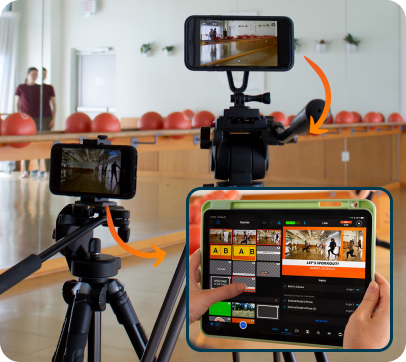
Step 1: Connect your devices
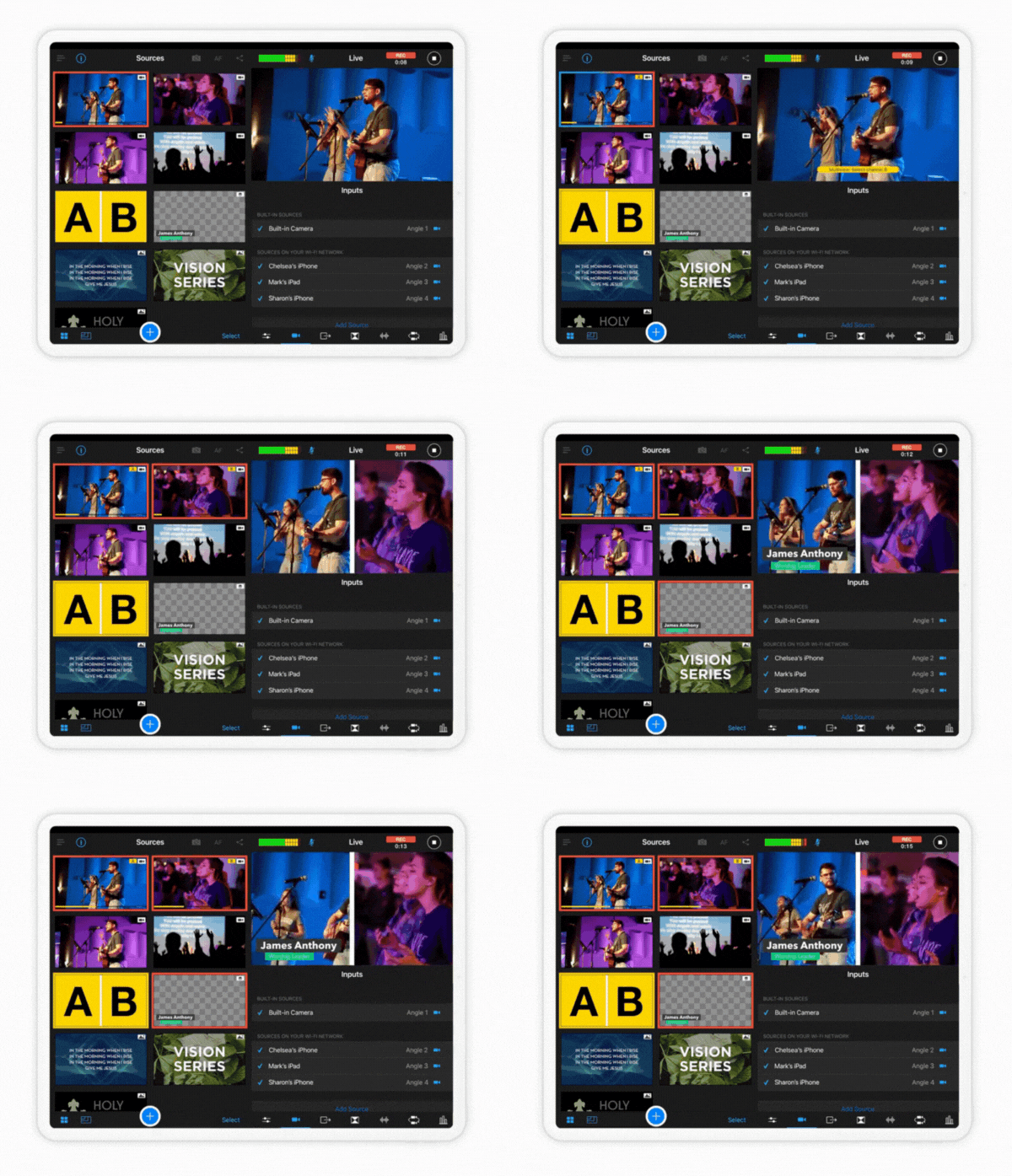
Sync your iPhone, iPad, Mac, and cameras into one multicamera setup
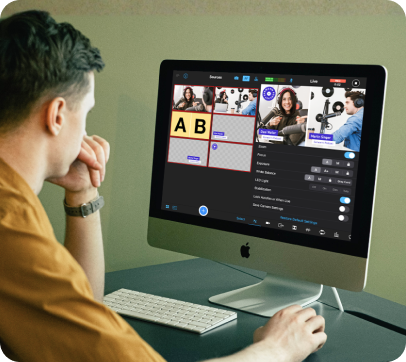
Step 2: Run your whole production from one screen
Switch angles, add graphics, and bring in remote guests — all from a single interface
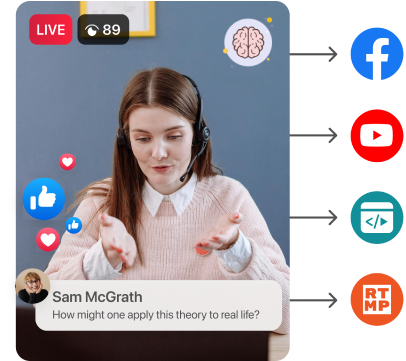
Step 3: Go live everywhere at once

Broadcast to YouTube, Facebook, TikTok & more, and embed on your website
Everything you need to run a professional live stream


Multicamera
Multicamera
- Turn your devices into a multicamera studio
- Sync your iOS, macOS, and Android devices to create multicamera productions


Multistreaming
Multistreaming
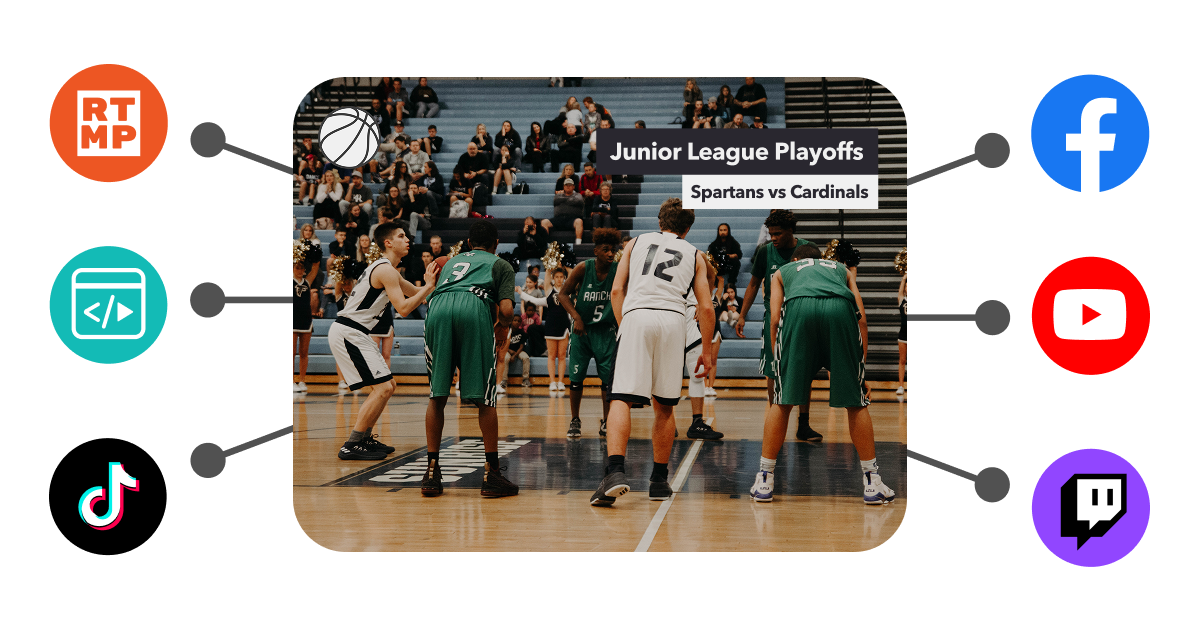
- Stream everywhere at once
- Broadcast to YouTube, Facebook, Instagram, TikTok, X & more


Engagement
Engagement
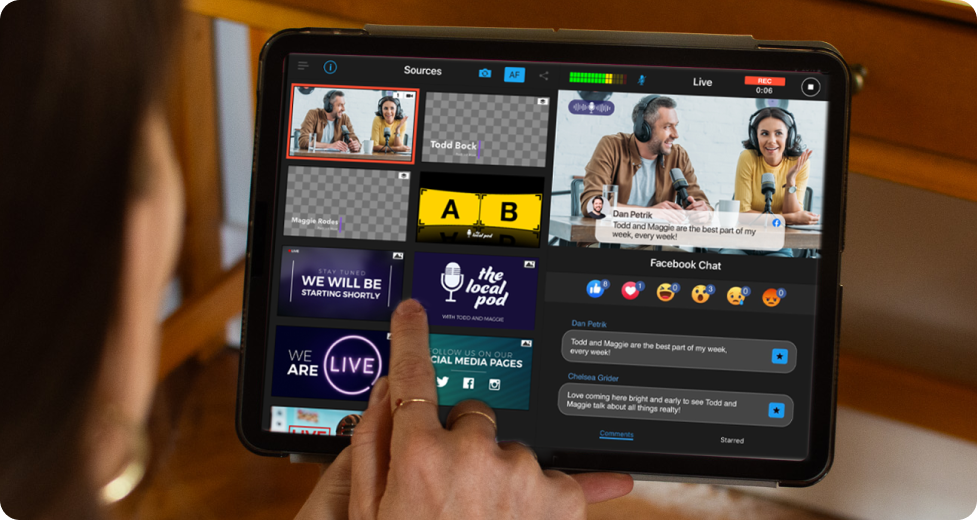
- Make every stream feel like a real production
- Add graphics, overlays, branding, multimedia, and remote guests in one interface


Hosting & Monetization
Hosting & Monetization
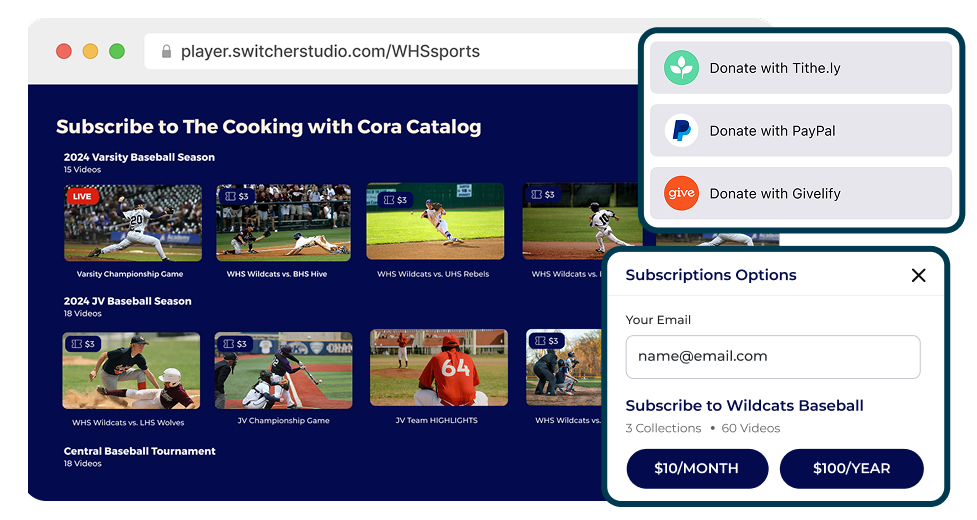
- Host, embed, and monetize your content
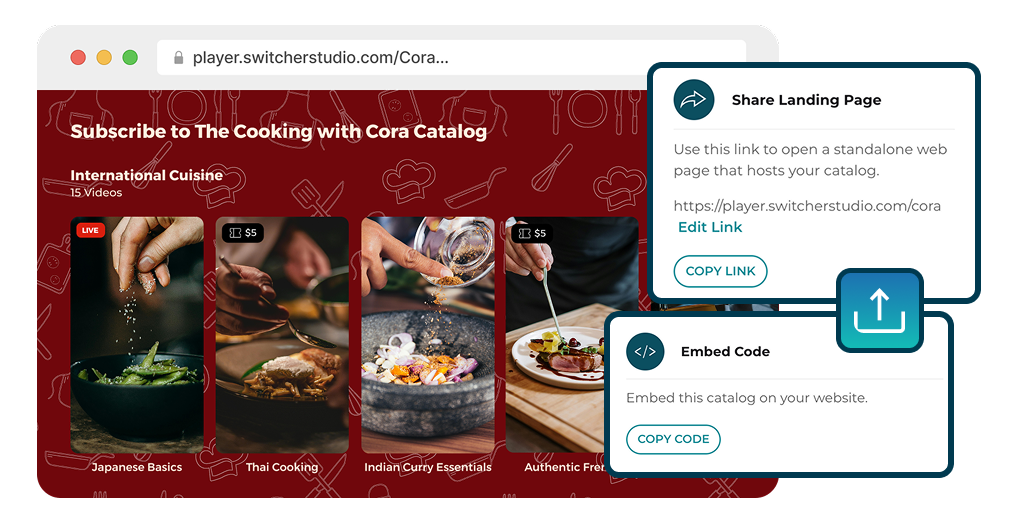
- Embed videos anywhere, and earn with paywalls and subscriptions — we don't take a cut
Multicamera
- Turn your devices into a multicamera studio
- Sync your iOS, macOS, and Android devices to create multicamera productions
Multistreaming
- Stream everywhere at once
- Broadcast to YouTube, Facebook, Instagram, TikTok, X & more
Engagement
- Make every stream feel like a real production
- Add graphics, overlays, branding, multimedia, and remote guests in one interface
Hosting & Monetization
- Host, embed, and monetize your content
- Embed videos anywhere, and earn with paywalls and subscriptions — we don't take a cut
Everything you need to run a professional live stream
Multicamera
-
Turn your devices into a multicamera studio
-
Sync your iOS, macOS, and Android devices to create multicamera productions
Multistreaming
-
Stream everywhere at once
-
Broadcast to YouTube, Facebook, Instagram, TikTok, X & more
Engagement
-
Make every stream feel like a real production
-
Add graphics, overlays, branding, multimedia, and remote guests in one interface
Hosting & monetization
-
Host, embed, and monetize your content
-
Embed videos anywhere, and earn with paywalls and subscriptions — we don't take a cut
One subscription replaces all of this
Hardware switchers
$2,000–$10,000+ of dedicated gear
 Streaming software
OBS, vMix, Wirecast
 Multistreaming tools
Restream, Castr, and similar platforms
 Hosting platforms
Vimeo OTT, Brightcove, and video libraries
 Monetization tools
Patreon, Memberful, and paywall tools
One subscription replaces all of this
Instead of stitching tools together, Switcher gives you everything you need to produce pro-grade live streams — and host, embed, and monetize your video content.
Hardware switchers
$2,000–$10,000+ of dedicated gear
Streaming software
OBS, vMix, Wirecast
Multistreaming tools
Restream, Castr, and similar platforms
Hosting platforms
Vimeo OTT, Brightcove, and video libraries
Monetization tools
Patreon, Memberful, and paywall tools
.png)