<img height="1" width="1" style="display:none" src="https://www.facebook.com/tr?id=1229673850378097&amp;ev=PageView&amp;noscript=1">

    Enter your search terms and hit ENTER or use ESC to exit

    {alt=play-orange, height=21, loading=lazy, max_height=21, max_width=21, size_type=auto, src=https://2974196.fs1.hubspotusercontent-na1.net/hubfs/2974196/play-orange.svg, width=21}

    Switcher for Android


    You've got Switcher for Android. Here's how to go live. 

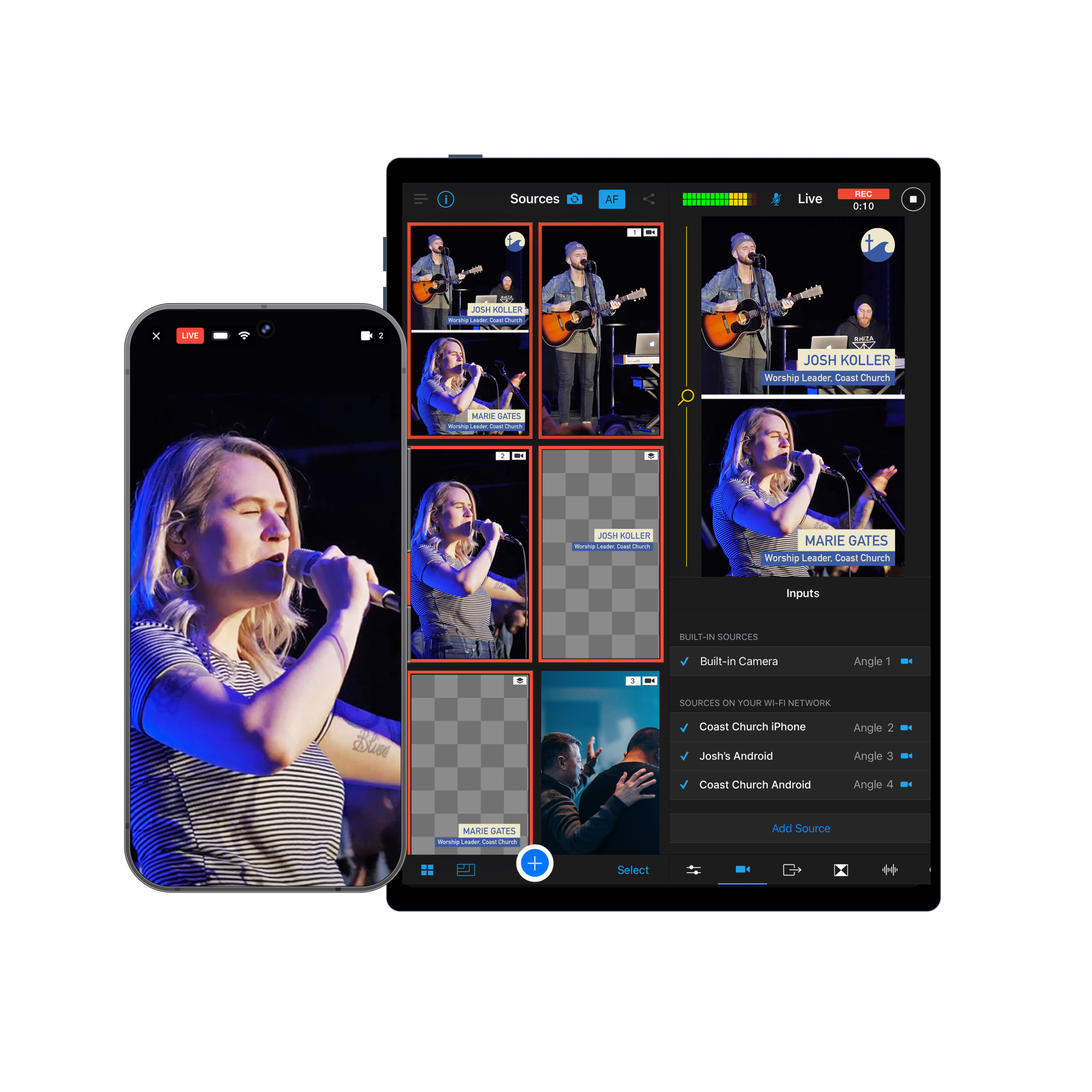
    Switcher is a multicamera live streaming platform for Mac, iPad, and iPhone. Switcher for Android connects your device wirelessly as one of the cameras — so you can create a multicam production using every device you own.


    14-day free trial    Cancel anytime


    Trusted by 14,000+ teams, creators, and organizations
    Exapnded android hero sports

    How it works

    Step 1 - iphone

    Run your production from iPhone, iPad, or Mac

    Switch angles, add graphics, bring in remote guests — all from a single interface.
     

    Step 2 - cameras

    Add up to 9 camera angles in minutes

    Sync Androids, iPhones, iPads, and webcams into one multicamera setup.
    Step 3 - share multistream

    Go live everywhere at once

    Broadcast to YouTube, Facebook, TikTok & more, and embed on your website.

    How it works

     
    Customize 2 Circle Icon
     
    Step 1: Run your production from iPhone, iPad, or Mac

    Change angles, add graphics, bring in remote guests — all from a single interface.


    Capture Circle Icon
     
    Step 2: Add up to 9 camera angles in minutes

    Sync Androids, iPhones, iPads, and webcams into one multicamera setup.


    icon_connect multistream
     
    Step 3: Go live everywhere at once

    Broadcast to YouTube, Facebook, TikTok & more, and embed on your website.


    Three apps. All your devices. One multicamera studio.
    Switcher Studio-1

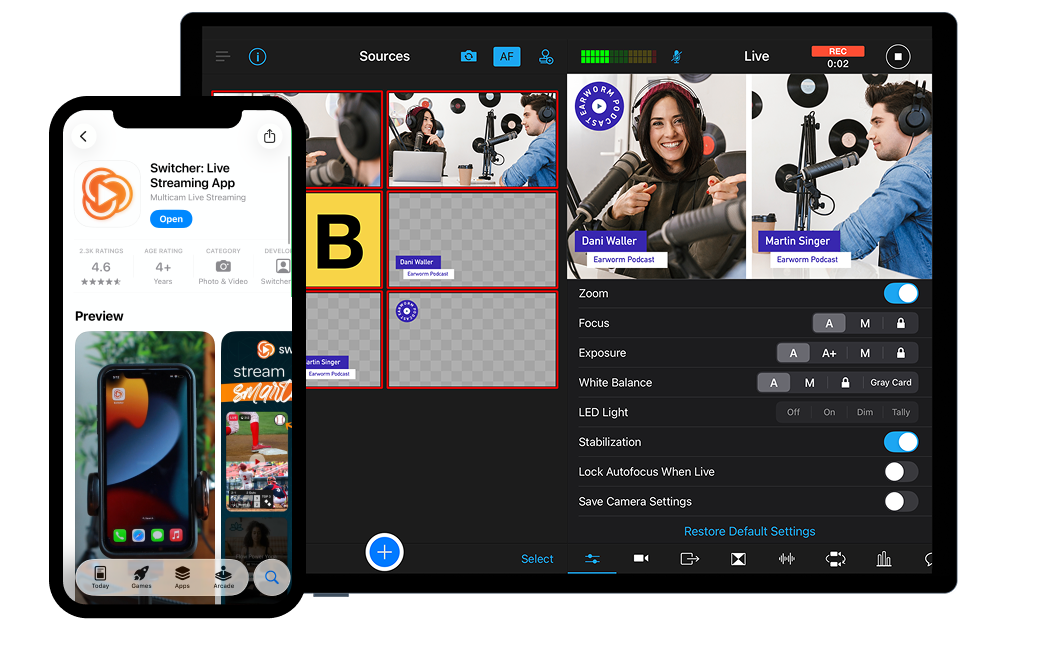
    Switcher Studio iOS & macOS app

    • One device to run your production: Choose iPhone, iPad, or Mac.
    • Add camera angles: Use iPhones & iPads as remote cameras
    Switcher for android with ipad

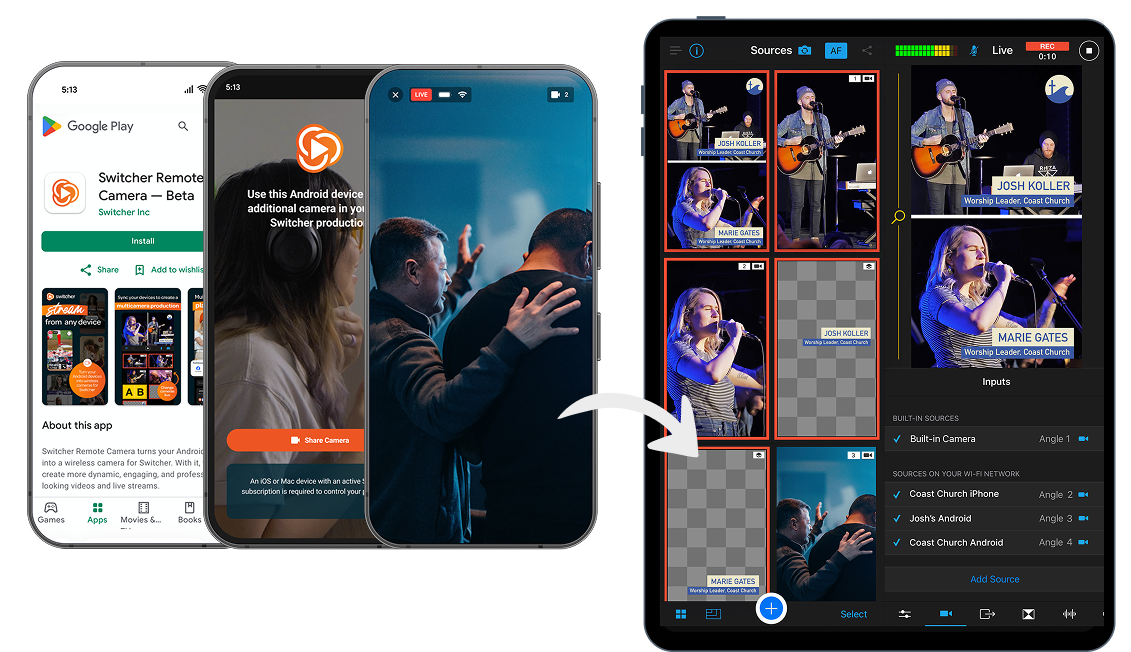
    Switcher for Android  Android app

    • Add camera angles:
      Use Android devices as remote cameras.
    Switcher Cast

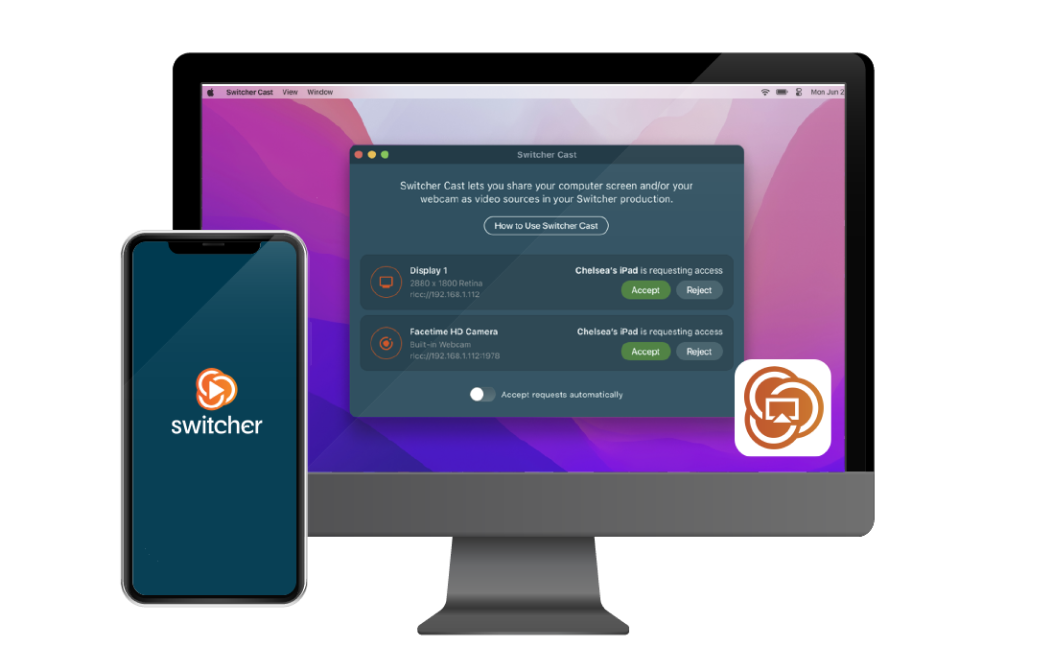
    Switcher Cast  macOS & Windows app

    • Add camera angles:  Use Mac webcams as remote cameras.
    • Cast your livestream: Play your livestream on local TVs and displays.

    Switcher Studio

    iOS & macOS app 

    • One device to run your production: Choose iPhone, iPad, or Mac.
    • Add camera angles: Use iPhones & iPads as remote cameras.

    Download Switcher Studio


    Switcher for Android

    Android app 

    • Add camera angles: Use Android devices as remote cameras.
     Download Switcher for Android

    Switcher Cast

    macOS app 

    • Add camera angles:
      Use Mac webcams as remote cameras.
    • Cast your livestream: Play your livestream on local TVs and displays.

      Download Switcher Cast

    One phone is a start.
    Switcher turns it into a studio.

    Without Switcher

    • One camera, one angle
    • One platform at a time
    • No graphics, overlays, or remote guests
    • Looks like what it is: a phone stream

    With Switcher

    • Up to 9 cameras, live switching between angles
    • Multistream to YouTube, Facebook, Instagram, TikTok, and more at once
    • Pro-grade graphics, overlays, and remote guests
    • Looks like what the pros make


    Your Android is the first camera.

    Switcher is what makes it a studio.


    Go live in 3 steps

    Step 1 - switcher-1

    Step 1: Start your Switcher trial on Mac, iPad, or iPhone

    Download Switcher from the Mac or iOS App Store and start your free 14-day trial. This is your production control center.
     

    Step 2 - android cameras-1

    Step 2: Pair your Android as a camera

    Open Switcher on your Android device, sign in with your new Switcher account, and pair with your Mac, iPad, or iPhone over Wi-Fi.
    Step 3 - go live-1

    Step 3: Go live!

    Switch camera angles, add graphics and overlays, and multistream to YouTube, Facebook, Instagram, TikTok, and more — all from one interface.


    Create your multicamera studio in minutes

    14-day free trial Cancel anytime

    No Mac, iPad, or iPhone? You've got options.

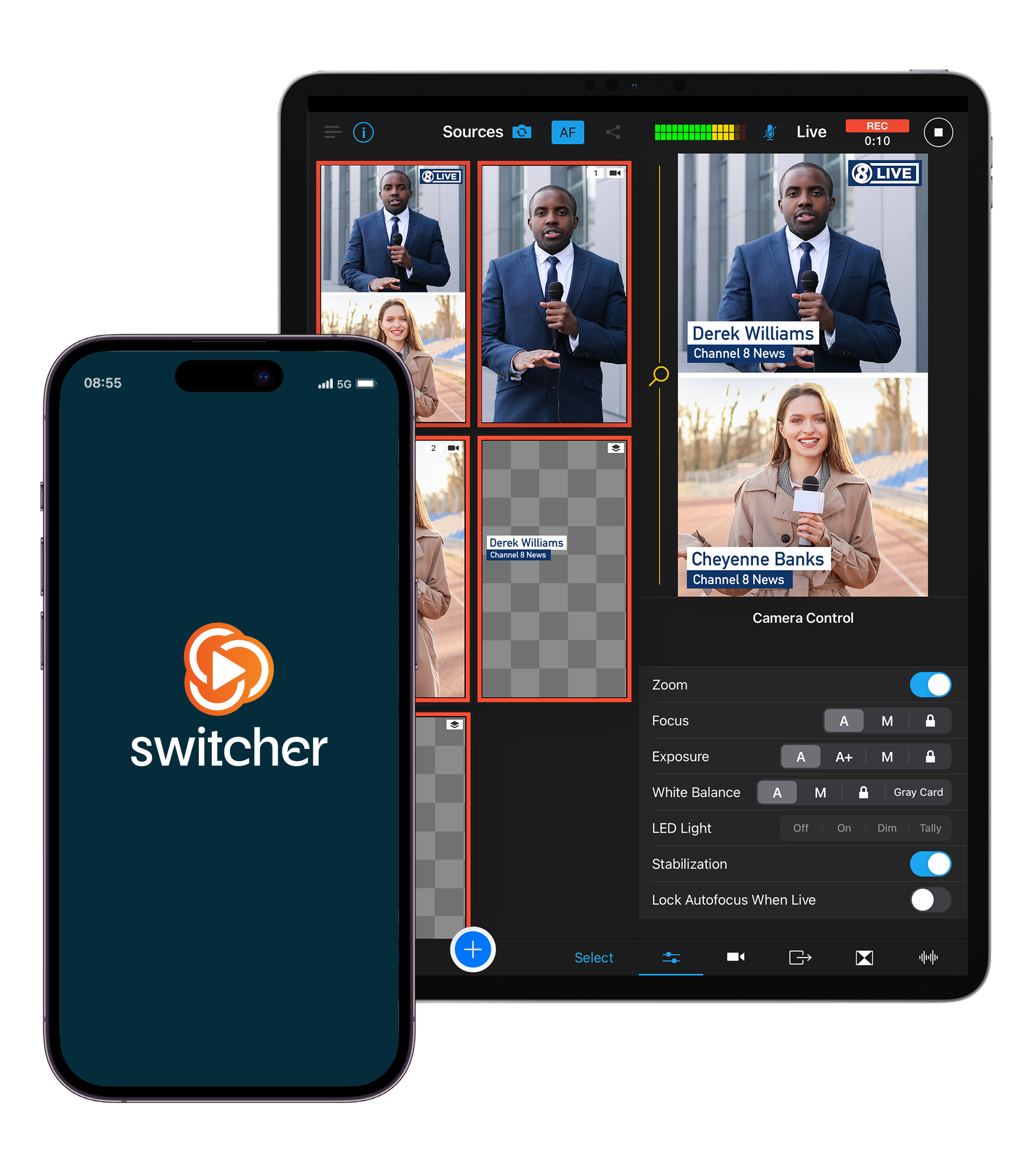
    Most Switcher productions run off one person's Mac, iPad, or iPhone — with everyone else's phones joining in as cameras.
    Ipad iphone splash screen

    Here are 3 ways to get going:

    • Collaborate with others
      Find a friend, church member, or team member with a Mac, iPad, or iPhone. One device runs Switcher, while every phone around it becomes a camera.

    • Borrow one for the trial
      A family member's Macbook, a friends iPad, or an old iPhone in a drawer is enough to test Switcher free for 14 days.

    • Pick one up when you're ready
      A base-model iPad turns into a full multicamera studio with Switcher.


    No Mac, iPad, or iPhone? You've got options.

    Most Switcher productions run off one person's Mac, iPad, or iPhone — with everyone else's phones joining in as cameras.

    Here are three ways to get going:


    Collaborate with others
    Find a friend, church member, or team member with a Mac, iPad, or iPhone. One device runs Switcher, while every phone around it becomes a camera.


    Borrow one for the trial

    A family member's Macbook, a friends iPad, or an old iPhone in a drawer is enough to test Switcher free for 14 days.


    Pick one up when you're ready
    A base-model iPad turns into a full multicamera studio with Switcher.


    Frame

    4.6 out of 5

    Rated 4.6 out of 5 based on 2.3k Reviews on the Apple App Store.