

Branded live streaming tools
Captivate viewers with pro-grade live streams
Graphics, layouts, transitions, music, branding, and more —
all from one app
Trusted by 14,000+ teams, creators, and organizations
14-day free trial Cancel anytime
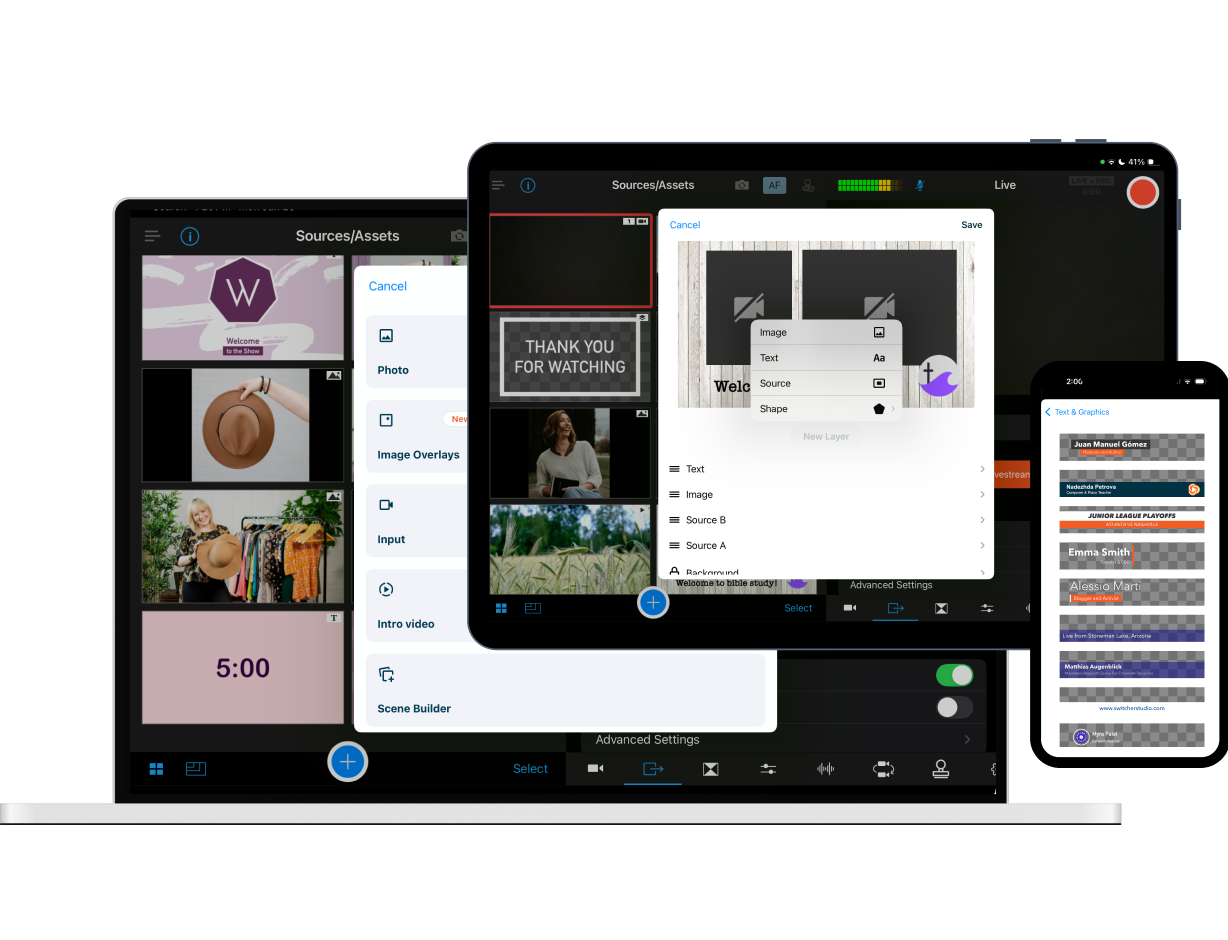
Use a range of multimedia assets
Customize graphic templates
Add lower thirds, title cards, text overlays, timers, and scoreboards
Live graphics editing
Quickly customize or adjust on-screen graphics in real time
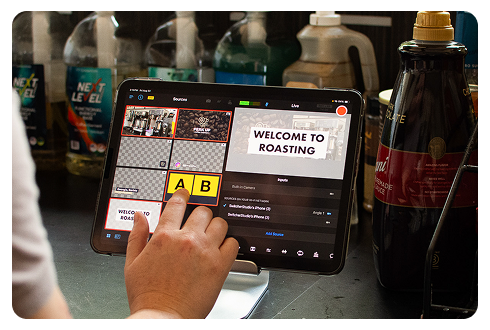
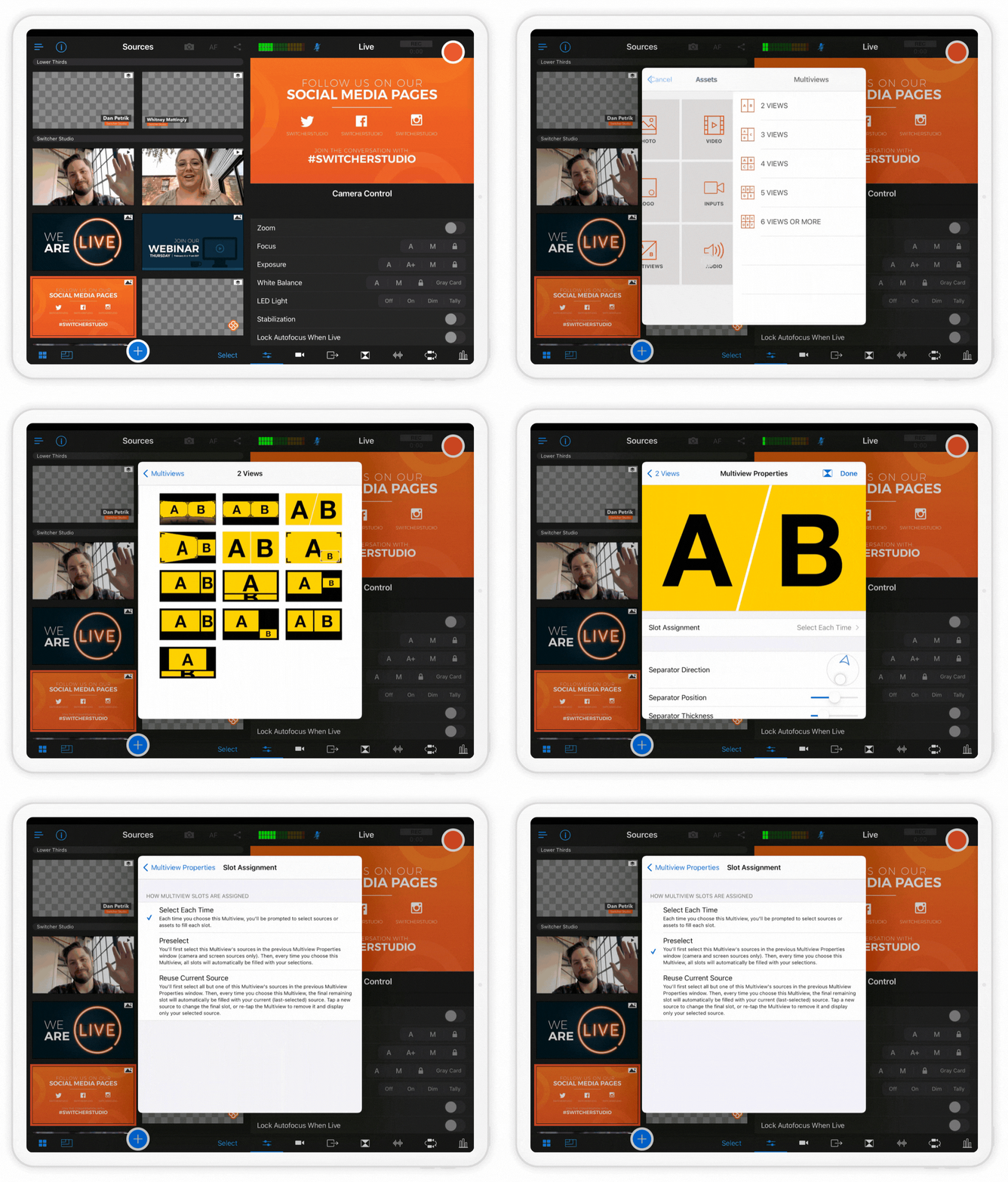
40+ multiview templates
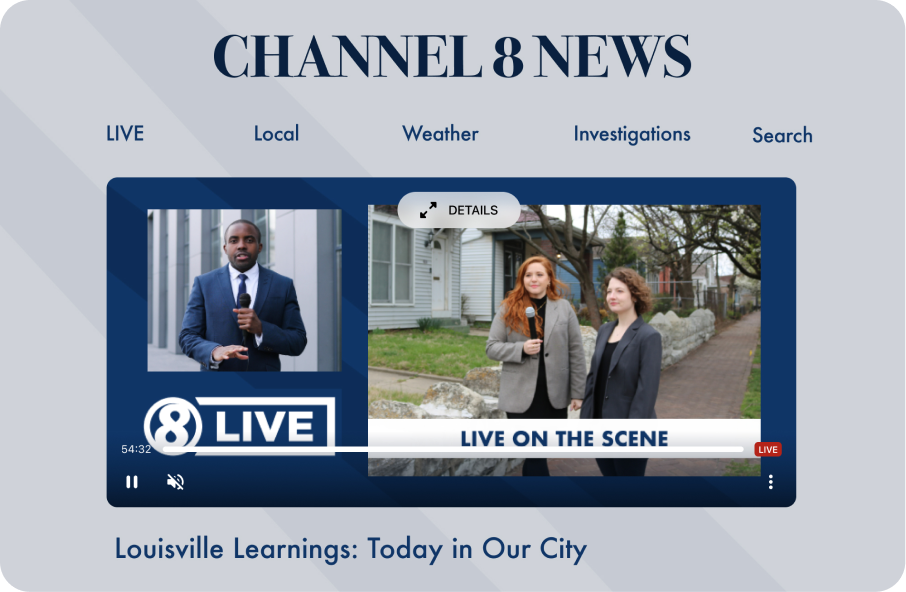
Display up to 9 sources in various views — picture-in-picture, split-screen, dashboard, grid, flap, or slot
Use prerecorded video
Play B-roll and pre-recorded segments as part of your broadcast
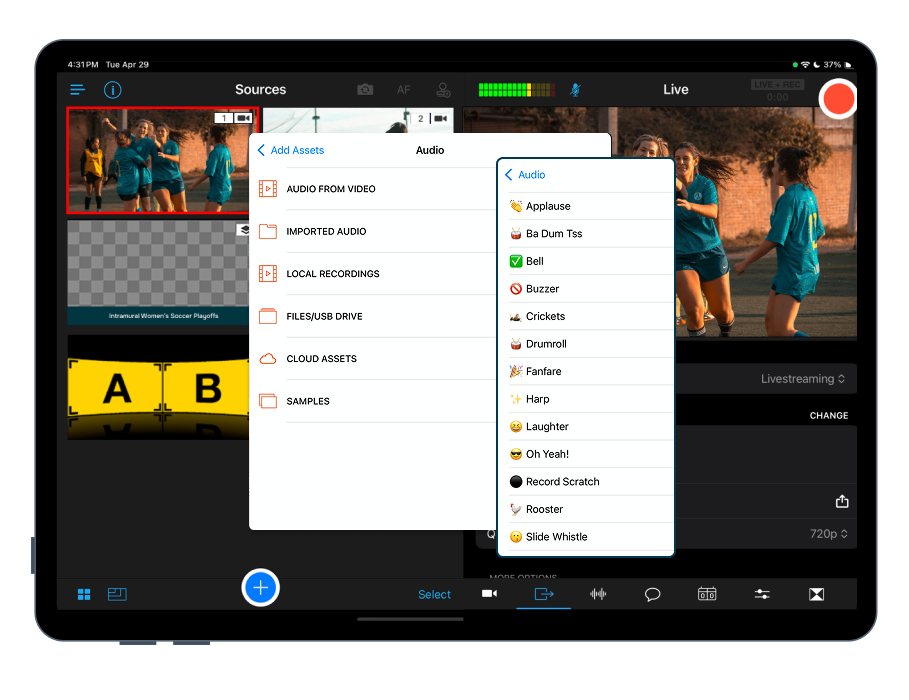
Add music & sound effects
Play music tracks and trigger SFX live during your broadcast
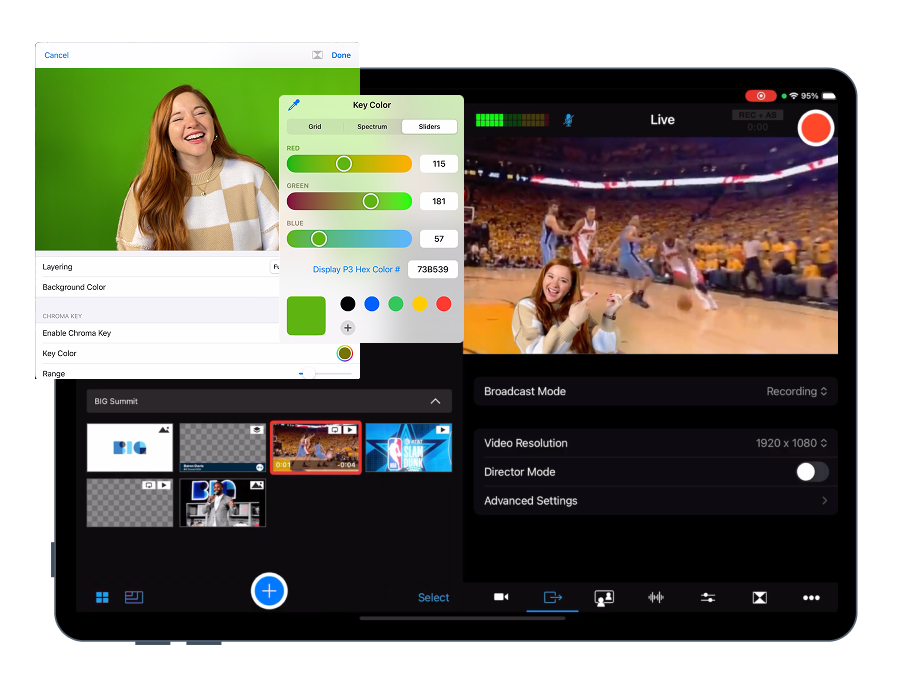
Use green screen (Chroma Key)
Overlay live camera feeds on custom backgrounds without external software
Instant Replay
Replay the last 10, 20, or 30 seconds of your live stream

Keep your audience locked in
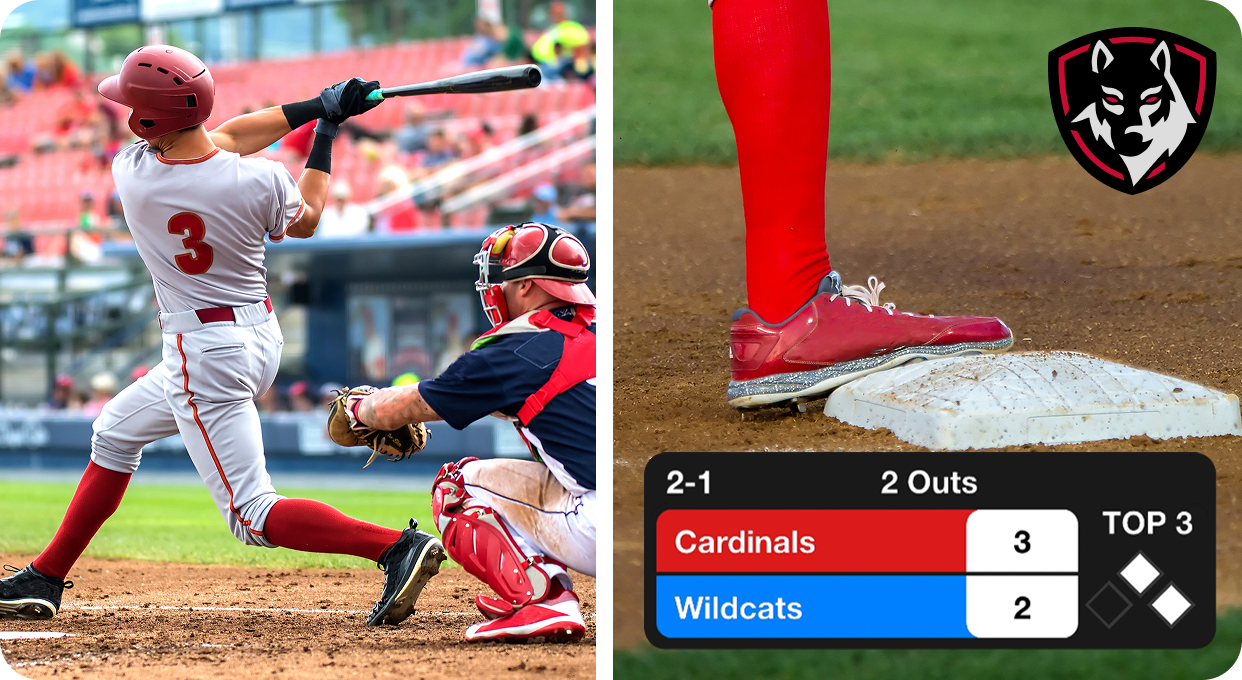
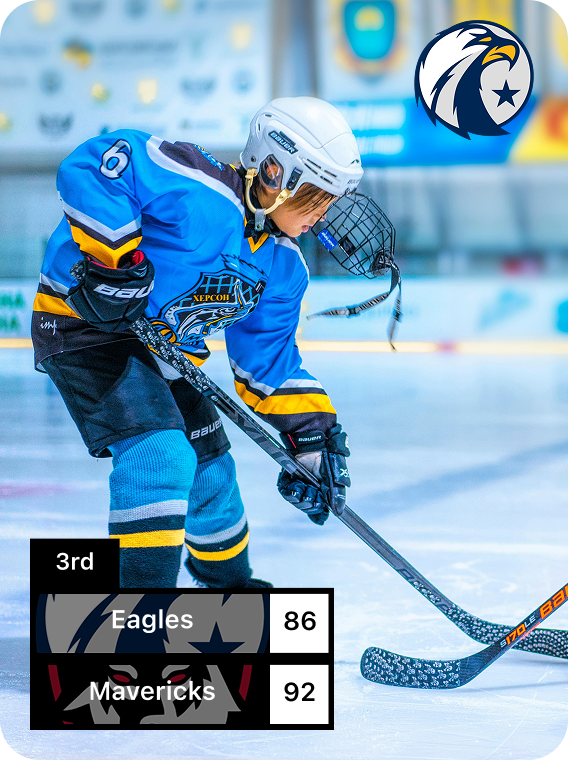
Display live scoreboards
Choose classic, horizontal, or baseball templates — and customize team colors and logos
Engage your community in the chat
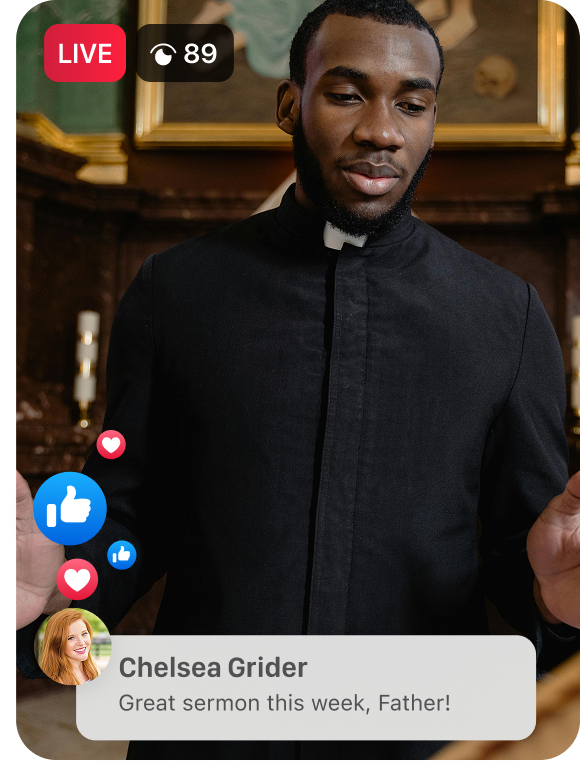
Display Facebook, YouTube, and Twitch comments on screen
Collab with remote guests
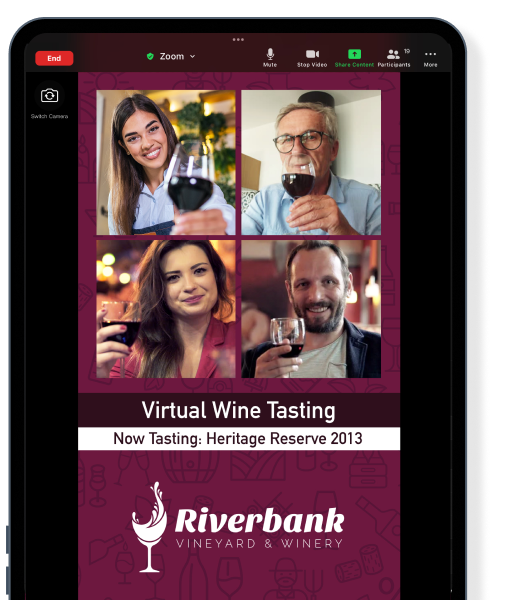
Bring in up to 5 interviewees, co-hosts, or speakers from anywhere
Add call-to-action links
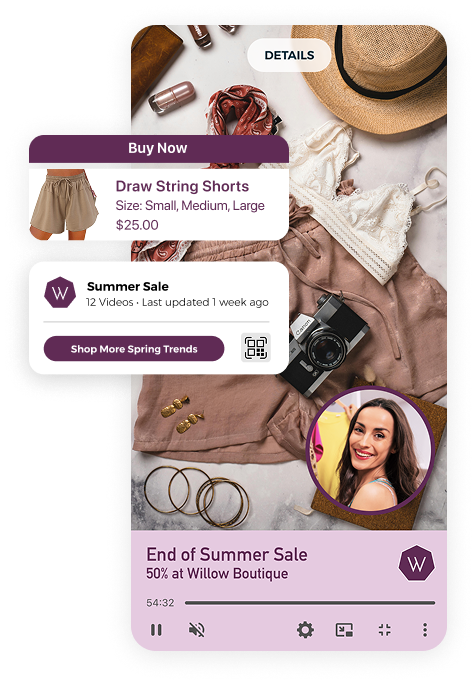
Direct viewers to custom links, or payment links like Venmo, PayPal, Patreon, Givelify, Tithe.ly, and more
Customize your offline display
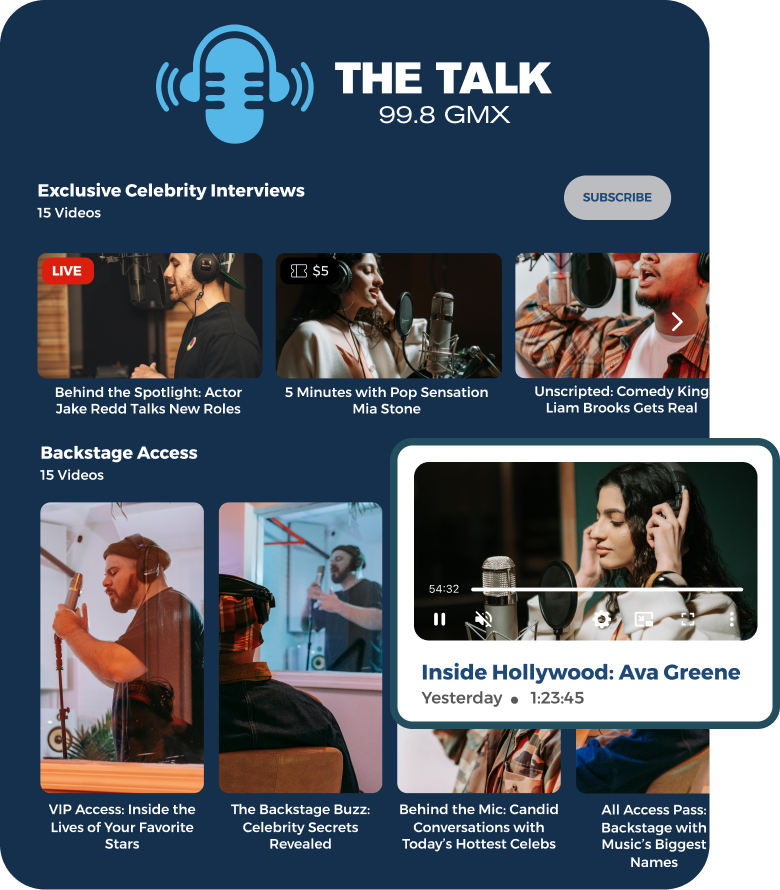
Show a countdown timer, featured video, or playlist when you're not live
Tailor everything to your brand
Put your brand front and center
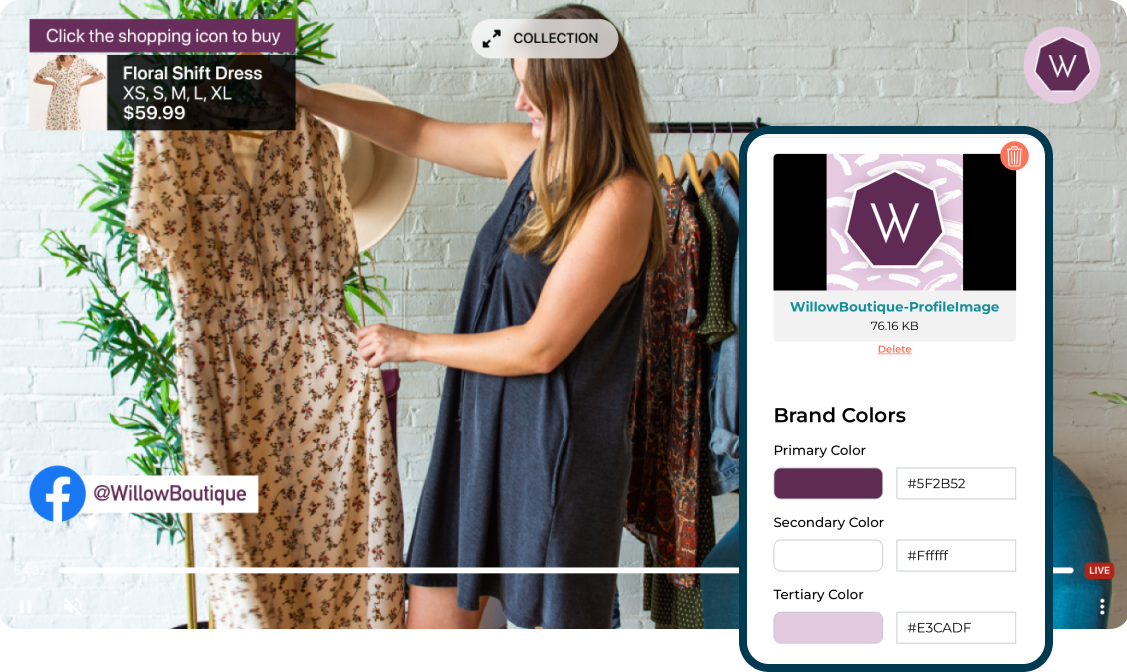
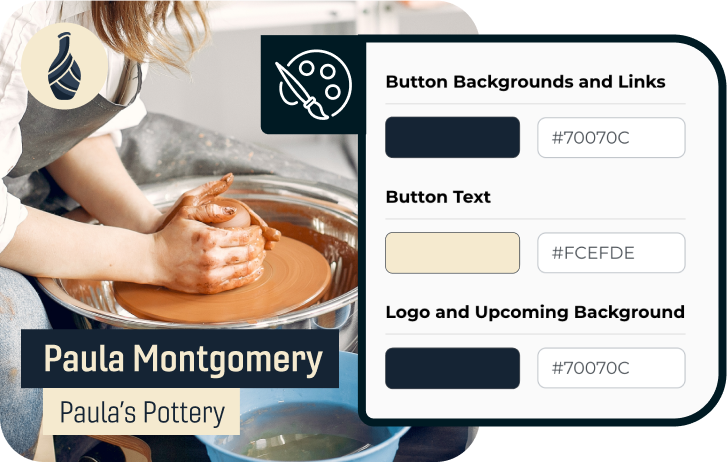
Customize colors, fonts, logos, on-screen positioning, & more
Create & re-use brand profiles
Design your brand workflow once, then apply it to every stream
Switcher Cloud asset storage
Store up to 1,000 content assets for fast access when live
Customizable video players
Match your Switcher video player’s colors to your brand — no Switcher watermarks
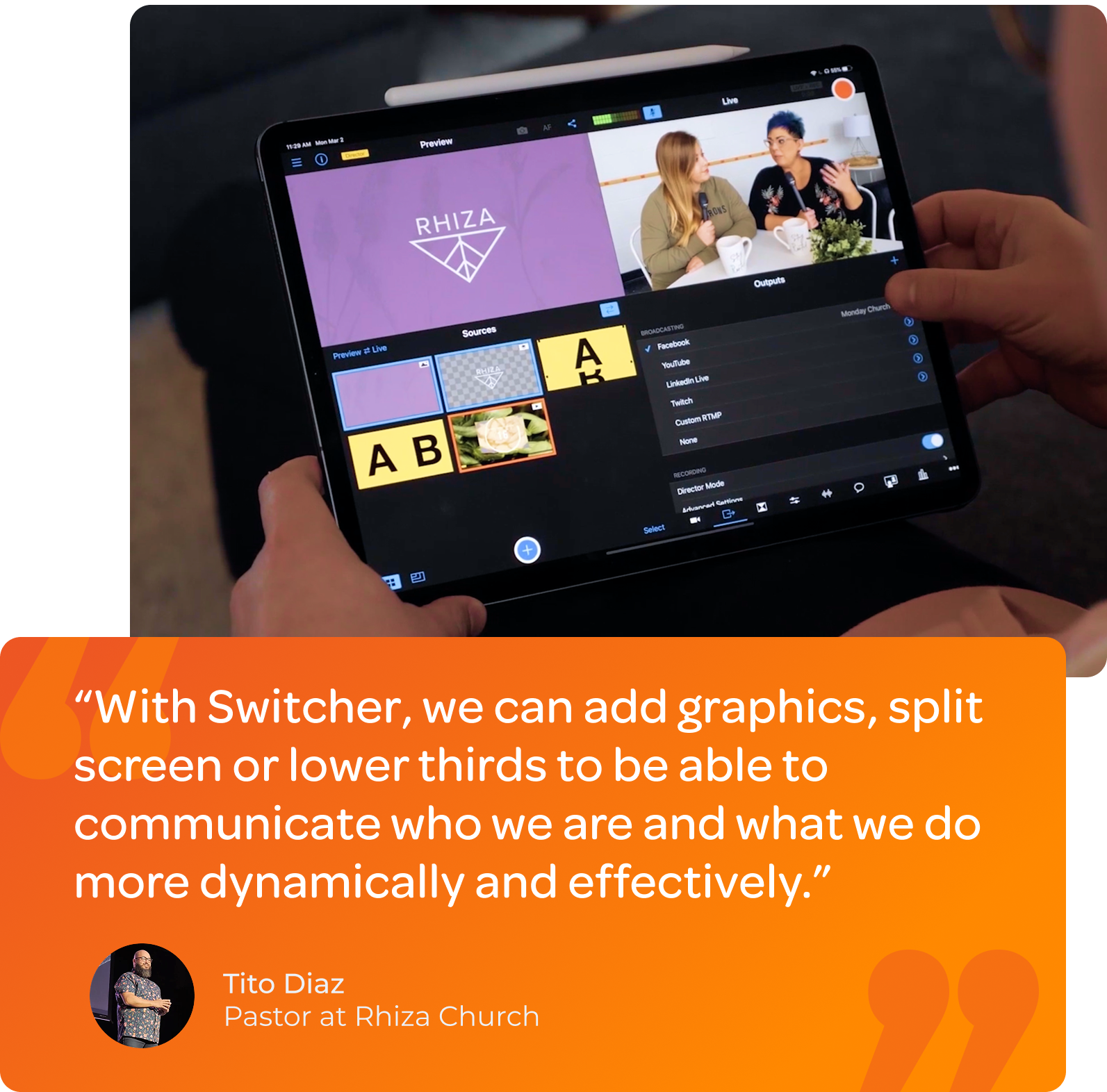
Everything you need to produce professional live streams — easily
Build broadcast-grade graphics, brand every stream, and embed a fully customized player on your website — without a designer, third-party design, or per-player licensing fees.


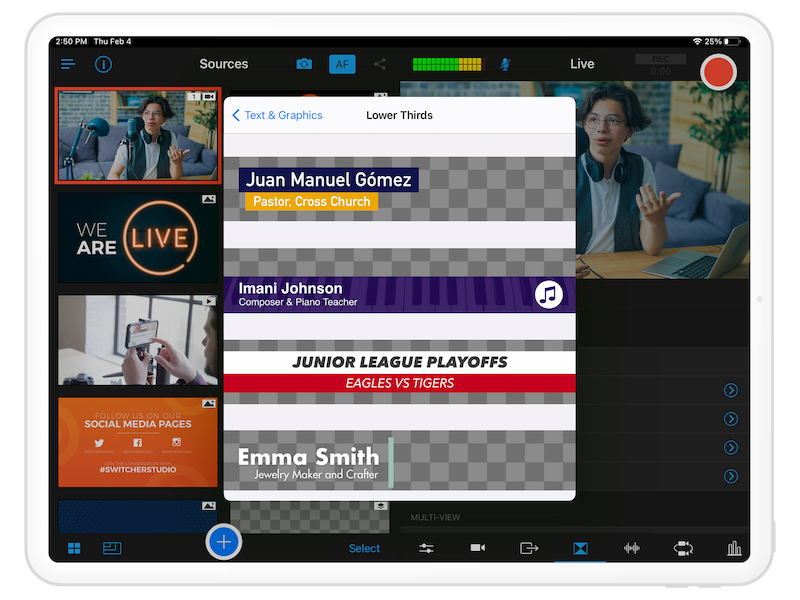
Bring in logos, images, text, titles, and lower third graphics
Brand your broadcasts or recognize sponsors by adding logos to videos, and keep your livestreams consistent with your branding by customizing the colors, fonts, and on-screen positioning of text, titles, and lower third graphics.
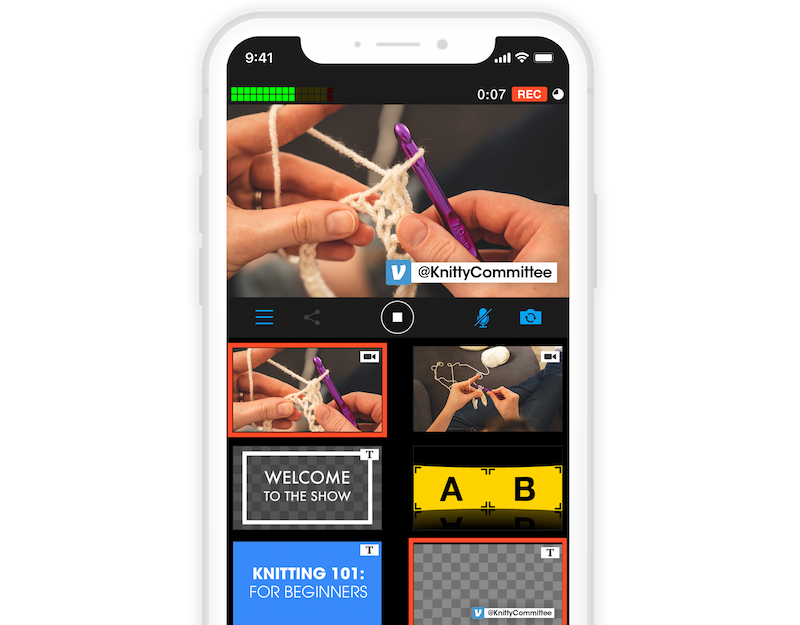
Guide viewers to desired destinations with CTAs
Add CTAs that direct your audience to your website, showcase your social handles, encourage viewers to purchase your products or make donations on platforms like Venmo, PayPal, Cash App, Patreon, Givelify, and Tithe.ly.
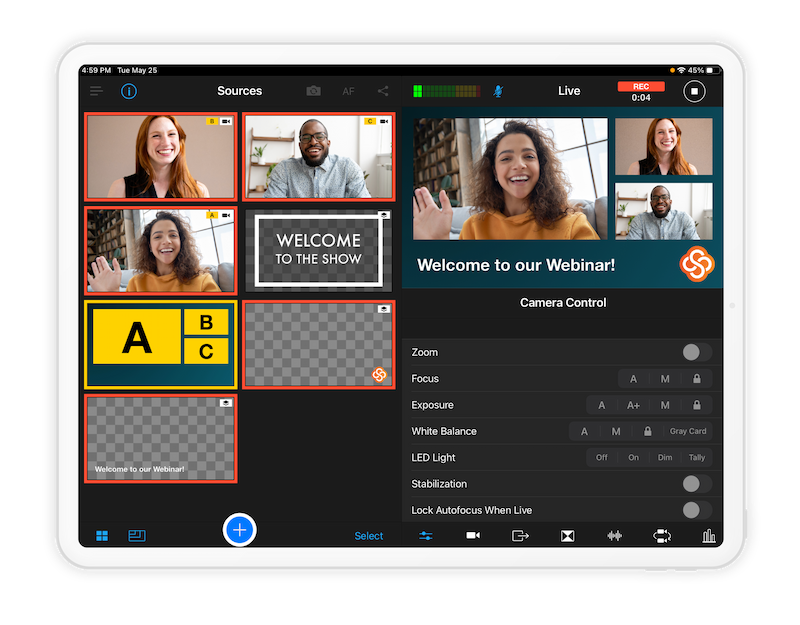
Choose and customize over 40+ Multiview templates
Build custom templates that let you feature up to nine video sources in a single view — camera angles, shared screens, remote guests, images, videos, and more. Plus, choose the layout of your content with Multiview options like picture-in-picture, split screen, dashboard, grid, flap, and slot.
.png)
Create interactive live streams with on-screen comments and polling
Get the conversation going by overlaying viewer comments on Facebook, YouTube, and Twitch — or add live Facebook Polls directly on screen to create interactive livestreams that spark real-time engagement.
.png)
Keep fans updated with scoreboards for live streams
Display the score and period, inning, quarter, or half of live sporting events — and choose between our classic, horizontal, or baseball scoreboard templates. You can even match each school’s branding by customizing team names and scoreboard colors.
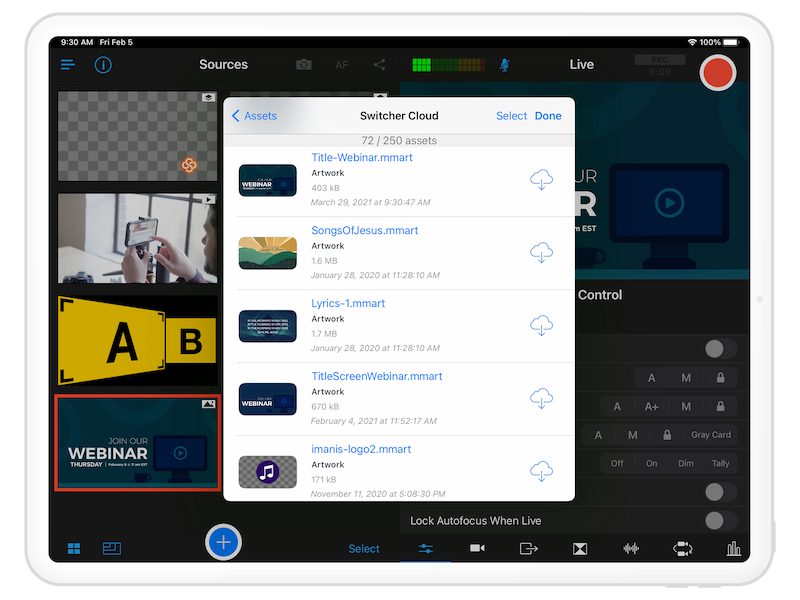
Manage and organize your creative assets
Organize your multimedia assets and easily access them from anywhere when you save them to Switcher Cloud storage. Use our trimming tool to get the exact video footage that you want your viewers to see during your livestreams, prep assets like text and titles before going live, and even organize your assets using production groups.
.png)