OBS Studio is one of the most recommended livestreaming tools. It’s powerful, flexible, and completely free.
For many creators, it’s the first software they try when they start streaming, but some livestreamers end up searching for OBS alternatives at some point. Why? Because creators need workflows that OBS was never designed to simplify.
This guide explores 8 OBS alternatives that fit different production workflows, livestreaming capabilities, budgets, and appetite for technical involvement.
Why do many creators look for OBS alternatives?
OBS was designed to be flexible, but that flexibility also makes it complicated. Most OBS streams rely on a patchwork of sources, plugins, and external services that have to be configured and maintained manually.
For example, a creator may need to:
-
Add a microphone as a dedicated audio input source
-
Capture desktop audio separately so viewers can hear gameplay
-
Prevent Discord audio from feeding back into the stream
-
Adjust monitoring settings so the streamer can hear guests without creating an echo
Each step means navigating multiple settings menus and understanding how OBS mixes audio channels behind the scenes.
None of this is impossible to learn. But it can turn a simple livestream into a technical setup project. Many livestreaming tools deliver the same production results with less technical involvement.
When should you find an OBS alternative?
Many creators start looking for OBS alternatives when running the stream becomes harder than creating the content. Common signals include:
-
You're making too many technical decisions and want a plug-and-play setup where core production elements are already configured.
-
Your hardware struggles to encode video and render multiple scenes, and you want to reduce the load on your local system.
-
Your workflow depends on multiple plugins, and you want those capabilities built directly into the production environment.
-
You rely on forums and community guides for troubleshooting and want access to dedicated product support.
How to choose the best OBS alternative
OBS alternatives exist because creators run very different kinds of livestreams.
Some want to go live quickly from a phone. Others need tools built for interviews, multi-camera productions, or professional broadcast environments.
For some, hardware efficiency takes priority. For others, dedicated support is the priority.
We selected the tools in this guide to reflect those different needs. Each livestreaming OBS alternative approaches production differently, so you can decide which one actually fits your workflow.
How we compared OBS alternatives
To give you a fair comparison, we evaluated each OBS alternative across several key criteria that can make or break a livestream. These factors affect both the setup experience and long-term production workflow.
-
Setup complexity: How much configuration is required before going live
-
Hardware demands: How demanding the software is on system resources
-
Platform compatibility: Which operating systems does the tool support?
-
Pricing: Free tiers, subscriptions, or license models
-
Special mentions: Standout features or capabilities
-
Support level: Availability of dedicated support (forums, documentation, email, chat, etc.)
8 best OBS alternatives for live streaming
Before exploring alternatives, it helps to understand where OBS fits.
Setup complexity: Very high.
Typical setup involves:
-
Installing and configuring the software manually
-
Adding video, audio, and screen capture sources individually
-
Creating scenes and assigning sources to each scene
-
Configuring audio routing for microphones, desktop audio, and other inputs
-
Adjusting monitoring settings to avoid echo or feedback
-
Setting video resolution, bitrate, and encoder settings
-
Connecting a streaming platform using RTMP or account integration
Hardware demands: Moderate to high, depending on scenes and encoding, resolution, and sources.
Platform compatibility: Mac, Windows, Linux.
Pricing: Free — $0: full streaming and recording software.
Notable mentions: Large plugin ecosystem.
Support level: Community forums.
Now, let’s move on to the best OBS alternatives.
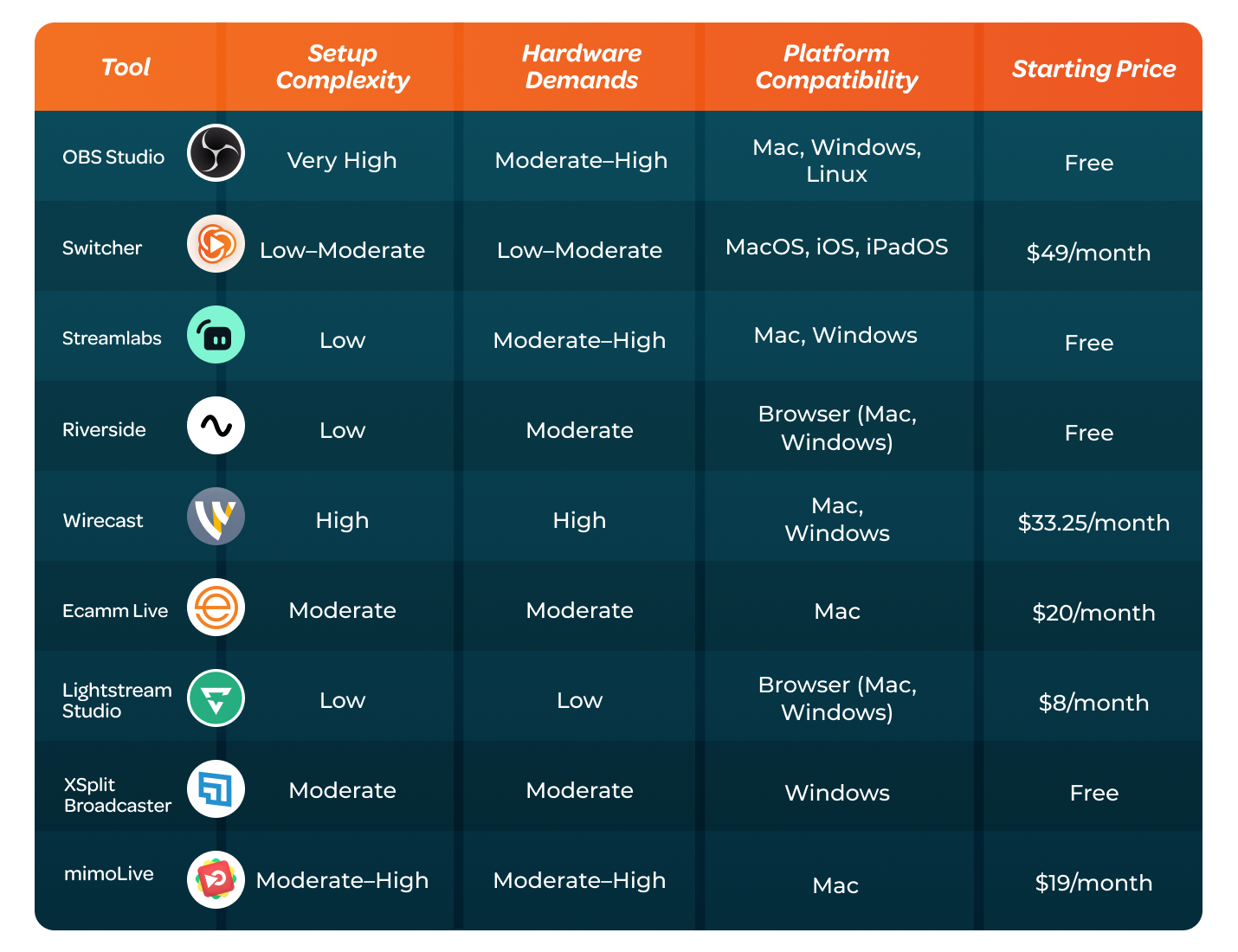
Here’s a quick overview comparing OBS and 8 popular alternatives.
Best OBS alternative #1: Switcher
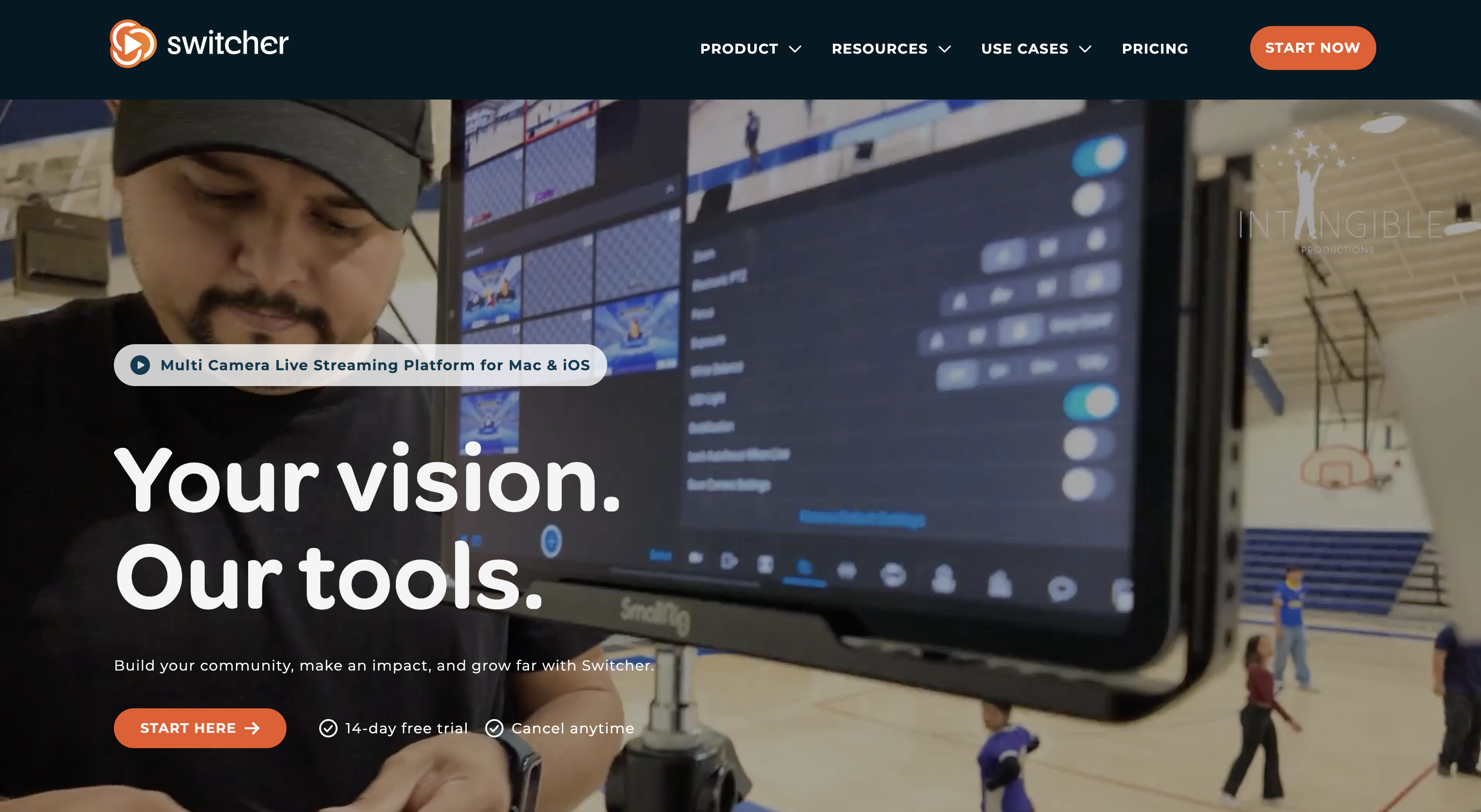
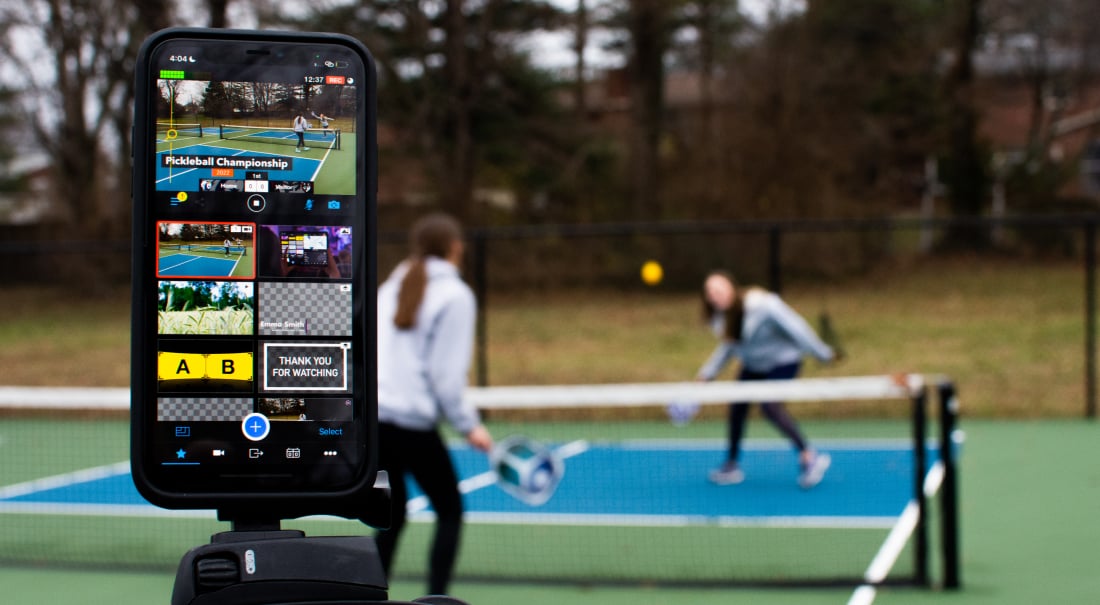
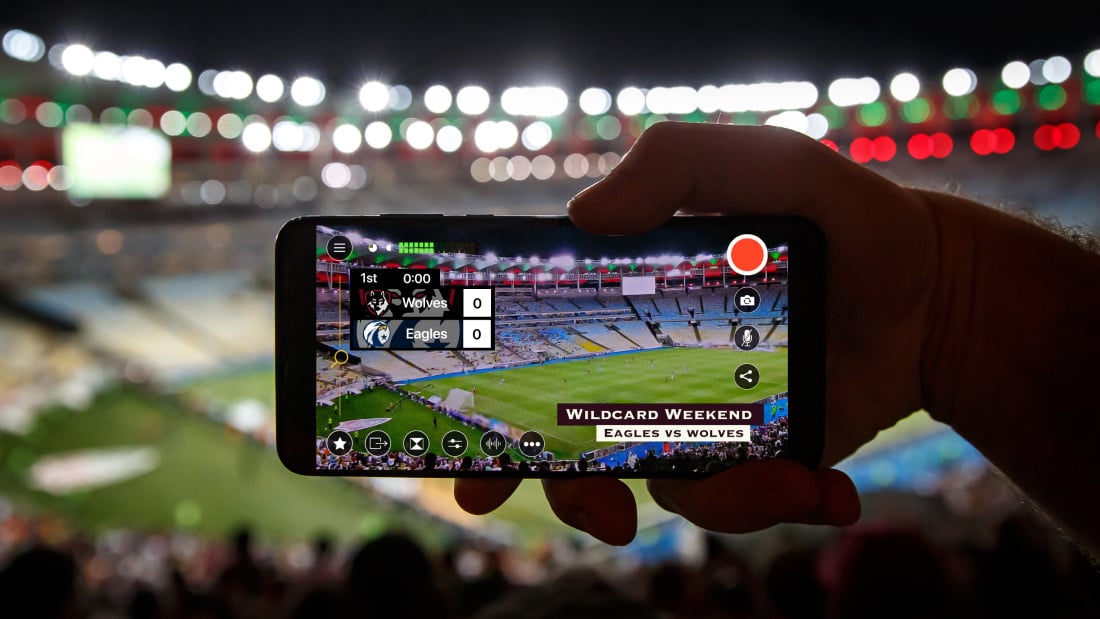
Switcher's built to turn your existing devices into a coordinated, multi-camera production system without you needing to buy additional hardware.
Switcher runs on macOS, iPads, and iPhones, and you can also connect Android devices as additional cameras for different angles. Plus, you can invite remote guests through a link, pull in preloaded graphics or videos, and control everything — cuts, layouts, audio, and stream output — from a single Apple device.
What makes Switcher stand out is that this setup works over local Wi-Fi, so you’re not locked into a desk or wired rig. This means you can run a multi-camera stream from pretty much anywhere without needing to rebuild your setup.
Setup complexity: Low to moderate.
Typical setup involves:
-
Connecting multiple iPhones, iPads, Android devices, or HDMI cameras as sources
-
Switching between camera angles during the livestream
-
Adding graphics, overlays, logos, and lower thirds
-
Playing prerecorded media such as videos or images
-
Selecting livestream destinations and going live
Hardware demands: Low to moderate. Multi-camera productions can run directly from iOS devices — without needing a dedicated streaming computer, capture cards, or complex camera hardware.
Platform compatibility: macOS, iOS, and iPadOS — with the ability to use Android devices as cameras.
-
Studio — $49/month: Multi-camera switching, graphics, media playback, livestreaming, and cloud recording
-
Business — $99/month: Expanded cloud storage, team collaboration tools, and advanced production workflows
Special mentions: Built-in production tools include live camera switching, scoreboards, branded graphics and overlays, media playback, screen sharing, integrated live chats, monetization tools, and video/live video embedding.
Support level: Hands-on support from real people, an up-to-date and detailed help center, help center, and an active and enthusiastic user community.
OBS alternative #2: Streamlabs
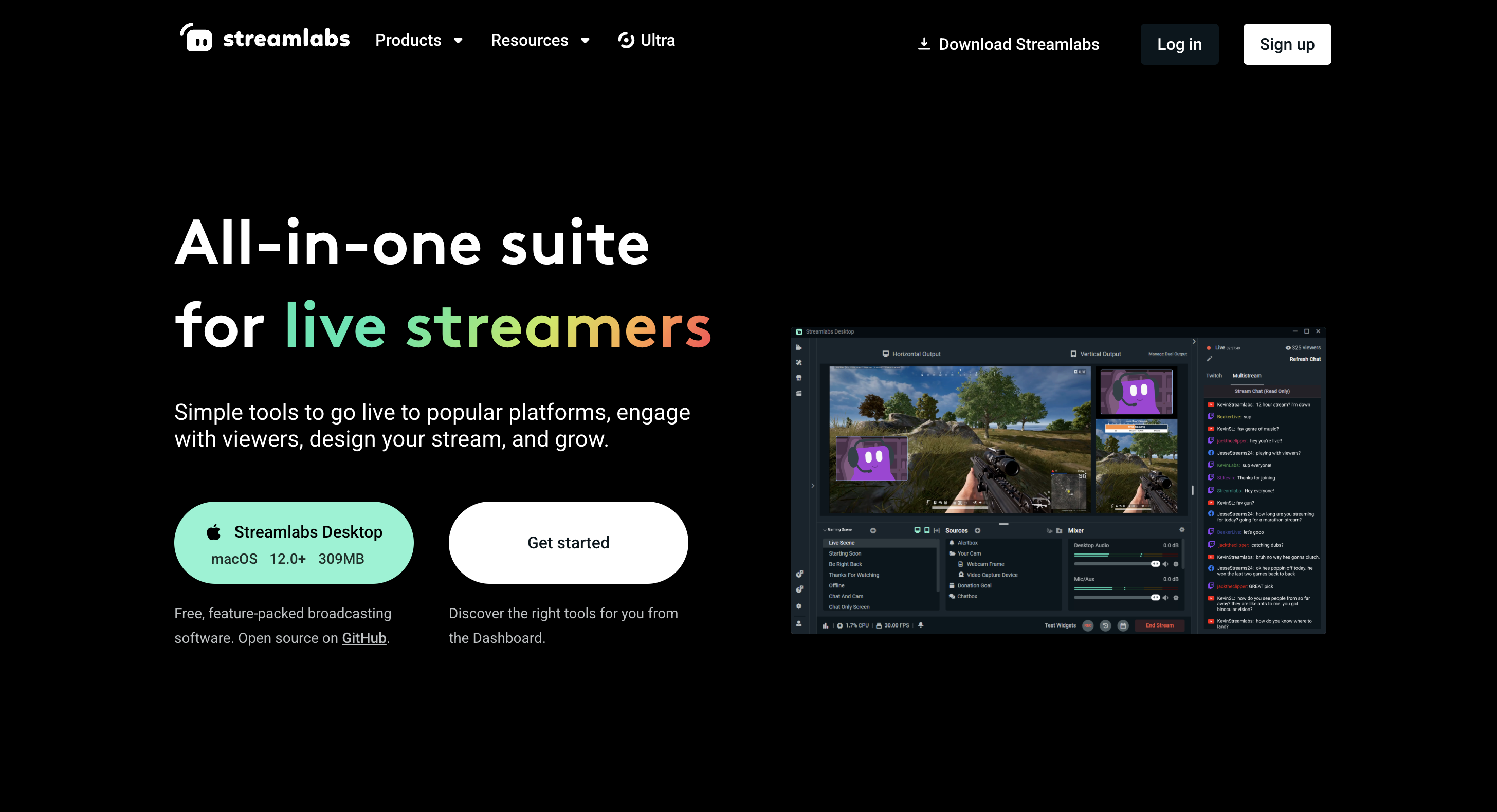
Streamlabs feels like OBS with training wheels — in a good way. It runs mainly on desktop, and it’s especially popular with Twitch and YouTube gamers because everything from stream alerts to overlays is built right in.
Setup complexity: Low. Typical setup involves:
-
Logging in with a Twitch or YouTube account
-
Importing an overlay or theme package
-
Selecting game capture or webcam as a source
-
Enabling alerts for follows, subscriptions, or donations
Hardware demands: Moderate to high, depending on the number of overlays, widgets, and active scene elements.
Platform compatibility: Desktop software for Mac and Windows. There are also limited-feature iOS and Android apps.
Pricing:
-
Free — $0: includes core streaming tools
-
Streamlabs Ultra – $19/month (or discounted annual pricing): Ultra unlocks premium themes, multistreaming, and advanced creator tools.
Special mentions: Built-in alerts, chat widgets, and tipping tools designed specifically for Twitch-style creator streams.
Support level: Knowledge base, documentation, ticket-based support, and community resources.
OBS alternative #3: Riverside
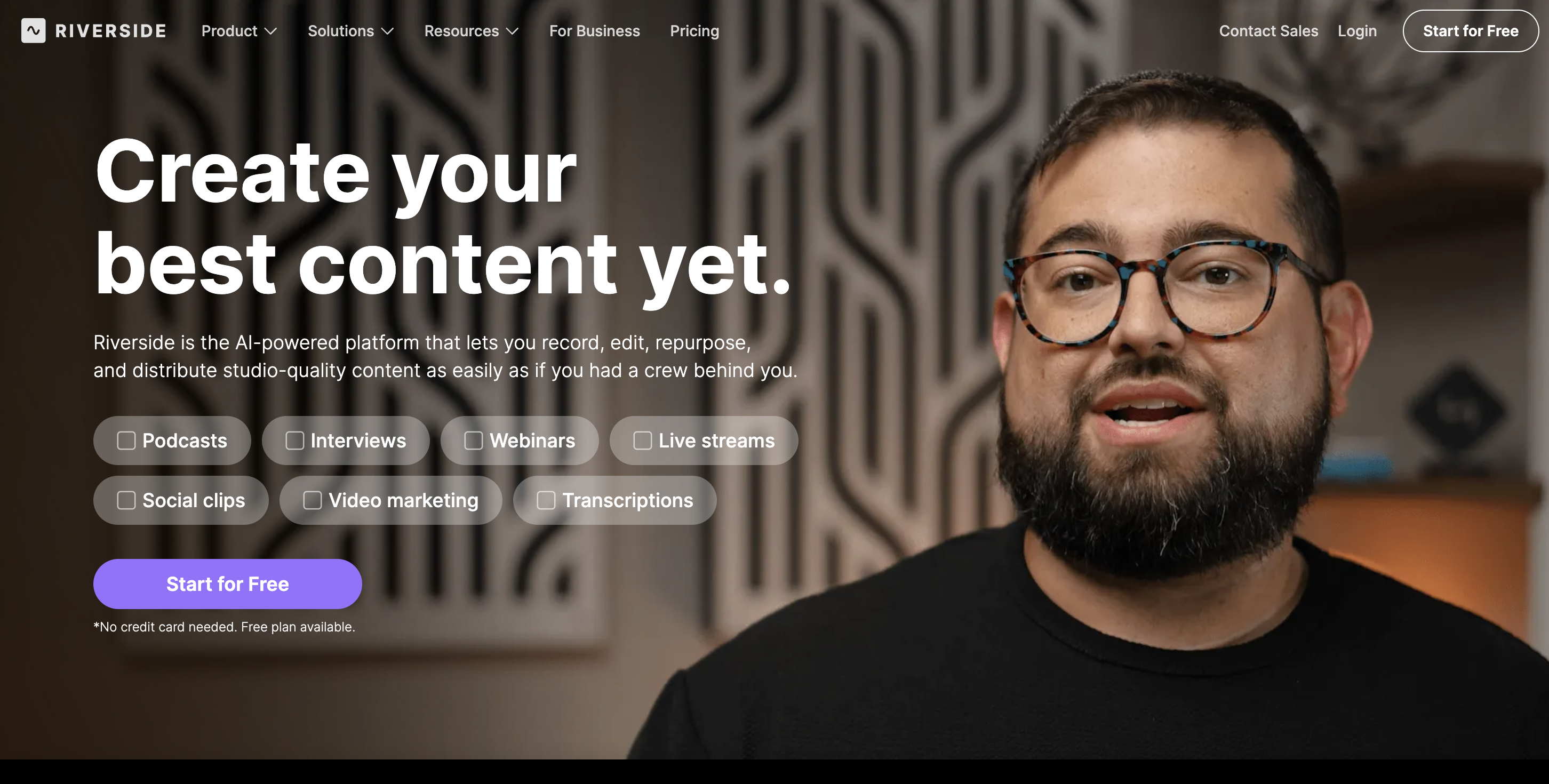
Riverside feels more like a recording studio than a true livestreaming OBS alternative. It’s primarily browser-based (with mobile support for guests), but the live streaming side feels secondary to its recording features.
Setup complexity: Low. Typical setup involves:
-
Creating a recording or livestream studio session
-
Sending invite links to guests
-
Selecting the camera and microphone through the browser
-
Recording or streaming the session
Hardware demands: Moderate. Each participant records video locally in their browser, but the platform does not require complex scene rendering or production processing.
Platform compatibility: Browser-based on Mac and Windows.
Pricing:
-
Free — $0: 2 hours of separate track recording, 720p video export, Watermarked videos
-
Standard — $15/month: (billed annually) Unlimited recording, 1080p video export, Separate audio/video tracks
-
Pro — $24/month (billed annually): 4K video export, AI transcription, Magic Clips, and editing tools
-
Business — Custom pricing
Special mentions: Local recording captures high-quality audio and video from each participant before uploading the files to the cloud.
Support level: Documentation, help center, and email support. Live chat is only available on paid plans.
OBS alternative #4: Wirecast
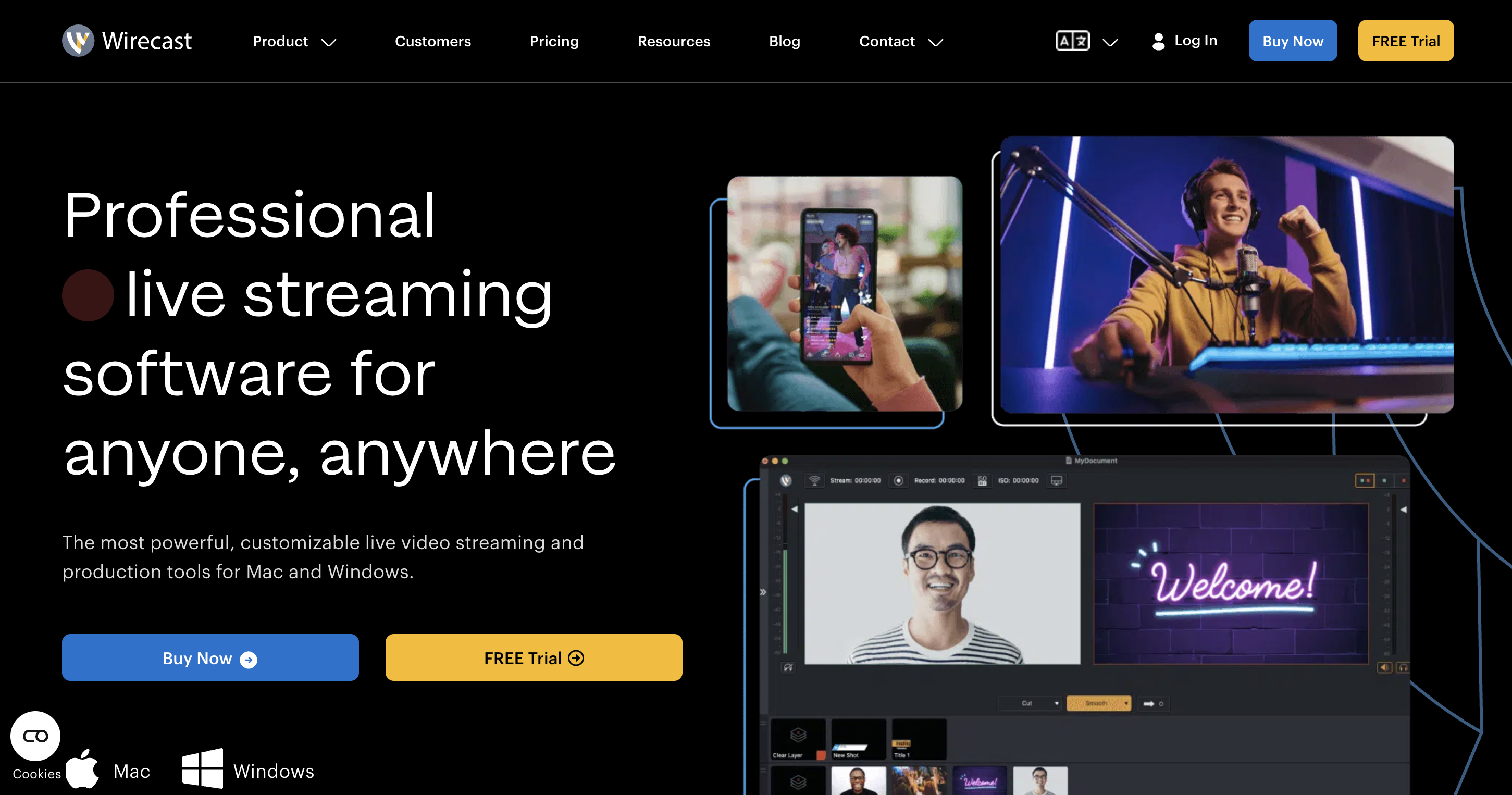
Wirecast is built for people who think in terms of “production” rather than just hitting Go Live. It leans more toward event-style streams than creator workflows, which also means you’re spending more time setting things up than you would with simpler tools.
Setup complexity: High. Typical setup involves:
-
Connecting multiple cameras and media sources
-
Building scene layouts and transitions
-
Integrating graphics, overlays, and media
-
Configuring streaming destinations
Hardware demands: High due to multi-camera production and real-time encoding.
Platform compatibility: Desktop software for Mac and Windows.
Pricing:
-
Wirecast Studio — $33.25/month: limited to two remote guests
-
Wirecast Pro — $41.58/month: adds ISO recording, up to seven remote guests, PTZ camera control, sports scoreboards, multiview monitoring, multi-track audio
Special mentions: Advanced broadcast tools, live graphics, and replay capabilities.
Support level: Documentation, help center, email support, and paid support plans.
OBS alternative #5: Ecamm Live
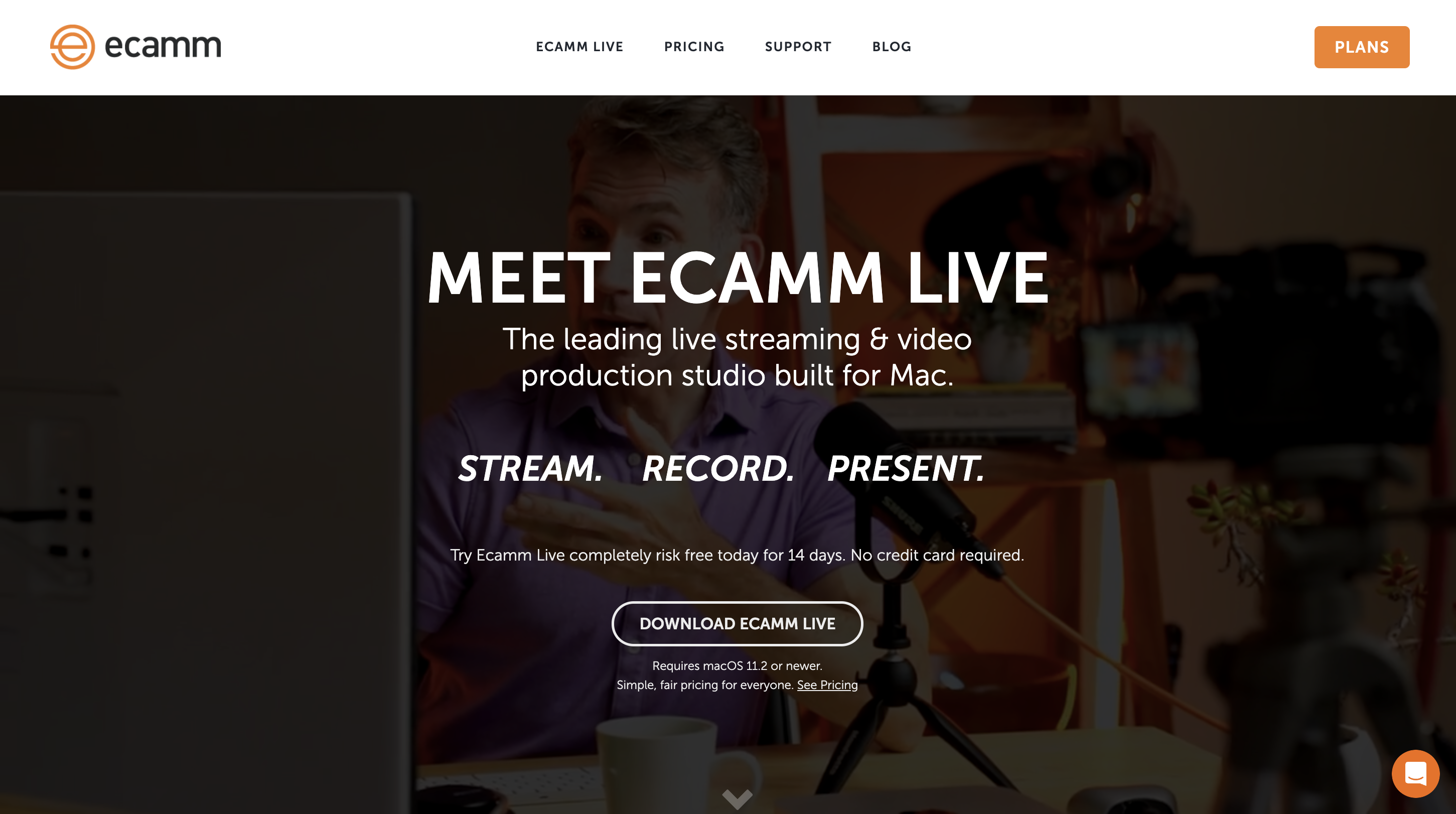
Ecamm Live is clearly built for solo creators. It’s popular for YouTube interviews and screen-based content like presentations. It strikes a good balance between simple and functional, but you’re tied to a single-computer setup rather than something more flexible.
Setup complexity: Low. Typical setup involves:
-
Connecting the camera and the microphone
-
Preparing scenes for camera, screen share, or presentation slides
-
Adding graphics or overlays for branding
-
Connecting the livestreaming platform
Hardware demands: Moderate, depending on video resolution and number of scenes.
Platform compatibility: Desktop software for Mac only.
Pricing:
-
Standard — $20/month:
-
Pro — $40/month: adds interview mode for remote guests, 4K streaming/recording, virtual camera output, NDI support, isolated track recording.
Special mentions: Built-in scene layouts designed for presentations.
Support level: Documentation, help center, email support, and an active user community.
OBS alternative #6: Lightstream Studio
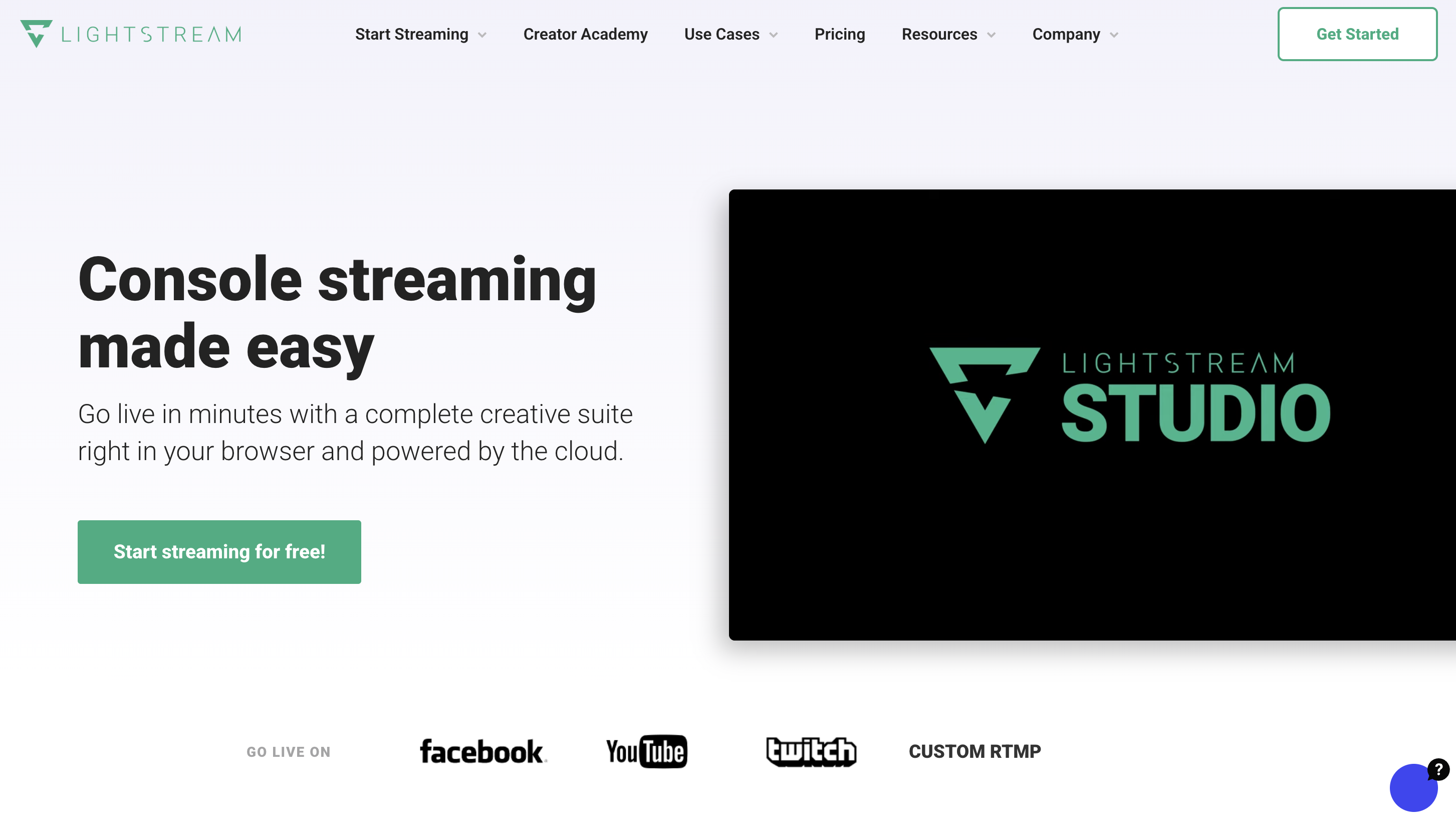
Lightstream is built around console streaming, letting creators go live directly from their Xbox or PlayStation without needing a capture card or second device. It’s a good fit for gamers who want a true one-device setup, using their console as both the game system and the streaming hub, with direct connections to Twitch or YouTube.
Setup complexity: Low. Typical setup involves:
-
Linking your console’s Twitch or YouTube account
-
Creating a Lightstream project in the browser
-
Adding overlays, alerts, or graphics to the scene
-
Starting the stream directly from the console
Hardware demands: Low, since the stream is broadcast directly from the console and overlays are processed in the cloud rather than on a PC.
Platform compatibility: Browser-based production tools for Mac and Windows desktops, designed to work with Xbox and PlayStation console streams.
Pricing:
-
Creator — $8/month: 720p console streaming, overlays, alerts, browser scene editor
-
Streamer — $12/month: unlocks 1080p streaming and additional scenes
-
Pro — $20/month: expanded production tools
Special mentions: Allows console gamers to add overlays and alerts without needing a capture card or a dedicated streaming computer.
Support level: Documentation, help center, and ticket-based email support.
OBS alternative #7: XSplit Broadcaster
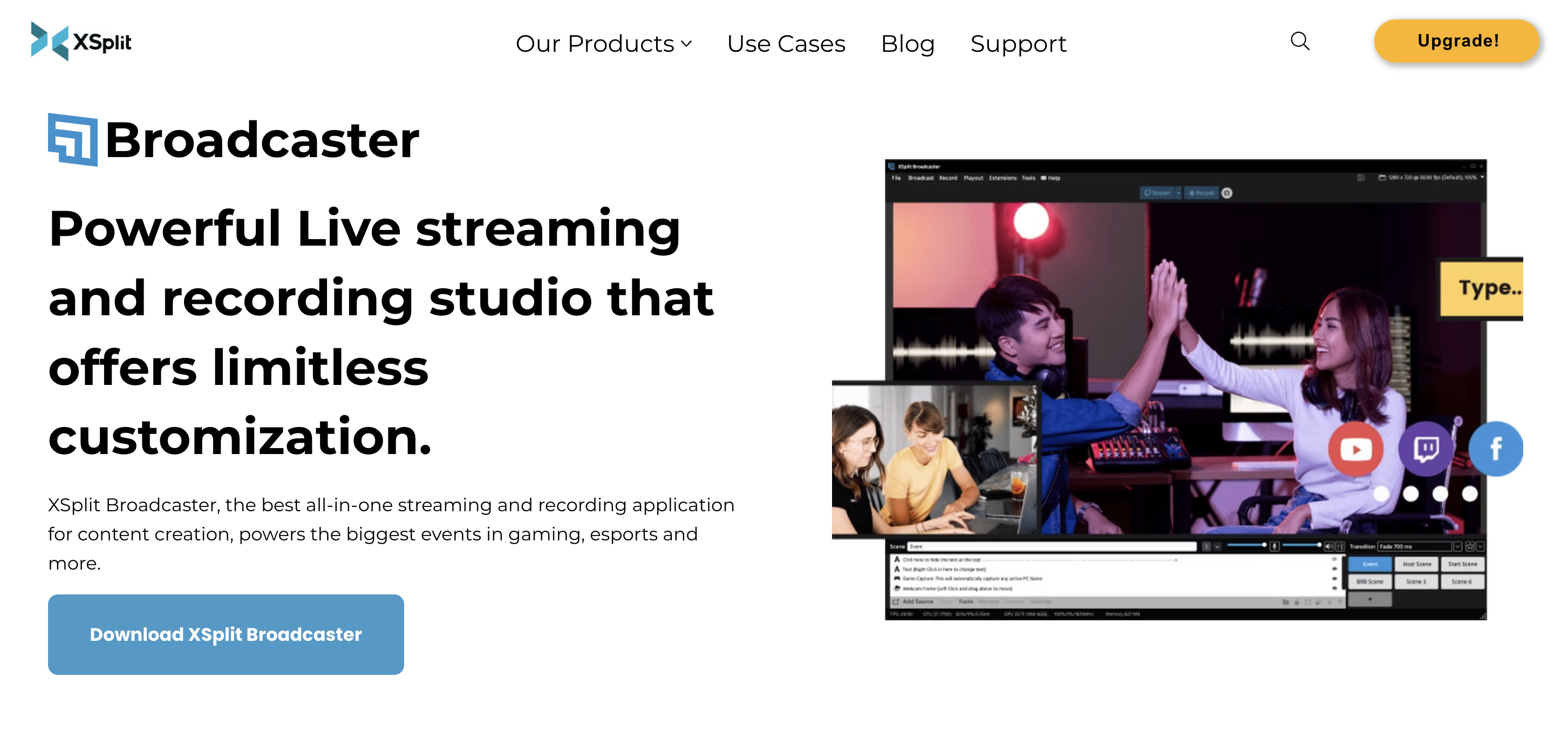
XSplit Broadcaster is built with more competitive and esports-style streaming in mind. It’s often used by streamers who want to manage multiple scenes, sources, and overlays in a structured way during gameplay. It can handle more demanding, production-heavy setups, but it’s not the easiest option to jump into unless you’re dedicated to esports.
Setup complexity: Moderate. Typical setup involves:
-
Connecting a webcam and a microphone
-
Selecting game capture or window capture
-
Adding overlays or graphics to scenes
-
Configuring the livestream destination
Hardware demands: Moderate, depending on stream resolution and the number of scene elements.
Platform compatibility: Desktop software for Windows.
Pricing:
-
Free — $0: basic broadcasting tools, scene switching, game capture
-
Premium — $4.99/month: removes watermark, unlocks unlimited scenes, enables full plugin ecosystem, and advanced features
-
Lifetime License — $199 one-time: permanent access to premium features
Special mentions: Built-in tools for adjusting webcam backgrounds
Support level: Documentation, help center, and community forums.
OBS alternative #8: mimoLive
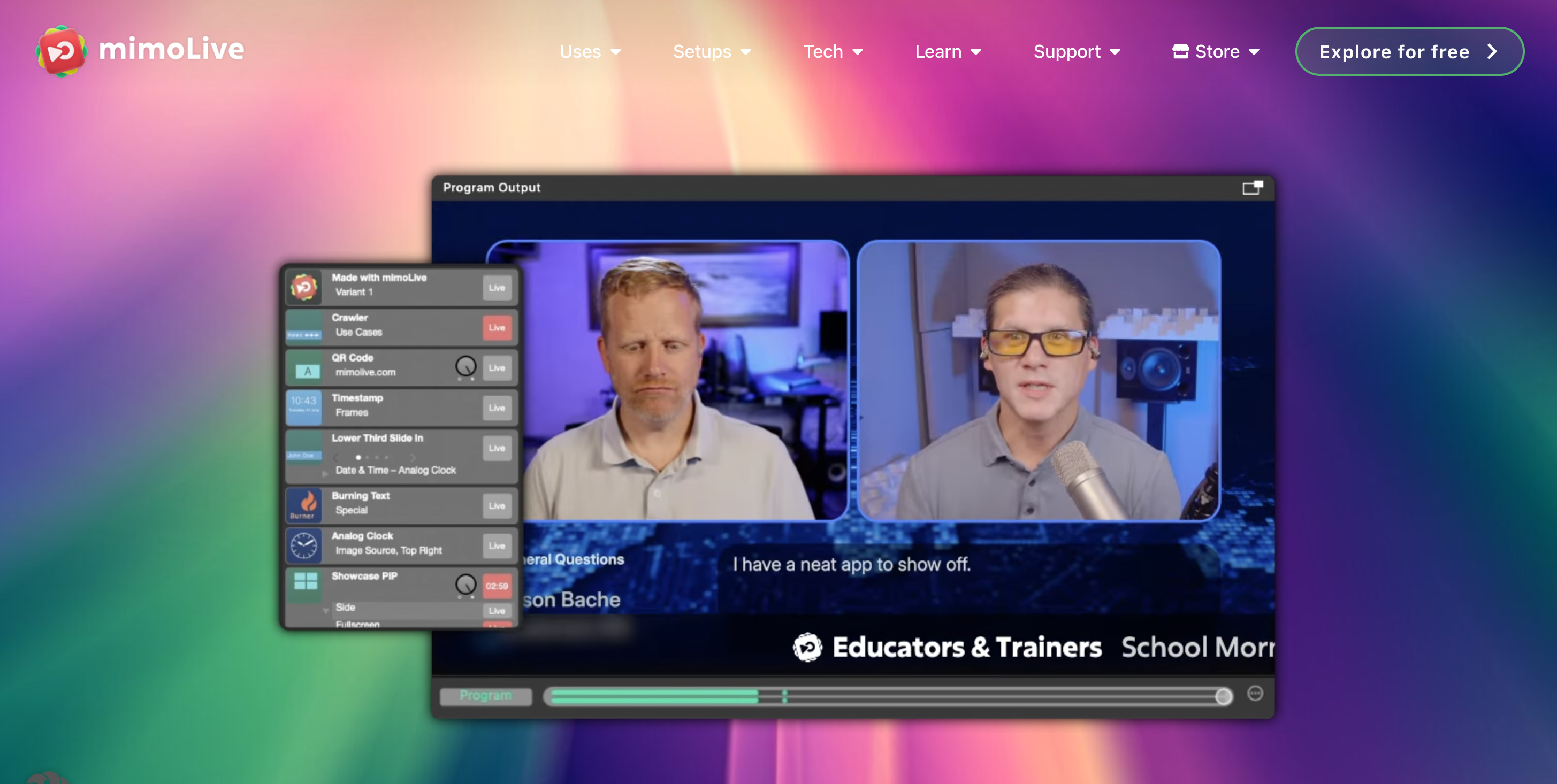
MimoLive leans heavily toward organizations running graphics-heavy streams from a single, fixed setup rather than across devices or multiple cameras. It includes built-in templates for news-style layouts and event schedules, and it can convert simple data from spreadsheets and RSS feeds into on-screen graphics, so information updates without requiring scene rebuilds each time.
Setup complexity: Moderate to high. Typical setup involves:
-
Connecting cameras and audio sources
-
Building a broadcast layout using layered graphics and media sources
-
Adding lower thirds, titles, or on-screen graphics
-
Configuring the livestream destination
Hardware demands: Moderate to high, depending on video resolution, graphics layers, and number of sources.
Platform compatibility: Desktop software for macOS.
Pricing:
-
Non-Profit License — $19/month: livestream production tools, camera inputs, graphics layers, titles, and overlays for nonprofit use
-
Studio License — $49/month: commercial production license with full livestream studio capabilities
-
Broadcast License — custom pricing: adds enterprise broadcast capabilities and large-scale production workflows
Special mentions: Drag-and-drop interface,
Support level: Documentation, help center, tutorials, and email support.
What is the best OBS alternative?
As your content evolves, so do your production demands. What starts as a simple setup often turns into a need for multiple camera angles, remote guests, branded graphics, and smoother control over your entire stream.
That’s where most OBS alternatives try to help, but many only solve one part of the problem.
Some simplify overlays but still rely on a desktop. Others handle remote interviews but fall short on live production control. A few offer powerful broadcast features, but at the cost of complexity and hardware demands.
Switcher stands apart because it brings everything together in one place.
Instead of stitching together plugins, external tools, and extra hardware, Switcher gives you a complete production system built around how people actually stream today:
-
Multi-camera control using devices you already own
-
Built-in graphics, media, and branding tools
-
Remote guest integration without complicated setups
-
The freedom to stream from anywhere — not just behind a desk
If your goal is a cleaner workflow, faster setup, and more professional-looking streams without the usual complexity, Switcher is the strongest all-in-one option available. Try it free.
Subscribe to the blog
Sign up to receive notifications whenever a new blog post is published. You may unsubscribe at any time.
Share
About the Author