Don’t let the anxiety of planning your first livestream get in the way of actually doing it.
It can be daunting to go live for the first time, especially if you don’t know what you’re doing yet.
In this guide, we’ll give you an easy-to-follow checklist of everything you need to do to end up with a successful, fulfilling first livestream.
Let’s start.
What’s your livestreaming idea?
Coming up with an idea that feels good to you and is meaningful for your audience is a delicate balance between creativity and skill. The more ideas you explore and develop, the higher the chance that your first livestreaming idea will be a winner.
To get over creative block and overwhelm, start by writing down your answers to the following three questions as best as you can:
-
What’s the point of this livestream? What’s your primary goal? Are you preaching a message? Are you sharing an idea/opinion? Are you selling something? Are you showcasing a product or a skill?
-
What’s in it for you? This question is really important because you have to enjoy and benefit from your livestream in some way to attract an audience. Viewers can spot authenticity, and it starts with a genuine interest in what you’re livestreaming.
-
What’s in it for your audience? What would motivate someone to watch your livestream? How will they benefit?
Who are you livestreaming to?
Take time to define your audience, know what they’re like, what they like, and how you can relate to them.
It’s easier to engage your audience and succeed in livestreaming when you and your audience have something in common to bond over. You’re also more likely to attract and retain them as viewers if you live in their world and speak their language.
To define your audience, ask yourself these questions:
-
Who am I trying to reach? Is it faith worshippers, niche music enthusiasts, or a business-to-business buyer?
-
Do these people care about my livestreaming idea? Are they interested in what I’m offering? Why?
-
Where does my audience hang out? Are they on TikTok? Facebook? LinkedIn? Are they on multiple platforms at the same time? (If yes, make sure that your livestreaming software offers multi-streaming capability).
How will you handle the logistics for your first livestream?
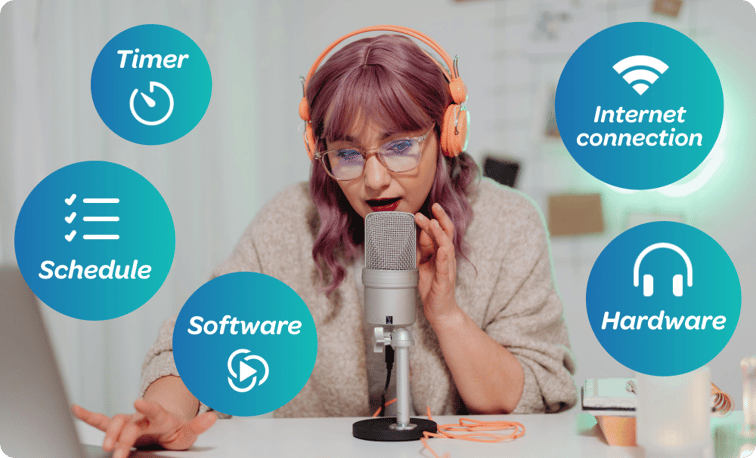
Now that you have a good idea, and this idea is suitable for your target audience, you can focus your efforts on the practical side of your first livestream. Basically, the set-up. This spans hardware, software, technology, and talent. (That’s you).
-
Do you have a reliable internet connection? Without a stable internet connection, you run the risk of disconnecting during a livestream. This can be especially rough on your first livestream and could ruin hours of your work. Test your internet connection before streaming, and make a backup plan in case you lose your primary internet source.
-
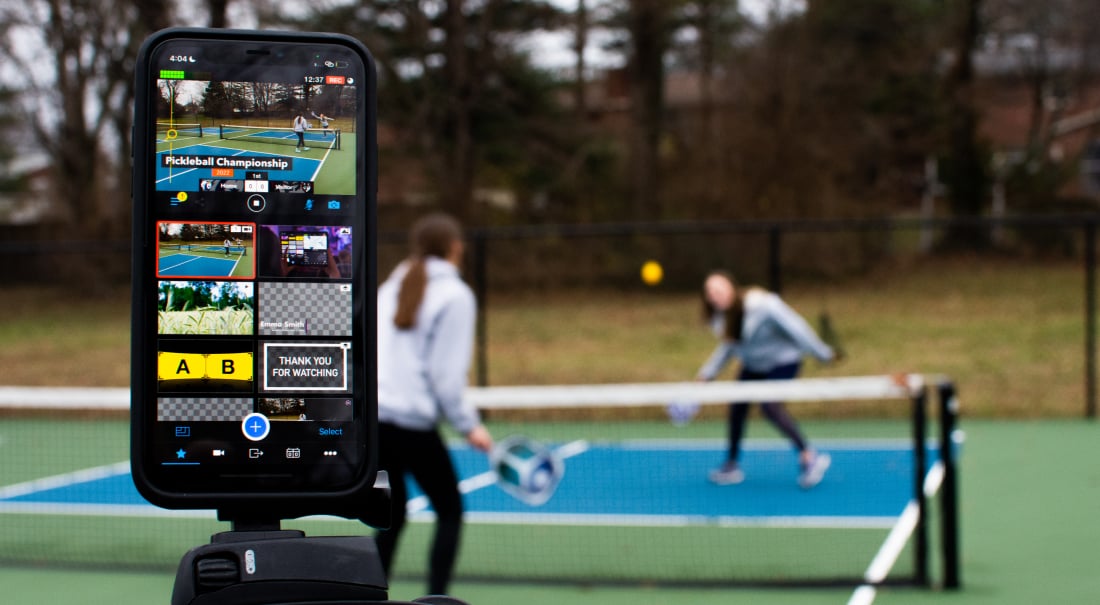
Do you have all the equipment you need? Depending on your setup, this is your camera, iPhone, microphone, headphones, light rings, etc. Make sure that you know how to use each item, and all of them together.
-
Are you familiar with the software? Before you first livestream, take time to learn the UX and familiarise yourself with the navigation. It’s also helpful to learn how to reach out to customer support if you need to in a pinch.
-
How will you manage talent? Is it just you? Is it you and a guest? A few guests? For example, a church team might need a pastor, a guest speaker, and a worship band, whereas a talk show podcaster may have remote guests for a roundtable.
-
What day and time will you stream? This will depend entirely on you and your audience. Some livestreams are better early in the morning, like bread-baking livestreams, and some are better in the evenings, like gaming and jazz improv sessions.
-
How long is your first livestream? It depends on your content, but long isn’t always better, especially for a first-time livestream. So, consider keeping it relatively short until you feel comfortable with your flow, audience, and the direction of your content.
What’s your livestreaming production setup?
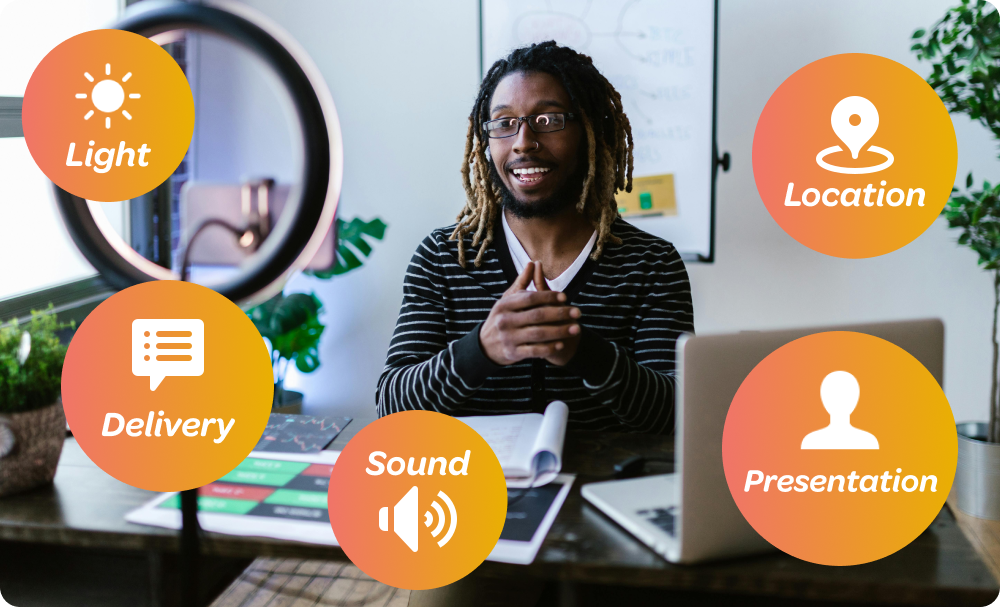
You should consider this your very own personal recording studio. This includes location, presentation, light, sound, and delivery. Here’s what we mean:
-
Where will you livestream from? Is the environment conducive to livestreaming? It’s also important to choose your location strategically. For example, if you’re a music critic, it makes sense to livestream from a concert, or if you’re a garage hobbyist, you can livestream from a garage.
-
How will you present yourself? What are you wearing, how are you styling your hair, and what direction does the light shine? You can make your presentation as low-key or extravagant as you want. Remember to show your authentic self and have fun while being respectful to your audience.
-
Do you need props? Props are anything you use in your video stream. Think a gift box for an unboxing livestream, an engine and tools for a how-to mechanics livestream, or a magic wand for a storytelling livestream. Plan enough time to acquire and test your props far in advance so there are no surprises during the livestream.
-
Are you using a run-of-show? You absolutely should, especially for your first livestream. This is a roadmap for you and your guests that highlights the key sections and transitions of your livestream. This can help you stay organized and keep your show on schedule.
How will you market your first livestream?
Before you go live, you should market your livestream to your audience. But before you tell your potential audience about your livestream, you should:
-
Give your livestream a title: Choose a clear, concise title that excites your audience. It can be as simple as:
NYE Music: Tribal House Livestream From the Amazon Jungle.
-
Create a blurb: A blurb is a clear summary of your livestream that quickly communicates who you are, what you’ll do during the livestream, who your livestream is for, and why your audience should care. The blurb helps you talk about your livestream when you promote it to your audience. For example:
Enjoy a unique New Year’s Eve music experience this year: 3 hours of vibin’ tribal house tunes with an unforgettable jungle backdrop. Join me, Duncan, the DJ, at 11 pm on New Year’s Eve to start your year to the beat!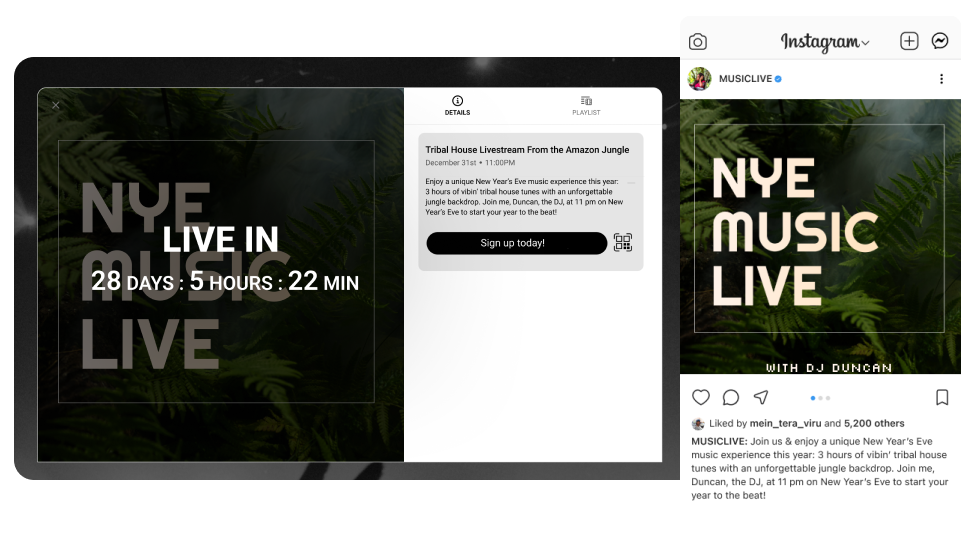
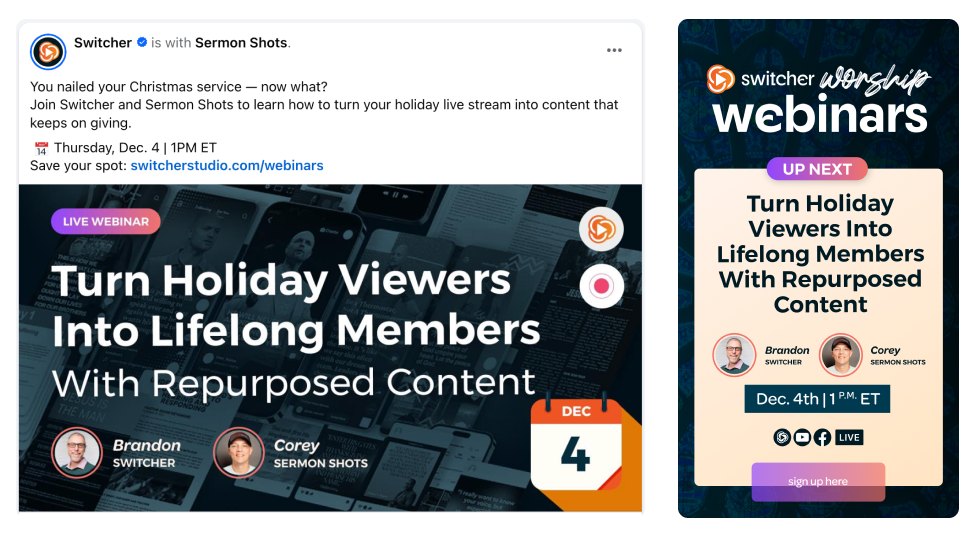
- Share it with your audience: Share the details of your livestream with your audience on social media. You can use any content type you like, as long as it resonates with your audience. For instance, you can promote your livestream with a video, an audio clip, in writing, or even with a cool GIF. Here's an example of how we promote live events on social media:
Rehearse before you stream
Even though you’ll be live, you can still rehearse your livestream in advance.
Rehearsing can decrease your anxiety, give you confidence, and eliminate surprise technical issues. When you plan your first livestream, set aside enough time for rehearsing. Try to do it a few days in advance of your first livestream, so you have the opportunity to fix any problems that may arise.
There are two types of rehearsal:
-
Technical rehearsal (tech check): Ensure that every piece of tech is working smoothly. This can take a few minutes to a few hours, depending on your level of technical knowledge and comfort. If you find that it takes you a long time to complete the tech check, you can rehearse many times until you’re comfortable.
-
Run of show rehearsal (click flow): Here, you practice opening the livestream, introducing guests, switching topics, responding to audience interactions, and presenting your best self.
Go live
Every creator, host, brand, or business has gone through the same moment: the countdown ends, the camera switches on, and suddenly it’s just you, your space, and an audience you can’t fully see yet.
If you’re anything like us, going live for the first time is a mix of excitement, nerves, adrenaline, and a slight fear of the unknown. Here’s some advice from those who’ve done it before:
-
Take some time to find your voice and tempo: Use the first few moments to pace yourself and find a flow that’s comfortable for you.
-
Mind the time lag between your start time and audience arrival: Your audience might not join right at the start, so use the first few minutes to get to know whoever joins. Ask them a simple question, spark a connection, and thank them for their time.
-
Accept that it won’t be perfect: You will stumble, a notification may ding in your microphone, or your pet may walk by. This is all perfectly normal, and your viewers likely won’t care, so take it easy on yourself and have fun.
Plan your first livestream with Switcher
Every seasoned streamer started exactly where you are right now: at the beginning, unsure, excited, and ready to try. With a clear idea, an audience-aligned plan, reliable tech, and a little rehearsal, you’ll step into your first broadcast with confidence and purpose.
We built Switcher for creators, churches, and streamers who want professional-quality live video without expensive and bulky hardware or complicated setups. You can use it to turn your iPhones, iPads, and cameras into a multi-camera studio in minutes.
Try Switcher Studio for free. Happy livestreaming!
Subscribe to the blog
Sign up to receive notifications whenever a new blog post is published. You may unsubscribe at any time.
Share
About the Author