NDI can give you more flexibility when you're broadcasting live sports, especially when you need camera angles that are difficult to reach with cables. But NDI also puts more demands on your network, and that can make it a poor fit for some venues.
This article covers how to use NDI cameras in a live sports multicam setup, where NDI works best, where it falls short, and nine tips to help you build a reliable NDI sports livestream.
What is an NDI multicamera setup for sports broadcasting?
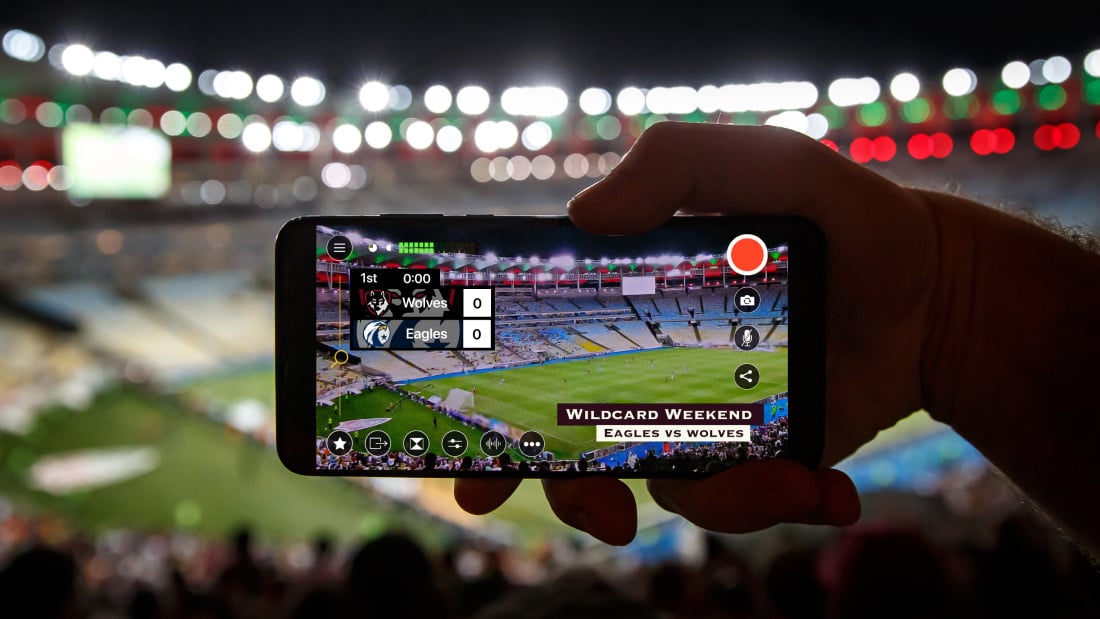
A sports NDI multicam setup uses one or more NDI-enabled cameras to cover the same game from different angles. Your livestreaming software, like Switcher, lets you switch between angles live so you can show your viewers different aspects of the game.
Read our guide to NDI livestreaming which details how to build an affordable NDI multicam setup.
Why use NDI for live sports broadcasting?
Two things make NDI worth the setup for sports specifically.
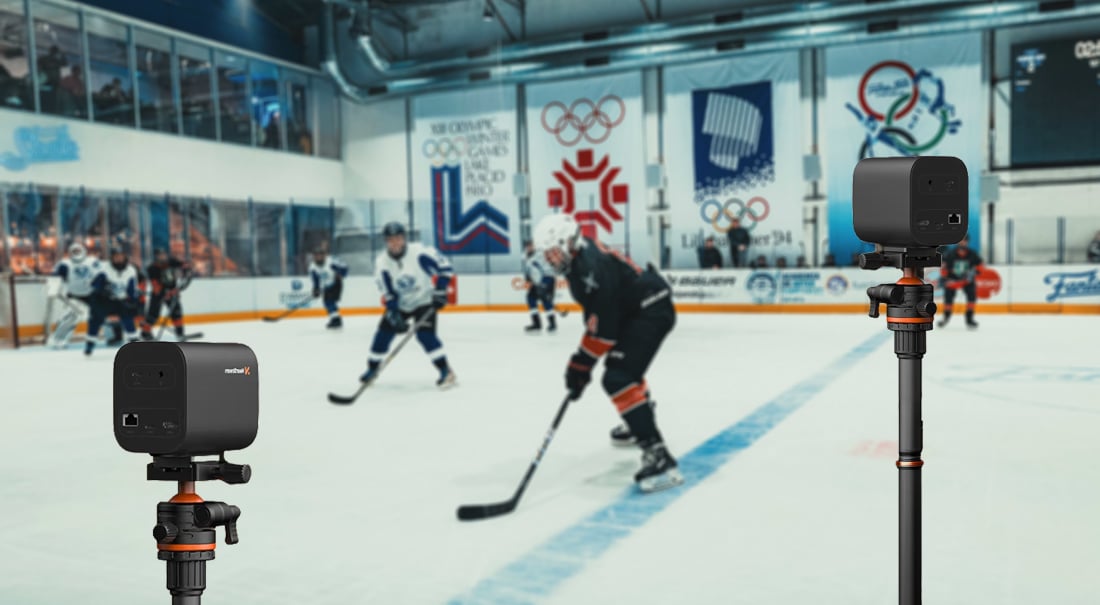
- You can put cameras where cable can't go: Behind the glass, above the posts, on a catwalk, or across the field. This means you can capture and show a close-up hoop shot, the bounce off the beam before a jump, or the goal line from behind the net.
- You can bring more camera angles into your production: With the right network setup, NDI lets you add cameras in places that would be difficult or impractical to reach with traditional cabling. That gives you more options for following the action from different angles.
Where NDI falls short for sports multicam livestreaming
NDI is bandwidth-hungry.
NDI livestreaming requires a strong, stable network. NDI needs up to a gigabit of local bandwidth for multiple sources, and most sub-professional sports venues run on a fraction of that.
If you want to stream at 1080p60 you'll need roughly 30x your home network upload speed.
If your venue network isn't strong enough for NDI livestreaming, your video quality suffers, and your viewers experience that as dropped frames, stuttering audio, or a camera angle that just drops out on you.
Read more on how much bandwidth you need for your livestreaming setup.
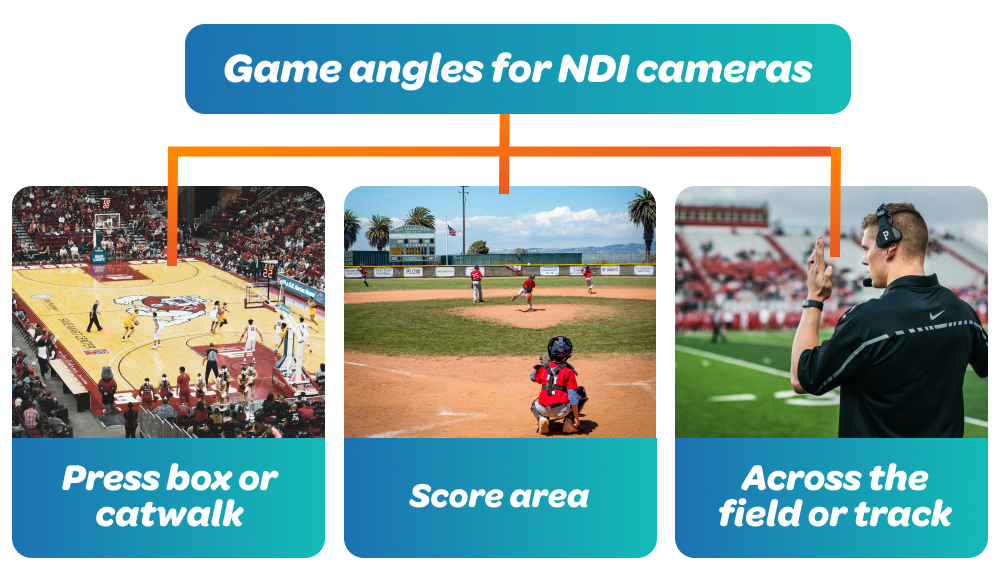
Which game angles should you use NDI cameras for?
Put your NDI cameras in places cables can't reach:
-
Press box or catwalk: The elevated wide shot that shows formation and spacing. In basketball, this is your main cam, capturing the full court so viewers can follow the formation as a play develops.
-
Score area: So you can capture points, goals, and landings. In soccer, this is a cam behind the goal; in baseball, it's a cam behind home plate to call the pitch.
-
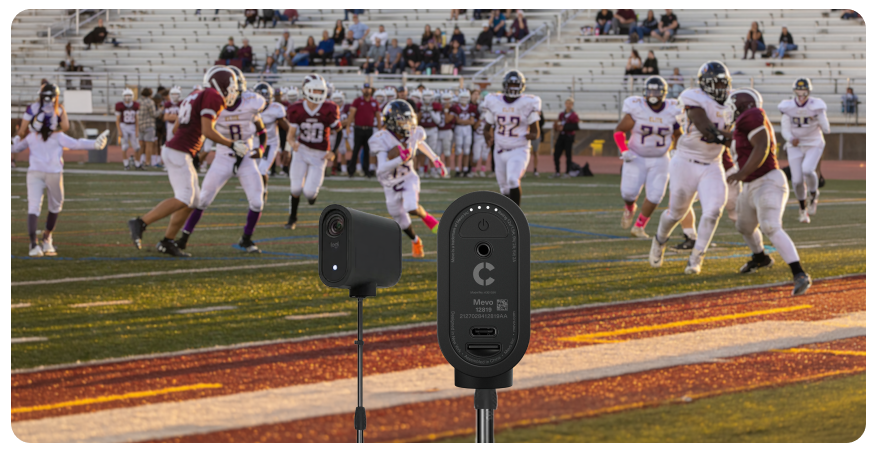
Across the field or track: So you don't run a long cable that can break, move, or become a tripping hazard. In football, this is a sideline cam that catches the coach, well...coaching.
For all other angles you can use other camera sources you have like wired cameras, phones, and tablets.
Take a look at our guide on live sports livestreaming multicamera setups to find sport-specific layouts and tips on how to keep your viewers following the game.
NDI sports livestreaming tips and tricks
Lots of things can go wrong with NDI sports broadcasting, especially if you're not experienced with NDI setups. Here are a few expert tips you can adopt before or during the game.
-
Budget bandwidth per camera: Add 100–150 Mbps for every full-NDI 1080p source, then check the total against your switch capacity before game day.
-
Shoot at 59.94 or 60 fps, with a shutter speed suited to fast action. A higher shutter speed can reduce motion blur and help keep fast-moving players, balls, and other action sharp. It'll cost you more light, so make sure your cameras can handle the conditions. It'll also cost you more bandwidth, so make sure to budget for it.
-
Keep your main shot on full NDI and secondary angles on NDI|HX: Full NDI on your main shot keeps latency low, so your audio stays in sync. You can still capture high-quality video on NDI|HX, but not consume so much bandwidth.
-
Wire your primary angles, wireless your extras: Run ethernet to your game cam and scoring-area cam. Use Wi-Fi for the reaction angle you can afford to lose. If a wireless source drops, you want it to be one you weren't relying on.
-
Ensure your cameras and switcher are on the same subnet: If the venue runs separate VLANs, ask their IT for a single VLAN for production gear, or bring your own switch and router and build an isolated network you control for broadcasting live sports.
-
Test your connection on the venue's network, at game time: Venue Wi-Fi at 4pm on a Tuesday tells you nothing about the same network at 7pm on a Friday with a full house.
-
Configure your switch for NDI specifically: Follow NDI's own recommendations:
-
Use gigabit ports at minimum.
-
Set all ports to full duplex.
-
Disable QoS.
-
Disable jumbo frames.
-
Enable flow control.
An NDI setup for broadcasting live sports is a network project
The multicam setup, camera configuration, and workflow are all things you can control, but the venue network can make or break your NDI sports broadcast.
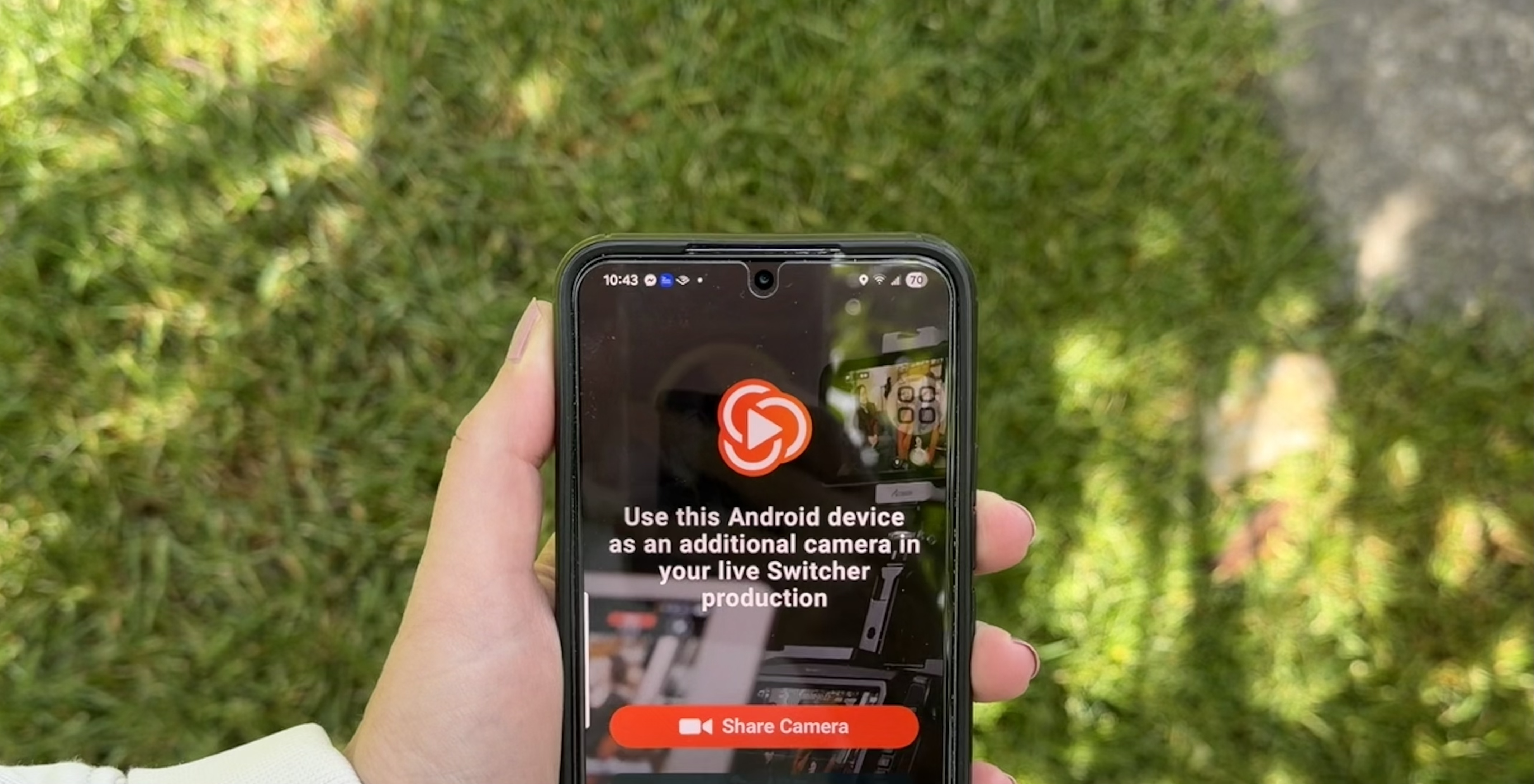
In Switcher, you can set up your NDI sports livestreaming with the iPhones, iPads, Android devices, and NDI or HDMI cameras you already own, and pair it with the rest of what a sports broadcast needs:
-
NDI camera control: Adjust zoom and focus on your NDI cameras from your production device, so the press-box camera doesn't need its own operator.
-
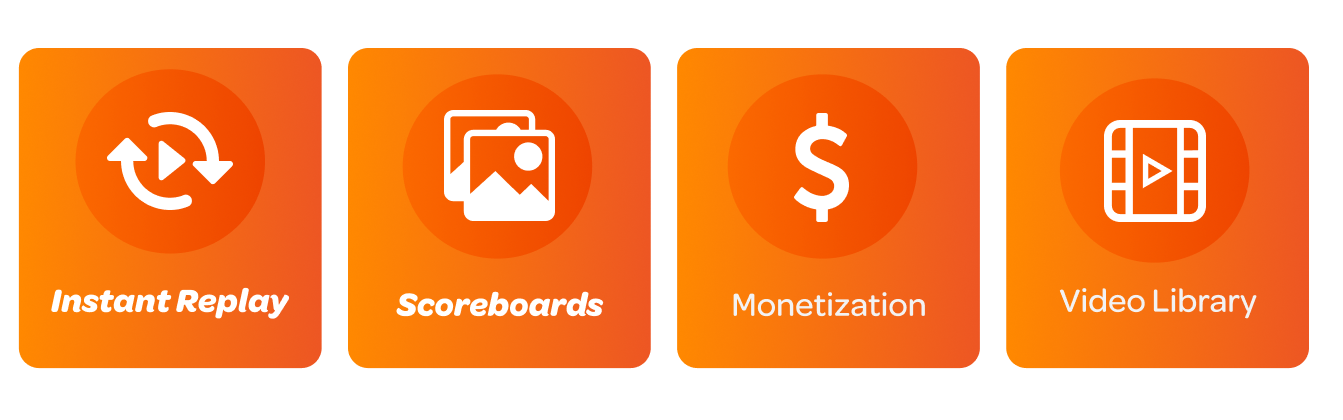
Instant replay: Capture the last 10, 20, or 30 seconds and play it back with one tap, full screen or picture-in-picture, no extra hardware. Every replay also saves as a video asset for your recap.
-
Scoreboard overlay: Four templates, customizable with your team names, colors, and logos, with a built-in timer or stopwatch.
-
Monetize the broadcast: Sell pay-per-view access or season subscriptions, or collect donations through PayPal, Givelify, or Tithe.ly. Switcher takes a flat $0.99 per transaction and nothing more.
-
Keep a library: Embed games on your website, build on-demand playlists, and clip highlights for social.
Try Switcher for free today and see how easy it is to create professional sports broadcasts.
Subscribe to the blog
Sign up to receive notifications whenever a new blog post is published. You may unsubscribe at any time.
Share
About the Author