AI tools are everywhere in content creation right now. Writing assistants, image generators, video editors: all of them promising to save you time and do more with less.
Some are worth adopting. Others are mostly hype, and picking the wrong one can cost you more time than it saves. So which ones are actually worth a content creator's time in 2026? That's what this guide is for.
Whether you're trying to streamline research, speed up your creative work, or offload the most tedious parts of your process, here's where to start.
TL;DR: 13 AI tools at a glance
|
Tool |
Category |
Best for |
Starting price |
Free tier |
|
ChatGPT |
Writing |
Brainstorming and quick first drafts |
Free, paid plans from $8/month |
Yes |
|
Claude |
Writing |
Long-form writing and editing |
Free, paid plans from $17/month |
Yes |
|
Jasper |
Writing |
Marketing content at scale |
$69/month per seat |
No (7-day trial) |
|
Grammarly |
Writing |
Grammar, tone, and editing |
Free, paid plans from $12/month |
Yes |
|
Adobe Firefly |
Visuals |
Commercially safe image generation |
Free tier, paid plans from $9.99/month |
Yes |
|
Midjourney |
Visuals |
Strongest artistic and photorealistic image quality |
$10/month |
No |
|
Magic Studio (Canva) |
Visuals |
AI tools built into an existing design workflow |
Free, paid plans from $12/month |
Yes |
|
Pictory |
Script-to-video |
Turning blog posts or scripts into video |
$25/month |
No |
|
Synthesia |
Script-to-video |
AI avatar and talking-head videos |
Free, paid plans from $14/month |
Yes |
|
Runway |
Prompt-to-video |
Original AI-generated video |
Free, paid plans from $12/month |
Yes |
|
CapCut's AI video generator |
Prompt-to-video |
Fast, short-form AI video |
Free, paid plans from $19.99/month |
Yes |
|
Captions |
Video editing |
Auto-editing and eye contact correction |
Free, paid plans from $4.99/month |
Yes |
|
Topaz |
Video enhancement |
Upscaling, deinterlacing, motion interpolation |
$39/month |
No |
Not all AI is the same
"AI" gets stretched to cover a lot of ground these days. The algorithm that recommends your next video, the filter on your camera, the tool that can write an entire blog post from one sentence. That's part of why "best AI tools" lists can feel like a grab bag. They're not all doing the same job.
Every tool in this guide falls into one specific category: generative AI. These are tools that create new content (text, images, video) by learning patterns from huge datasets, rather than just organizing or analyzing what already exists.
Used well, this is the kind of AI that actually saves you time: less time on first drafts and rough cuts, more time on the work that actually needs your judgment (reviewing, refining, and deciding what's worth publishing). That's what "AI tool" means for the rest of this guide: generative AI built for content creation.
Let's get into which ones are actually worth your time.
AI tools for writing
Thanks to some serious advancements in natural language processing, there's no shortage of AI tools for writing content these days. Here's the catch: a lot of these writing assistants share the same strengths and the same downfalls.
So if you're hoping for one simple answer to "what's the best AI tool for writing," you're not going to get it here (or anywhere, honestly). What you will get is a rundown of the frontrunners, tested and vetted, and a real look at how they stack up against each other rather than a random grab bag.
1. ChatGPT
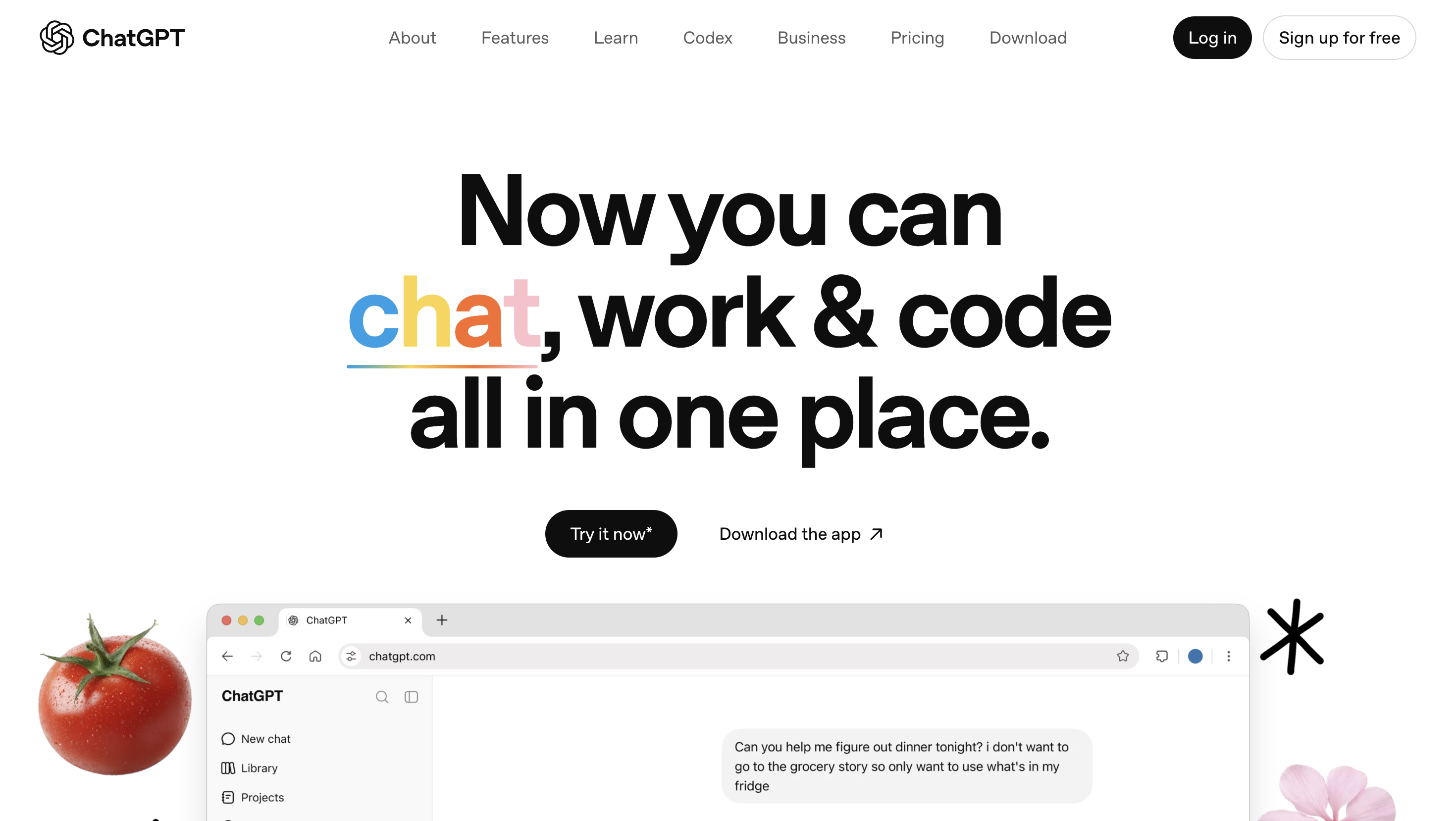
You knew I had to start here. ChatGPT is the tool most people think of first when they hear "AI writing tool," and it's free to start with, which makes it the easiest on-ramp for most content creators today.
If you're not familiar: ChatGPT is a powerful natural language processing tool that can interpret and respond to as many prompts as you can dream up. That flexibility is exactly why it's so useful for content creators: it's a solid all-rounder for brainstorming, outlining, research summaries, and quick first drafts, all in one place.
ChatGPT can also help with preliminary research, content outlines, and generating frameworks, but proceed mindfully. Like all AI tools, ChatGPT can make big mistakes, so any facts you pull from it need to be double-checked.
And it's still not a great choice for drafting finished content. The odds of getting output that resembles something already out there online are high, and getting a draft that actually sounds like you usually takes several rounds of prompting and some heavy editing. Not one shot.
Pros
-
Simple interface
-
Plenty of flexibility
-
Massive existing ecosystem of prompt guides, plugins, and integrations
Cons
-
Tendency to produce repetitive, generic, or boring content
-
Research always needs to be fact-checked
Pricing
-
Free: $0/month — limited access to GPT-5.5 Instant, limited messages, uploads, and image generation
-
Go: $8/month — everything in Free, plus more access to GPT-5.5 Instant, more messages, uploads, and image creation, longer memory
-
Plus: $20/month — everything in Go, plus advanced reasoning with GPT-5.6, expanded messages and uploads, Projects, scheduled tasks, and custom GPTs
-
Pro: from $100/month — everything in Plus, plus 5x or 20x more usage, unlimited and faster image creation, maximum memory and context
2. Claude
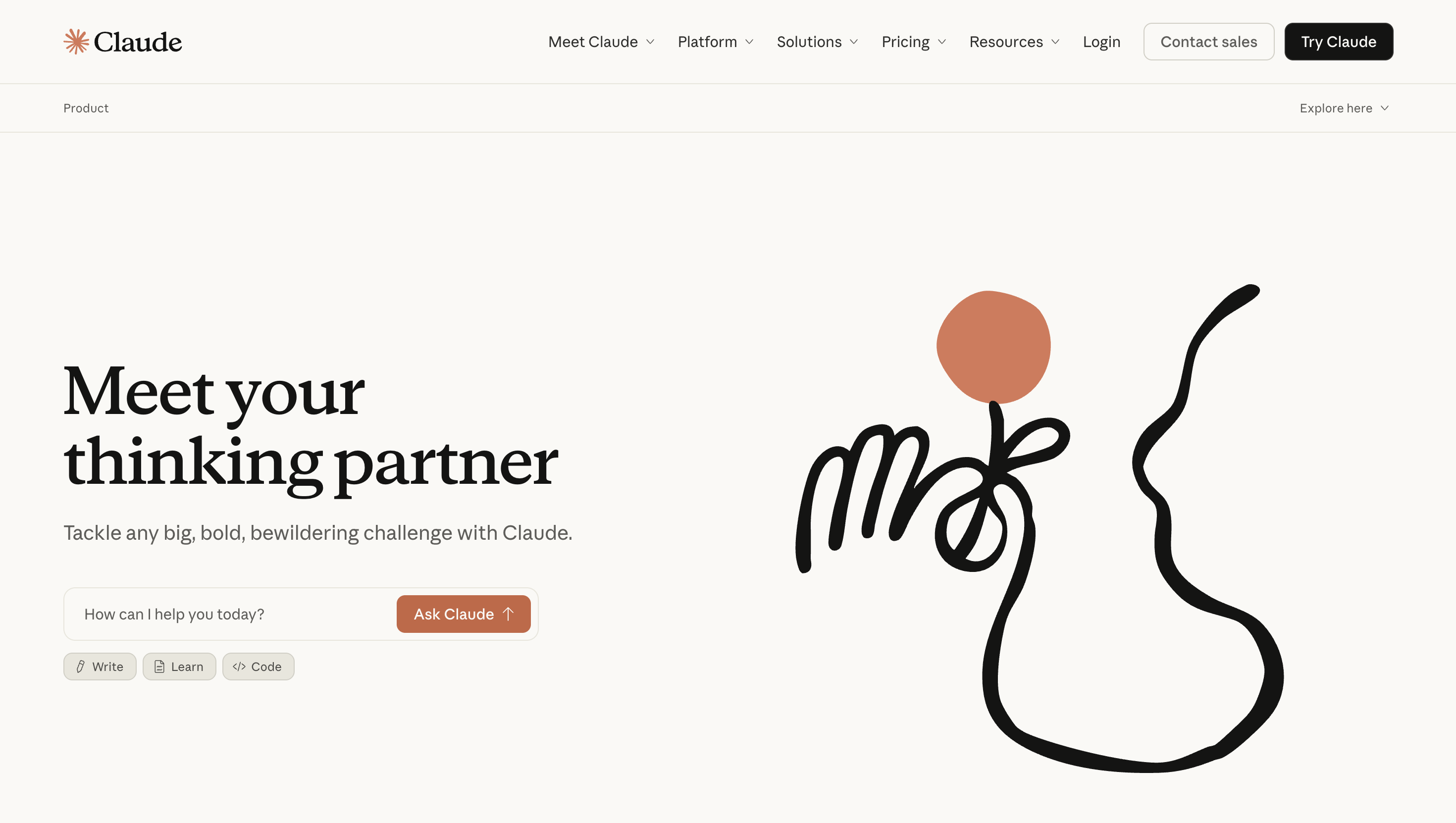
ChatGPT isn't the only major AI assistant worth having in your back pocket, and honestly, for a lot of content work, it might not be the best one. Claude, made by Anthropic, has built a solid reputation among writers and content teams for producing prose that reads more naturally and needs less cleanup than a lot of the competition.
How it actually compares to ChatGPT: where ChatGPT leans on sheer flexibility and a massive ecosystem of prompts, plugins, and integrations, Claude leans on writing quality and working memory. It tends to hold onto your voice and instructions more consistently across a long conversation, which matters if you're drafting or editing something longer than a social caption.
Claude also has two features worth knowing about:
-
Projects, which let you keep persistent context (your brand voice, past drafts, style guides) available across every chat instead of re-explaining yourself each time
-
Artifacts, which pop your generated content (a document, an outline, a script) into its own workspace so you can iterate on it side by side with the conversation instead of scrolling through chat history to find it.
The tradeoff is ecosystem size. ChatGPT still has the bigger library of third-party prompt guides, browser extensions, and how-to content built up around it, simply because it's been the household name the longest.
The upshot? If you want the tool most people have already written tutorials for, that's ChatGPT. If you want the tool that tends to need fewer editing passes on longer written content, that's Claude.
Pros
-
Strong reputation for natural-sounding, less repetitive long-form writing
-
Projects and Artifacts make it easier to manage ongoing content work and brand context
-
Holds context well across longer documents and conversations
Cons
-
Smaller ecosystem of third-party prompt guides, plugins, and tutorials compared to ChatGPT
-
Less brand recognition among casual users, so there's more of a learning curve to finding your workflow
Pricing
-
Free: $0/month
-
Pro: $17/month billed annually ($200 up front), or $20/month billed monthly — includes Claude Code, Claude Cowork, Projects, and Artifacts
-
Max: from $100/month — 5x or 20x more usage than Pro, higher output limits, priority access at high traffic times
-
Team and Enterprise plans are also available for larger organizations
3. Jasper
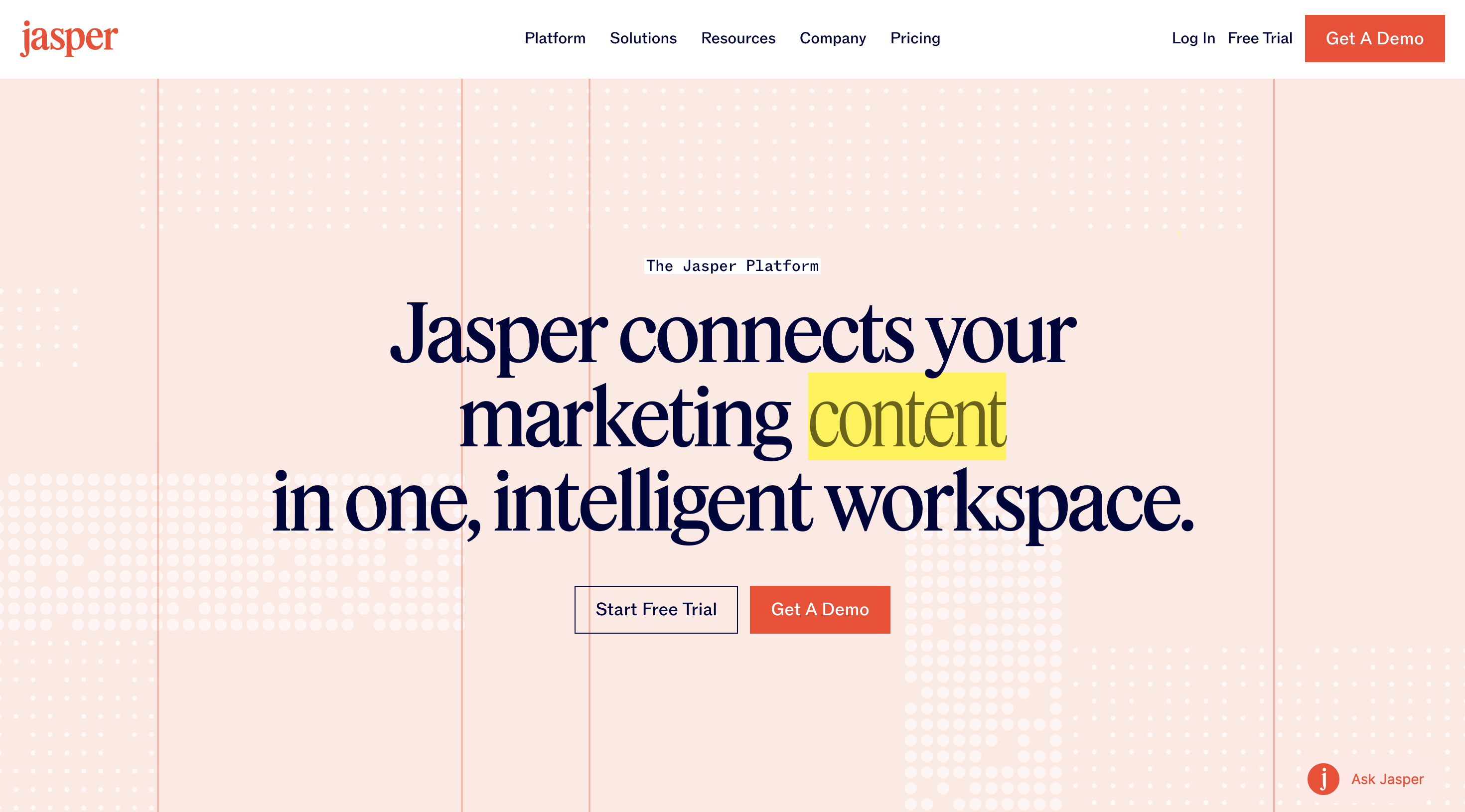
Jasper.ai launched in 2021 as a time-saver for marketing writers, and it's grown into a full AI marketing platform since. It now includes "agents" for end-to-end marketing workflows, brand-voice governance tools, and features built to get your content cited by AI answer engines (what's often called GEO, or generative engine optimization). Its curated toolset for marketers also includes brand voice and style guide settings, team account options, translation tools, and integrated SEO functionality.
Plenty of companies use Jasper successfully for content marketing, but some users still report repetitive or generic content, especially on niche topics with less existing material to draw from. Unlike some competitors, Jasper is built to be model-agnostic: instead of running on one AI model, it can plug into multiple models depending on the task. Jasper offers a 7-day free trial.
Pros
-
Robust AI suite for marketing, now including brand governance and AI-search-optimization tools
-
Built-in analytics, SEO, and plagiarism-detection features
-
Model-agnostic architecture
Cons
-
Output can feel formulaic on topics with a thinner online footprint
-
Enterprise-oriented feature set and pricing may be more than solo creators need
Pricing
-
Pro: $69/month per seat billed monthly (save about 20% billed yearly) — includes the Canvas platform, agents for core marketing workflows, and brand voice/knowledge customization, plus a 7-day free trial
-
Business: custom pricing — everything in Pro, plus agents for complex workflows (GEO, translations, deep research), a no-code agent builder, API access, and enterprise governance
4. Grammarly
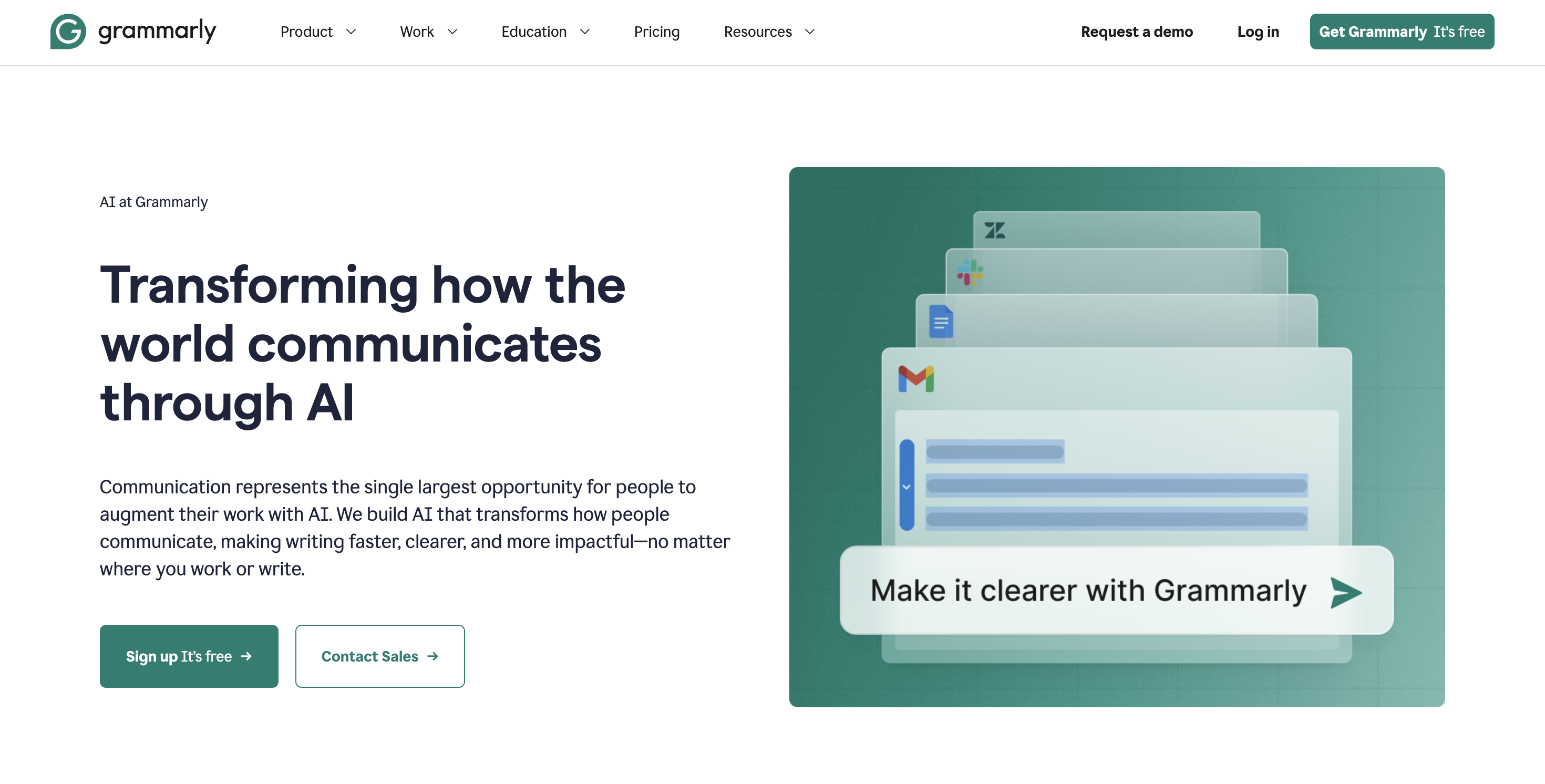
Grammarly is trusted by more than 40 million people and 50,000 organizations, whether they're content marketers or just trying to send a typo-free email. It's been around since 2009, when it started out as a simple grammar checker, and has expanded into a whole range of writing tools, generative AI features included.
The limited free version works in browser, as a browser extension, or as a desktop app, and it's an easy way to catch typos and grammatical errors, especially if you're a small team without an in-house editor. Content writers can also use it to check readability scores, read time, and more. Paid accounts unlock extras like plagiarism detection and deeper customization.
Pros
-
Works right where you're already writing: browser, extension, or desktop app
-
Plagiarism detection and readability scoring go beyond basic grammar and spell-checking
Cons
-
Occasional incorrect suggestions
-
Limited free version
Pricing
-
Basic (Free): $0/month — limited writing assistance and AI chat
-
Pro: $12/month billed annually, or $30/month billed monthly, with a 7-day free trial — unlimited personalized suggestions, plagiarism and AI-text detection, 2,000 AI prompts/month
-
Enterprise: custom pricing, available through Superhuman Go — contact sales
AI tools for creating visuals
For most content creators (even the ones who live and breathe writing), words are only part of the job. So let's move on to visuals: the AI tools built for creating images, graphics, and more.
5. Adobe Firefly
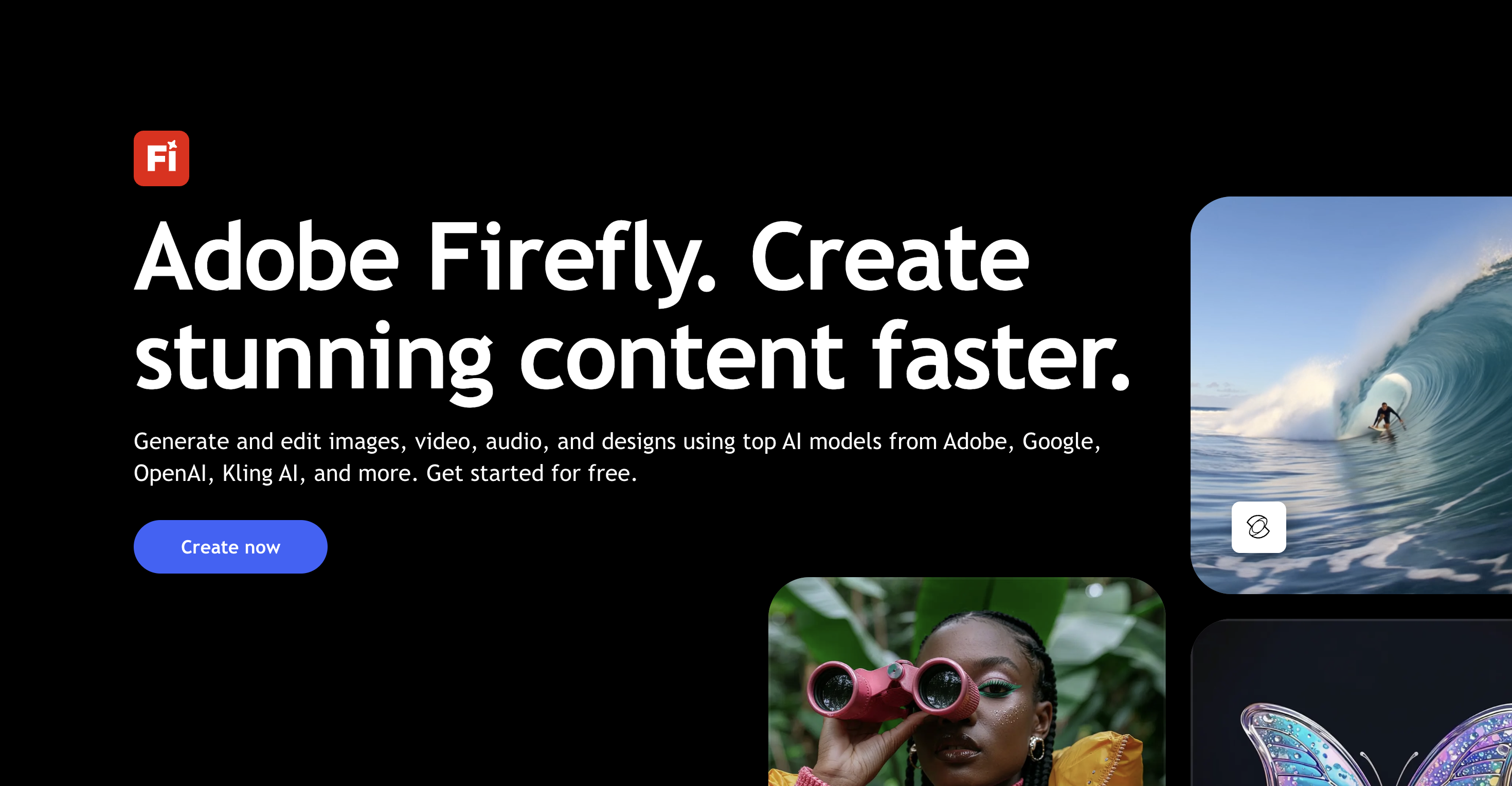
Adobe has been a fixture in design software for decades, and Adobe Creative Cloud, released in 2013, has become essential to a lot of creators' toolkits. Firefly is Adobe's generative AI platform.
With Firefly, you can use text prompts to generate images, vectors, text effects, and more. Its generative fill and generative expand tools can remove objects from an image, adjust spacing and orientation, and so on. Firefly works as a standalone app and is also built into other Adobe apps like Photoshop, InDesign, Illustrator, and Lightroom.
Firefly was trained on a huge dataset of licensed images, including Adobe Stock and public domain content.
It integrates multiple third-party models too, including Google's Gemini 3 (Nano Banana), OpenAI's GPT Image 2, Kling AI, and Runway.
Pros
-
Adobe app integrations make it easy to introduce into your Adobe workflow and even reference your own images
-
Generative fill and expand tools let you touch up or extend images you've already shot, not just generate new ones
-
Adobe designs Firefly to be commercially safe, since it's trained only on licensed and public domain content
Cons
-
Limited control and customization for generated images
-
Generated images can look unconvincing, especially for complex scenes or detailed hands and text
Pricing
Adobe Firefly is priced in units of "generative credits."
-
A limited free tier is available
-
Firefly Standard: $9.99/month — 2,000 generative credits/month
-
Firefly Pro: $19.99/month — 4,000 generative credits/month
-
Firefly Pro Plus: $49.99/month (promotional rate of $34.97/month for the first year) — 10,000 generative credits/month
-
Firefly Premium: $199.99/month (promotional rate of $139.91/month for the first year) — 50,000 generative credits/month and the widest model access
6. Midjourney
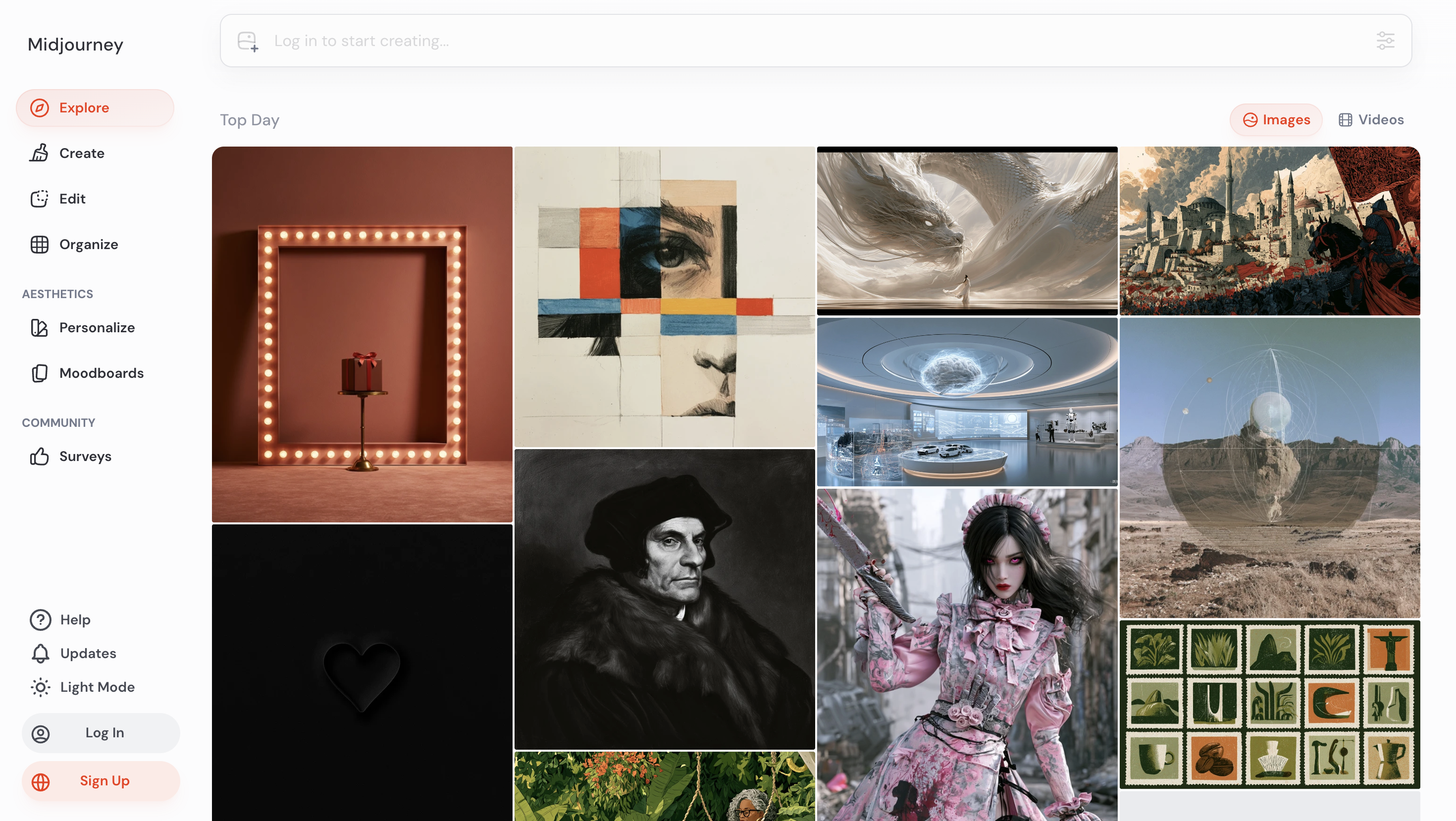
Midjourney helped kick off the AI image generation wave, and it's held onto its reputation for pure image quality ever since. It started as a Discord bot back in 2022, and while that's still how a lot of people use it, Midjourney now also has its own web app, so you don't need a Discord account to generate images anymore.
You describe what you want in a text prompt, and Midjourney generates a set of images to choose from and refine. Features like Style Reference and Character Reference let you carry a consistent look or character across multiple generations, useful if you're building out a series of thumbnails or a recurring visual style for your channel. Midjourney has signaled it's moving into video generation too, though no video product is public yet. The image tool itself is now on version 8.2, continuing to push image quality and prompt accuracy with each release.
Pros
-
Known for particularly strong artistic and photorealistic image quality compared to most competitors
-
Style Reference and Character Reference make it easier to keep a consistent look across multiple generations
-
Active community and prompt-sharing culture makes it easy to learn from other creators' prompts
Cons
-
No free tier: you need a paid subscription to generate any images
-
Originally Discord-only, so the workflow can feel unfamiliar if you're used to a standard web app (the website removes that requirement now, but Discord is still where a lot of the community lives)
Pricing
-
Basic: $10/month, or $96/year ($8/month) — 3.3 hours of Fast GPU time/month, SD video only
-
Standard: $30/month, or $288/year ($24/month) — 15 hours of Fast GPU time/month, SD and HD video, unlimited Relax-mode image generation (unlimited Relax-mode video requires Pro or Mega)
-
Pro: $60/month, or $576/year ($48/month) — 30 hours of Fast GPU time/month, unlimited Relax-mode images and video, Stealth Mode (private generations)
-
Mega: $120/month, or $1,152/year ($96/month) — 60 hours of Fast GPU time/month, same unlimited Relax mode and Stealth Mode as Pro, higher concurrency limits
7. Magic Studio

Magic Studio is Canva's suite of AI tools, and if you know Canva, you know it's a big deal.
Like Firefly, Magic Studio generates images and short videos from text prompts through a tool called Magic Media (its video generation is powered by Runway). It also offers background removal, expansion, and fill tools for editing your own images. Because it's built into Canva itself, there's no separate app or export step: you can generate an image and drop it straight into a design you're already working on.
On top of that, Magic Studio has an impressive range of AI-powered tools for content creation, including a writing tool (Magic Write) and a tool for animating designs (Magic Animate).
Pros
-
Seamless workflow for Canva users
-
Background removal, expansion, and fill tools let you clean up your own images, not just generate new ones
-
Pricing tiers that accommodate creative teams
Cons
-
Most Magic Studio tools are not available in Canva's free plan
-
Canva doesn't guarantee that output is cleared for commercial use, or that users have exclusive rights to the content they create with Magic Studio
Pricing
-
Free: $0/year — 1,000+ design types, 1.6M+ templates, a limited AI allowance
-
Pro: $144/year for one person (about $12/month) — premium templates and assets, 10x more AI allowance than Free, 100GB storage
-
Business: $250/year per person (about $21/month) — team admin tools, 100 Brand Kits, 500GB storage
-
Enterprise: custom pricing, contact sales — enterprise-level security, SSO and SCIM provisioning, 1TB storage
Script-to-video assembly tools
"AI video tools" actually covers two very different jobs, so it's worth splitting them apart before we go further. Some tools, covered in this section, turn an existing script or blog post into a video using templates and stock assets. Others generate entirely original video from a text or image prompt, a newer and more powerful capability covered in the next section. Knowing which job you actually need is half the battle of picking the right tool.
8. Pictory
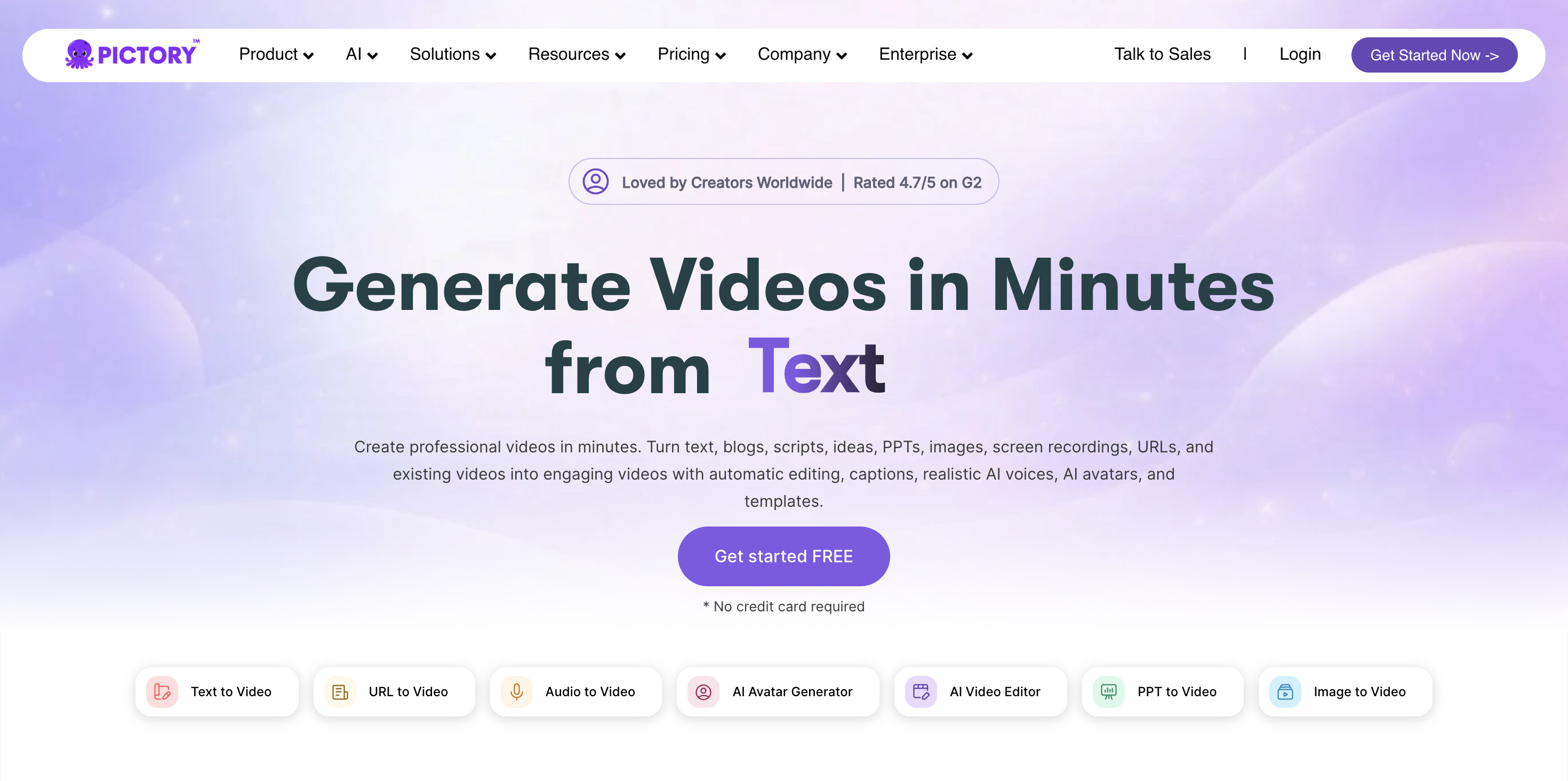
Launched in 2020, Pictory makes it easy to create video content without any video production experience. Content writers, for example, can turn an entire blog post into a video just by dropping in a URL. The final product comes with royalty-free visuals and music, and you can even add an AI-generated voiceover.
Pictory also makes it simple to create short social clips from long-form video, auto-generate captions, or turn a script into a finished video.
Pros
-
Low-effort method for creating long-form and short-form video content
-
Range of features to support video marketing efforts
-
Huge library of royalty-free video, images, and music, plus the ability to add a brand kit, allows users to customize their AI-generated content
Cons
-
Royalty-free and stock assets can result in generic content
-
May require some trial and error to achieve the desired effect, which can reduce the time-saving benefit
Pricing
-
Starter: $25/month billed annually, or $29/month billed monthly — 1 user, 2,400 minutes/year, 5GB storage
-
Professional: $35/month billed annually, or $59/month billed monthly — 1 user, 7,200 minutes/year, unlimited standard AI voices
-
Team: $119/month billed annually, or $199/month billed monthly — 3+ users, 21,600 minutes/year, 10 brand kits
-
Enterprise: custom pricing — 10+ users, custom video minutes and storage
9. Synthesia
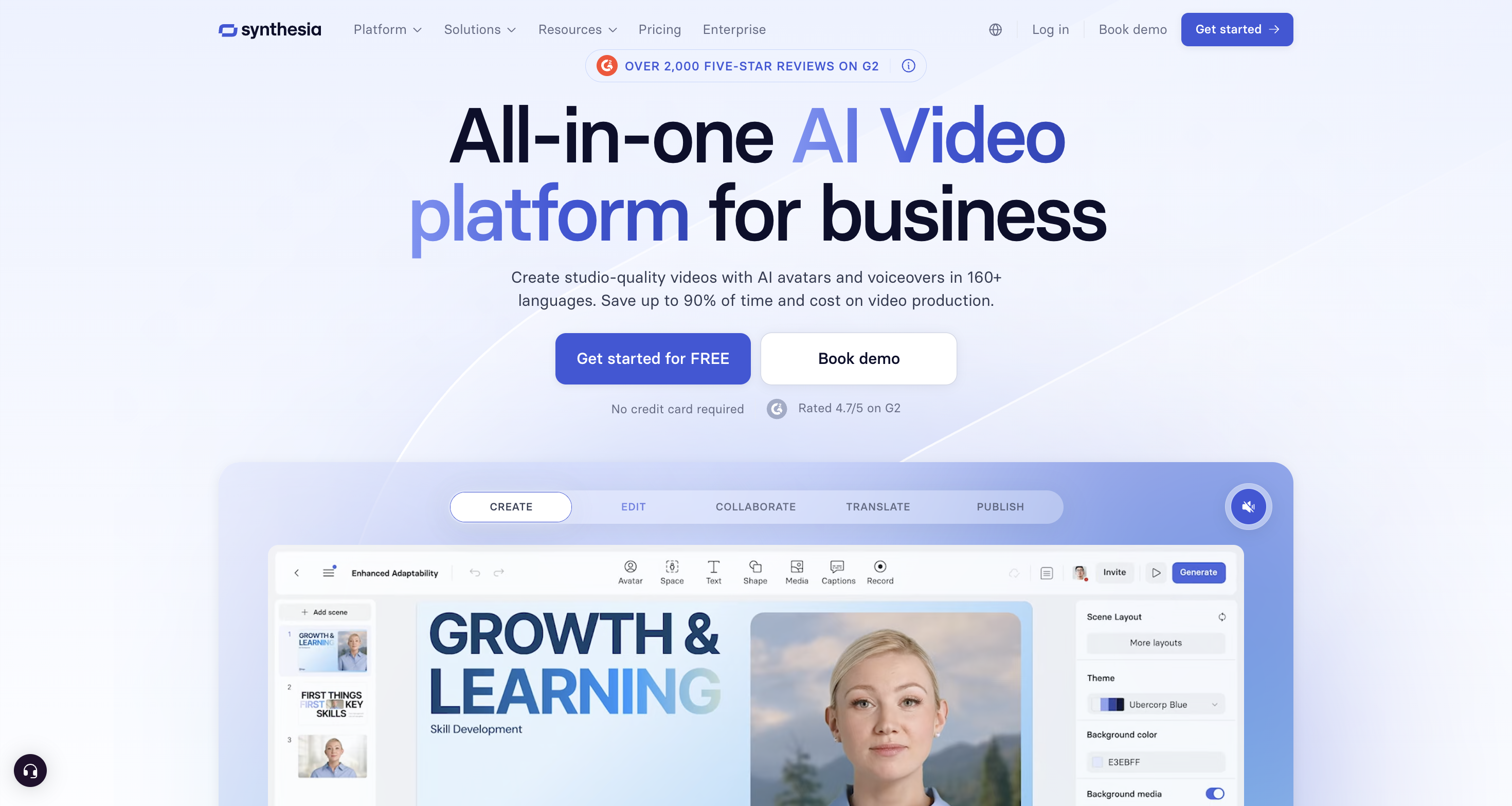
Another popular tool is Synthesia. Like Pictory, it lets creators generate video from a text script.
The twist? Synthesia's whole thing is AI avatars: pick a stock avatar or create your own, then pair it with an AI voiceover. For teams producing video at scale, that can save a serious amount of time and resources.
It's especially popular for training videos, product explainers, and other content where a talking-head format works but re-recording every script tweak isn't practical. Synthesia's avatars can also speak in more than 130 languages, which makes localizing a single video for multiple markets far less painful than reshooting with human talent each time.
Pros
-
Over 130 languages are available for its text-to-video feature
-
Customization options allow users to edit their video AI avatar, as well as colors, fonts, and layouts
Cons
-
Occasional hiccups in the tech can result in an uncanny valley effect
-
Avatar movements and expressions can still look a little stiff compared to real human delivery
Pricing
-
Basic: Free — 1,200 credits/month, up to 10 minutes of video/month, 25 AI-generated video assets
-
Starter: $14/month billed yearly, or $19/month billed monthly — downloadable videos, AI dubbing, 125+ AI avatars
-
Creator: $59/month billed yearly, or $89/month billed monthly — 5 personal avatars, API access, 180+ AI avatars
-
Enterprise: custom pricing, contact sales — unlimited video minutes, 240+ stock avatars, unlimited personal avatars
Prompt-to-video generation models
This is the newer, flashier half of AI video: tools that generate entirely original footage from a text or image prompt instead of assembling existing clips and templates. It's moved fast since 2024.
10. Runway
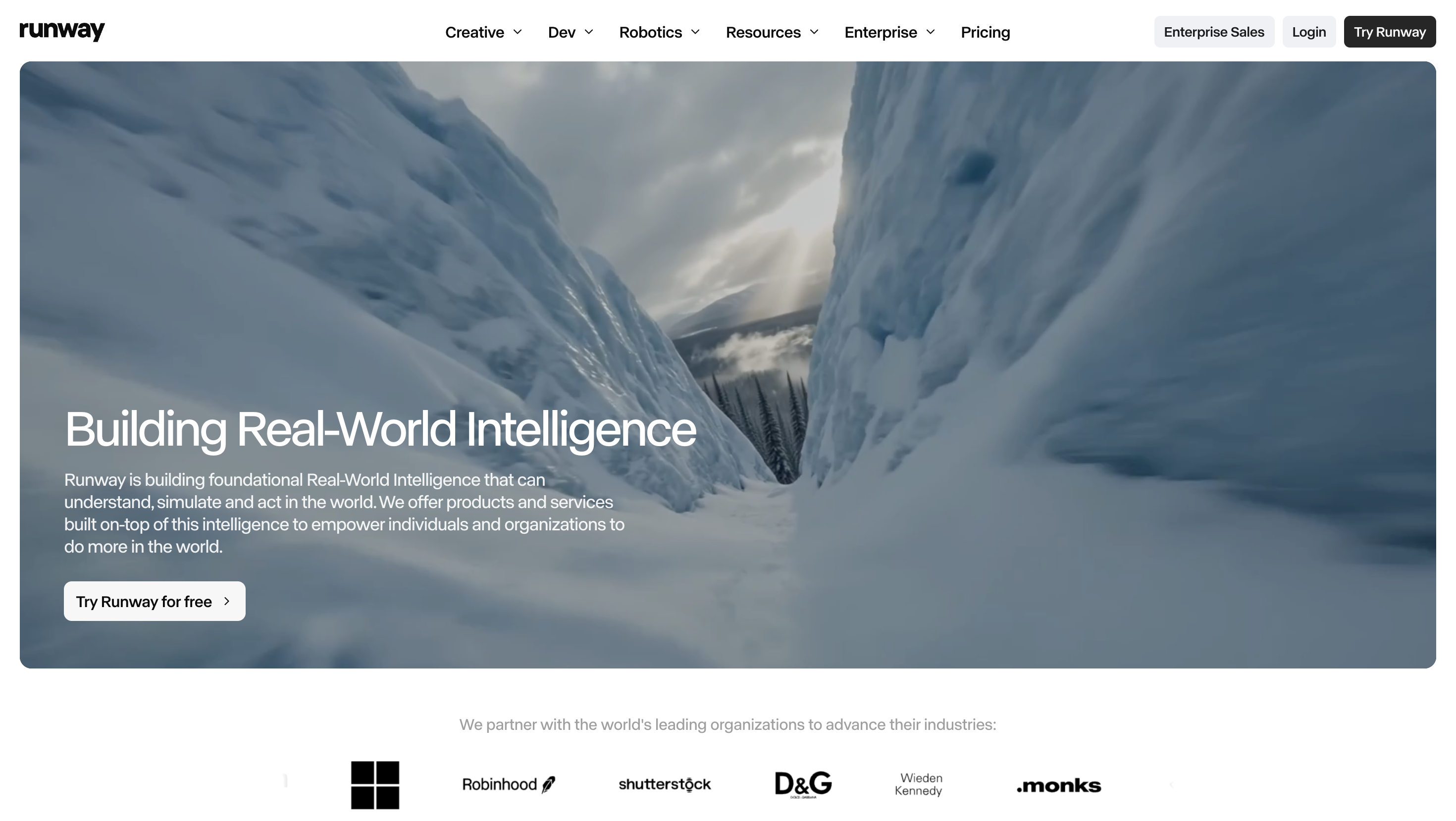
Runway has built its name on AI video generation, and the output quality shows it. Its latest model, Gen-4.5, is what the company calls "the world's best video model" (their words, though the results hold up well in practice).
For content creators, that means being able to generate B-roll, concept shots, or entire short-form clips without a camera, cast, or location, useful for ideas that would otherwise be too expensive or logistically impossible to film. Runway claims over 50 million users and counts major studios like Lionsgate among its partners.
Pros
-
High-quality video generation directly from text or image prompts
-
Fast-moving model development (frequently ships new, improved models)
-
Free tier available to start
Cons
-
Credit-based pricing can add up quickly for heavy use
-
Still an emerging technology, with occasional inconsistencies in generated output
Pricing
-
Free: $0/month — 125 one-time credits, 3 video editor projects, 5GB storage
-
Standard: $12/month billed annually, or $15/month billed monthly — 625 credits/month, access to all AI models (Gen-4.5, Nano Banana Pro, Aleph, Veo 3.1, and more), 4K upscaling
-
Pro: $28/month billed annually, or $35/month billed monthly — 2,250 credits/month, custom voices for Lip Sync and Text to Speech, 500GB storage
-
Max: $76/month billed annually, or $95/month billed monthly — 9,500 credits/month, credit rollover for 1 month, first access to newest models
-
Enterprise: custom pricing, contact sales — custom credits, SSO, workspace analytics
11. CapCut's AI video generator
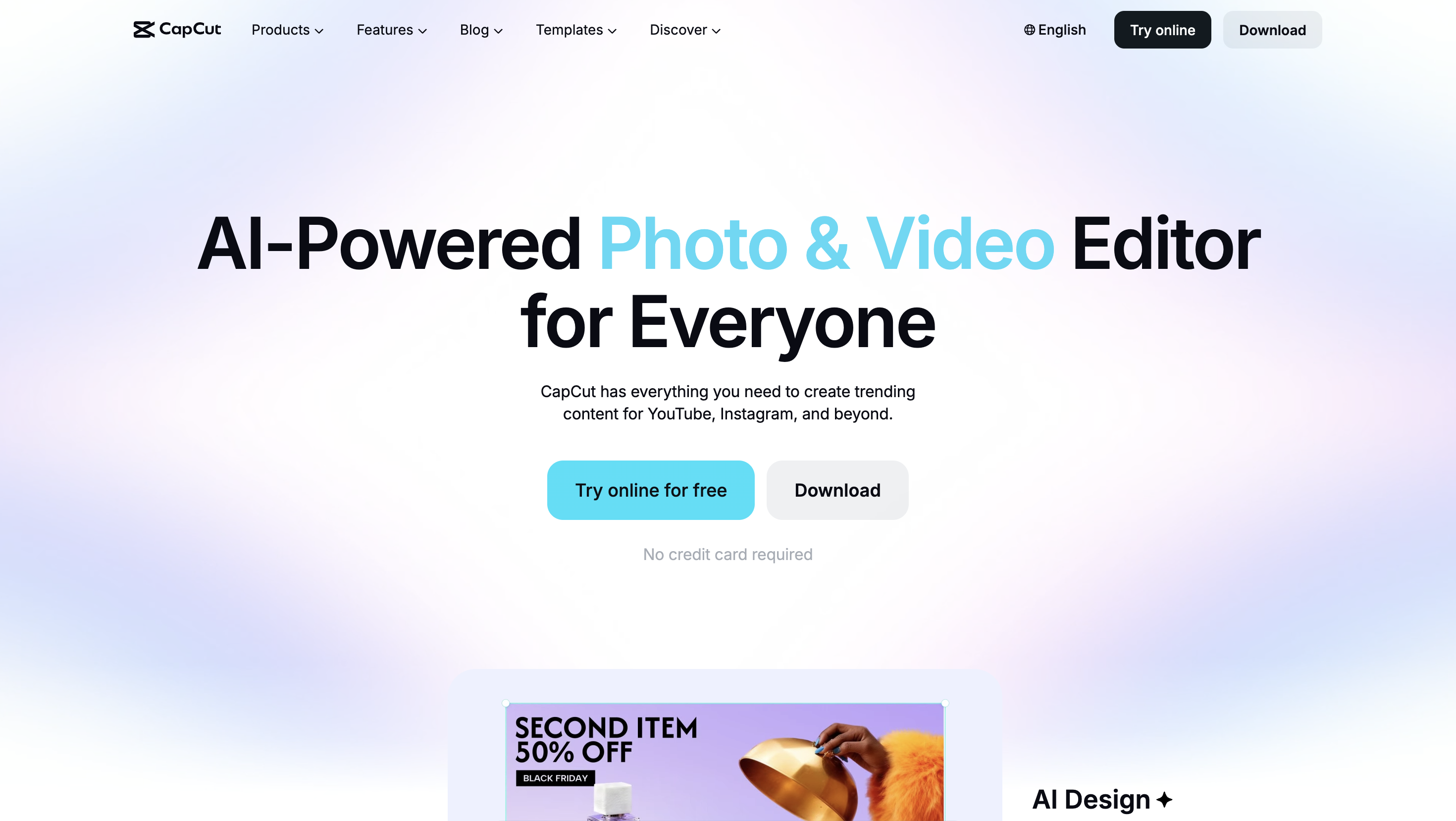
CapCut, from ByteDance (TikTok's parent company), has its own AI video generator built directly into its much bigger creative suite, which also covers AI captions, text-to-speech, background removal, and a large library of templates. Pick a visual style, drop in a script (or let CapCut generate one), and its AI, currently built on a model called Dreamina Seedance 2.0, handles the visuals, pacing, and editing to produce a finished video in one pass.
What sets it apart here is integration, not raw video quality. Because it lives inside CapCut's existing timeline, you can generate a clip and cut it straight into a project alongside CapCut's templates and effects, without exporting from one app and importing into another, useful if you're already editing short-form video in CapCut. It's not really trying to compete with Runway on visual fidelity; it's built for speed inside a short-form content pipeline.
Pros
-
Generates a full video (visuals, pacing, editing) from a script or style prompt in one pass
-
Built directly into CapCut's timeline, so generated clips cut straight into your existing project
Cons
-
Video quality and originality typically lag behind dedicated tools like Runway
-
Built for quick, short-form clips inside CapCut's existing workflow, so it's less suited to longer or more complex productions
Pricing
-
Standard (Free): no watermark on exports, limited access to templates, effects, stickers, music, and fonts, 1GB of cloud storage, basic AI tools
-
Pro: $19.99/month, or $179.99/year — full access to premium templates, effects, and music, up to 1024GB of cloud storage, premium AI features (AI video generator, AI avatars, auto captions, and more)
-
Team: starts at $24.99/month — built for collaborative work
Note: prices can vary by region, platform, taxes, and promotions.
AI video editing tools
12. Captions
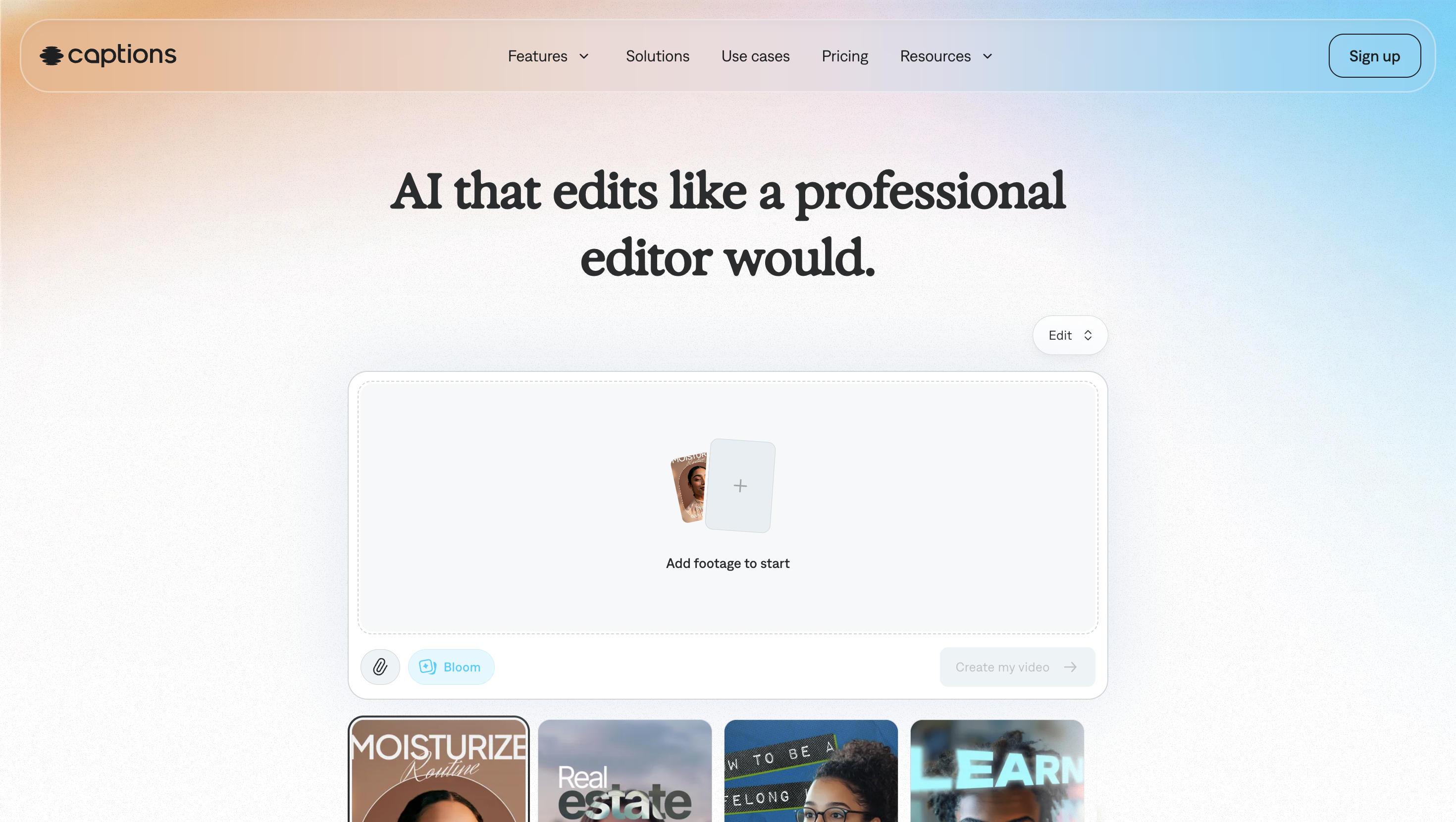
Captions automates specific editing tasks for video creators: trimming clips, removing background noise, adding subtitles. It also handles dubbing and translation, so a single video can be repurposed for multiple language audiences without hiring separate voice talent for each one.
One of the coolest features? Their "Eye Contact" tool, which corrects your eyeline in post-production. Glanced down at your script mid-take? No need to reshoot. Fix it later.
Pros
-
Eye Contact tool fixes a broken eyeline in post, a feature few other editing tools offer
-
Compatibility with iOS, Android, Mac, and Windows makes the tool accessible to many users
-
Straightforward, clearly tiered pricing with a free plan to start
Cons
-
Eye Contact and dubbing features can look slightly artificial on close inspection
-
Focused on editing tasks only, so you'll still need a separate tool for scripting or thumbnail generation
Pricing
-
Free: 60–200 lifetime credits
-
Lite: $4.99/month (Android only)
-
Basic: $9.99/month
-
Max: $24.99/month
-
Scale: $69.99/month
AI video enhancement tools
13. Topaz
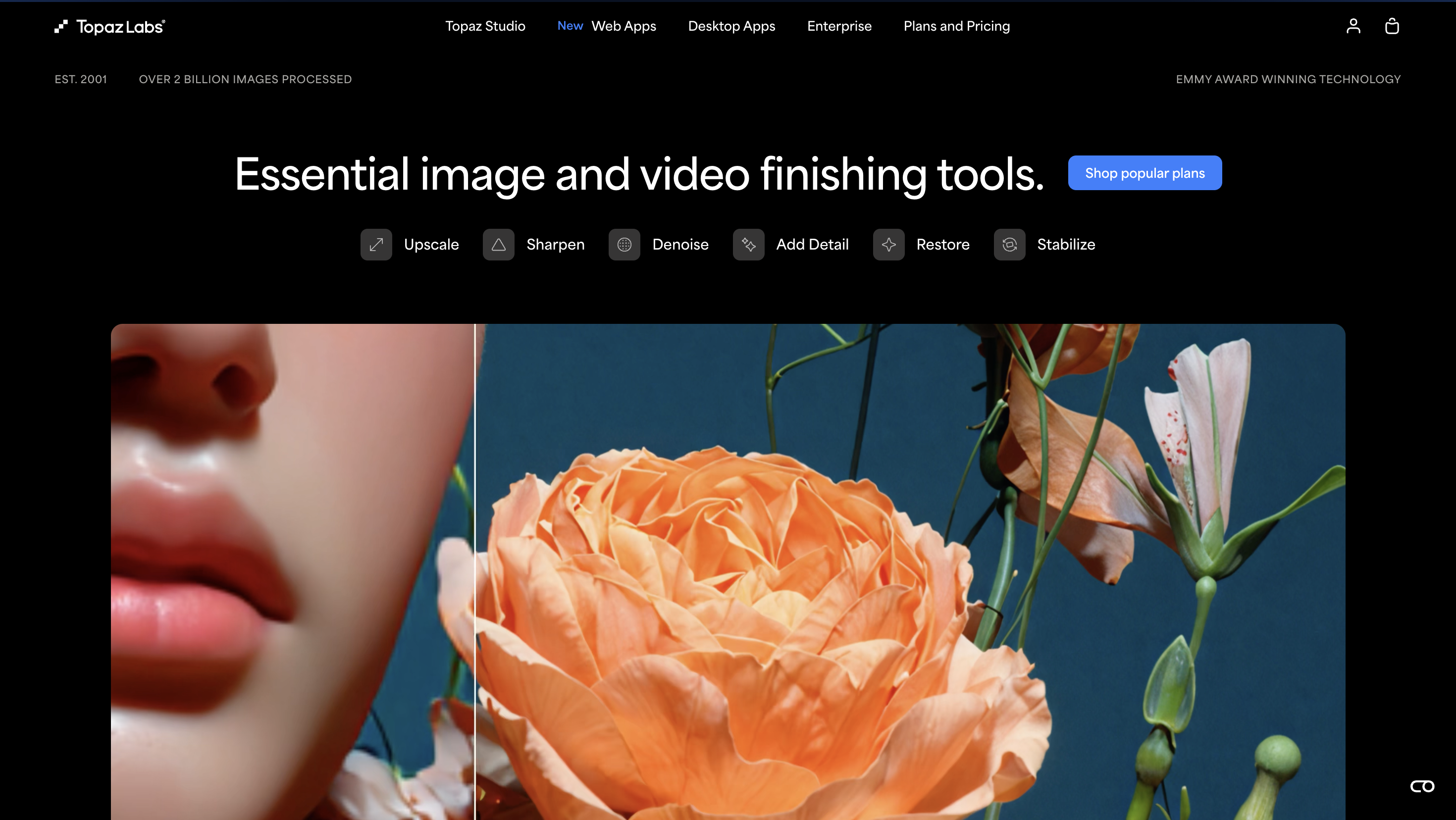
In an AI landscape that's already pretty crowded, Topaz stands out for doing less, better.
Their pitch is refreshingly simple. Instead of piling on more generic AI features, Topaz focuses "solely on completing a few video enhancement tasks really well: deinterlacing, upscaling, and motion interpolation."
Translation? They've nailed AI upscaling. Bump your video from 24 to 60 FPS, stabilize a shaky camera, or generate cinematic slow motion, take your pick. Topaz also offers a similar Photo AI tool for upscaling images to print quality.
Pros
-
Functions on a local workstation, directly processing videos on your hardware instead of a remote server (read: faster processing times)
-
Available for macOS and Windows
Cons
-
Professional software may be inaccessible to new or casual content creators
-
Focus on one area means a more limited tool set compared to other AI platforms on the market
Pricing
-
Personal: $39/month billed annually, or $59/month billed monthly — unlimited local rendering, 25 monthly cloud video credits (additional credits are $0.10 each)
-
Topaz Studio bundle: $34/month billed annually — includes all of Topaz's apps
Using AI responsibly
Here's the thing about AI tools: they're powerful, but they're not neutral, and they're definitely not always right. They generate content based on patterns, not judgment, which means nothing they produce should go out the door unchecked.
Here are a few things worth thinking through before you build any of these tools into your content creation workflow:
Data and privacy
AI models are trained on huge datasets, and most companies still won't say exactly what's in them or how it was sourced. Worth remembering before you feed a tool anything sensitive.
Plenty of platforms also reserve broad rights to your input in their terms of service, whether or not they use it to train their own models. Run a draft through Grammarly, for instance, and you're granting them a license to use that text under its terms, even though Grammarly says it doesn't sell user content or let third parties train on it.
Read the terms before you paste in anything you wouldn't want reused.
Bias
AI output reflects the biases baked into its training data. This is well documented in image generators especially, where skewed or stereotyped portrayals (of gender, race, body type, and more) keep showing up as a recurring, widely reported problem.
Catching it is on you, not the tool. Review AI-generated content, written or visual, the way you'd review a first draft from a colleague, not as a finished product.
Plagiarism, originality, and disclosure
Generative AI tools work by recognizing patterns in existing content, which means the output can land too close to something already copyrighted.
Publishers, artists, and authors have filed multiple lawsuits against AI companies over the use of copyrighted material in training data, and several of those cases are still working their way through U.S. courts. S
Separately, the U.S. Copyright Office has held that purely AI-generated content, without meaningful human authorship, isn't eligible for copyright protection, a position it reaffirmed in its 2025 report on AI and copyrightability.
Bottom line: don't assume anything a tool hands you is exclusively yours. If you're using AI for written content, run it through a plagiarism or originality checker before you publish.
Disclosure is the flip side of all this. There's no single standard yet, but some major platforms already require it: YouTube and Medium both have disclosure policies for AI-generated or AI-altered content. The safer move: disclose when and how you used AI every single time, rather than waiting until you're required to.
Have an actual policy
Whether you're a team of one or fifty, write down your own rules: which tools you trust, how much of a finished piece can be AI-generated, how you'll catch bias and mistakes, and how you'll disclose it. Then revisit that policy regularly. The tools (and the legal landscape) aren't done changing.
FAQ: AI tools for content creators
Is AI-generated content considered plagiarism?
Not automatically, but it can cross that line when the output closely resembles existing copyrighted work, which does happen with generative tools. AI-generated content also isn't protected by U.S. copyright law right now, so don't assume anything a tool produces is exclusively yours. Running written content through an originality checker before you publish is good practice either way.
Do I have to disclose that I used AI in my content?
There's no single legal requirement yet, but some major platforms already require it, YouTube and Medium among them. Even where it's not required, disclosing AI use is the more transparent approach.
What's the best free AI tool for content creators?
For writing, ChatGPT's free tier is the most flexible place to start. For visuals, Adobe Firefly offers a limited free tier. For video, Runway, CapCut, Synthesia, and Captions all now have free tiers, though the usage caps vary quite a bit.
Should I use ChatGPT or Claude for writing?
Depends on what you're doing. ChatGPT has the bigger ecosystem and edge on sheer flexibility. Claude tends to produce cleaner drafts on longer pieces and holds context better across a long project. If you're mostly brainstorming and doing quick tasks, either works. If you're drafting or editing something long, Claude is worth trying first.
Should I use Firefly, Midjourney, or Canva for images?
Depends on your workflow. If you're already inside the Adobe ecosystem, Firefly is the easiest to fold into what you're doing, and it's designed to be commercially safe for professional use. If pure image quality is what matters most, Midjourney still leads on artistic and photorealistic output, though it has no free tier. If you want AI image generation without leaving your existing design tool, Canva's Magic Studio keeps everything in one place.
Can AI tools replace a content creator?
No. AI tools handle specific tasks well (drafting, editing, generating assets), but they can't replace the judgment, taste, and originality a person brings to a finished piece. Think of them as something that speeds up parts of your process, not a replacement for the process itself.
Should I use a script-to-video tool or a prompt-to-video generator?
Depends on the job. Turning existing content (like a blog post) into a video quickly? A script-to-video tool like Pictory or Synthesia is the better fit. Need entirely original footage that doesn't exist yet? That's what a prompt-to-video generator like Runway or CapCut's AI video generator is for.
The part AI still can't do for you
Every tool above uses AI to help you write, design, or generate video faster. Switcher doesn't, and that's kind of the point.
Once you've got a script written, an image generated, or a scene rendered, you still need something to actually shoot, switch, stream, and host the finished product, and that's the part of the process AI still can't do for you.
Switcher turns your cameras, phones, and webcams into a full multicamera production studio. Switcher runs as a macOS or iOS app, has an Android remote camera app, and supports NDI cameras and HDMI camera inputs (via an Accsoon SeeMo adapter), so pretty much any camera you've already got can be part of your production.
Switch between live angles, stream to multiple platforms at once, and host and monetize the finished video, all without a truck full of gear or a crew running it. Try Switcher free for 14 days.
Subscribe to the blog
Sign up to receive notifications whenever a new blog post is published. You may unsubscribe at any time.
Share
About the Author

River Law is a storyteller who writes for humans, with heart. Whether it’s helping global brands find their voice or giving startups the words to grow, River brings empathy and clarity to every project. An Englishman who calls California home, River finds his rhythm outdoors with his family.
All posts by River Law