
Two links a month. That’s all a free Facebook Page gets. (And yes, a link tucked into the first comment counts.)
TL;DR:
-
The limit: Under the Facebook 2 link limit, a Page on the free tier (or Meta One Essential) can include links in only 2 organic posts or comments a month.
-
What doesn't count: Links in ads, links to Meta’s own apps and extra links in the comments of a post that already has one don’t count.
-
The best fixes are free: plan your two, make each link post stronger, send links by message when people ask and put your main link in your Page profile.
If your Page posts a link with every announcement, that’s a real adjustment. The good part? Most of what you need is already built into Facebook.
The limit arrived with Meta One, Meta’s subscription service, which launched September 15, 2026. The rules live on Meta’s Help Center, and the rollout is happening in waves. Meta says the limit “may not apply to all Pages,” so you might be staring at the notice while the Page down the street hasn’t seen it yet.
What is the Facebook 2 link limit?
-
If the limit has reached your Page, you can include links in up to 2 organic posts or comments a month.
-
The count resets on the 1st, or on your renewal date if you pay for Meta One.
-
Unused links don’t roll over.
Back in December 2025, Meta ran a test in which it left comment links alone. This version counts them.
Link posts have been shrinking as a share of the feed for a while. Meta’s Widely Viewed Content Report found that just 1.3% of widely viewed US feed content in Q1 2026 had an external link, down from 9.8% in 2022.
Which links don’t count toward the limit?
Meta lists four exemptions:
- Extra links in the comments of a post that already has a link
- Links to Meta’s own apps: Facebook, Instagram, WhatsApp and Threads
- Links from Facebook’s affiliate partnerships
- Links in ads
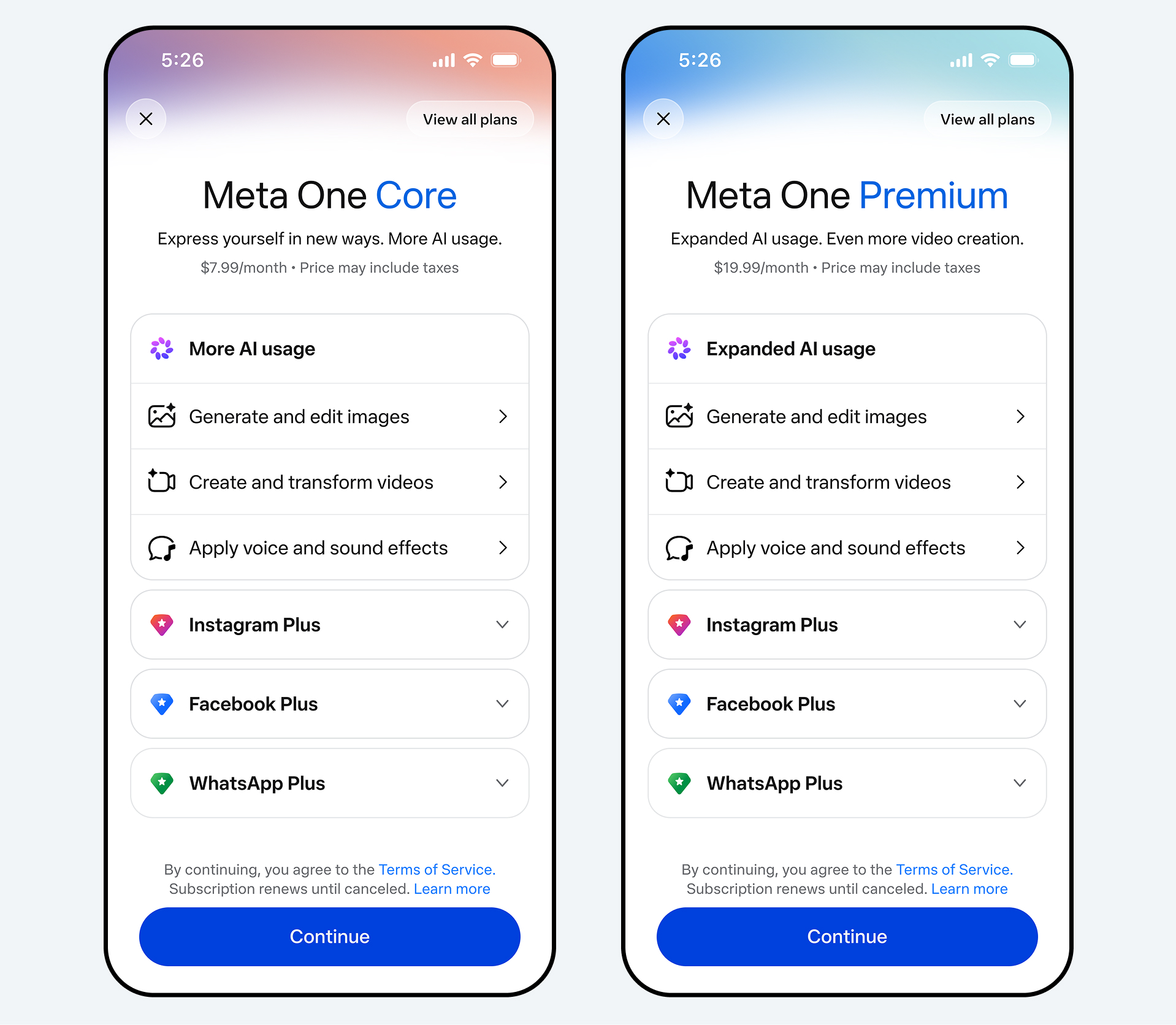
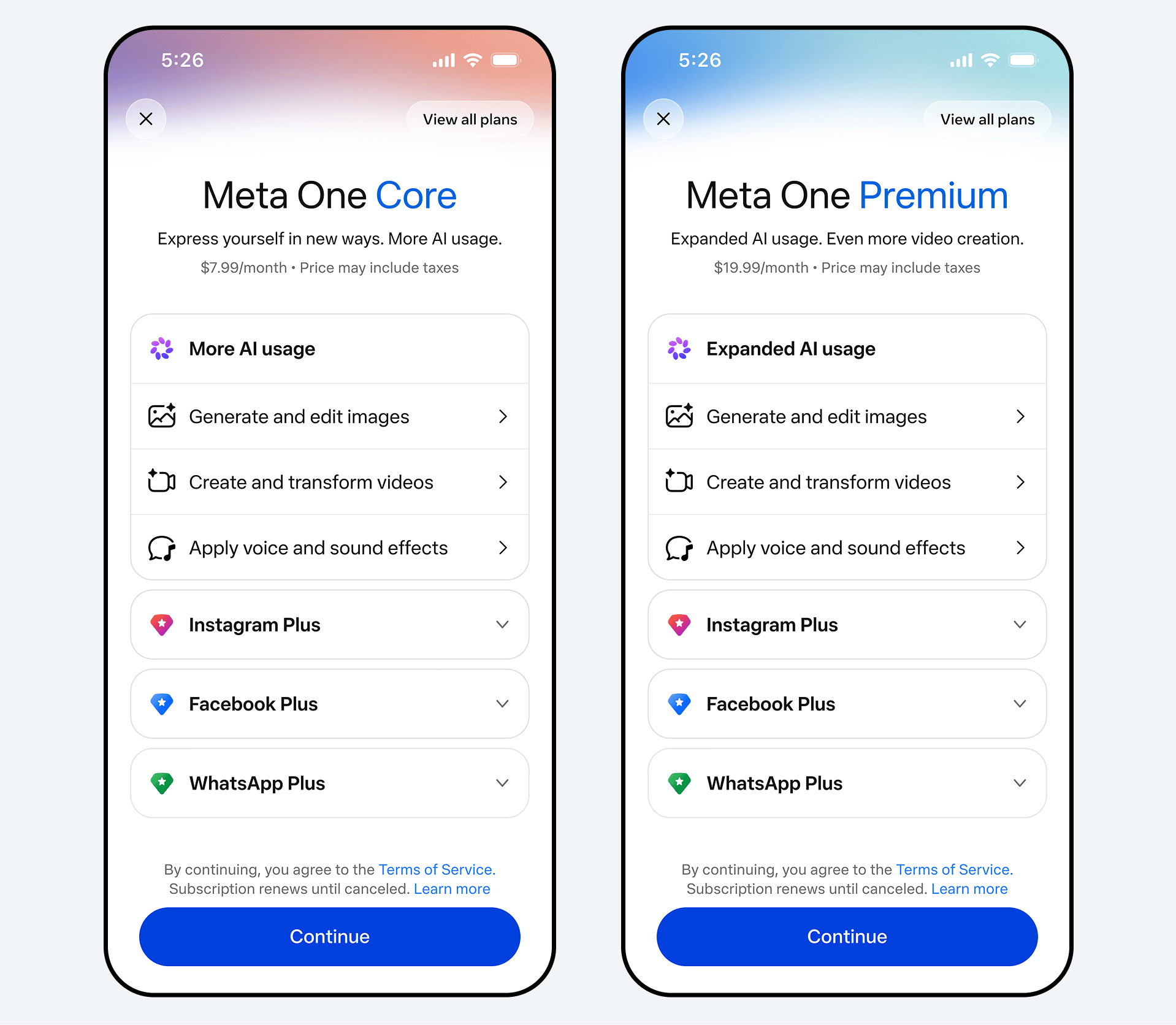
How much does Meta One cost for more links?
| Meta One plan | Price (USD/month) | Posts or comments with links per month |
|---|---|---|
| Free (no subscription) | $0 | 2 |
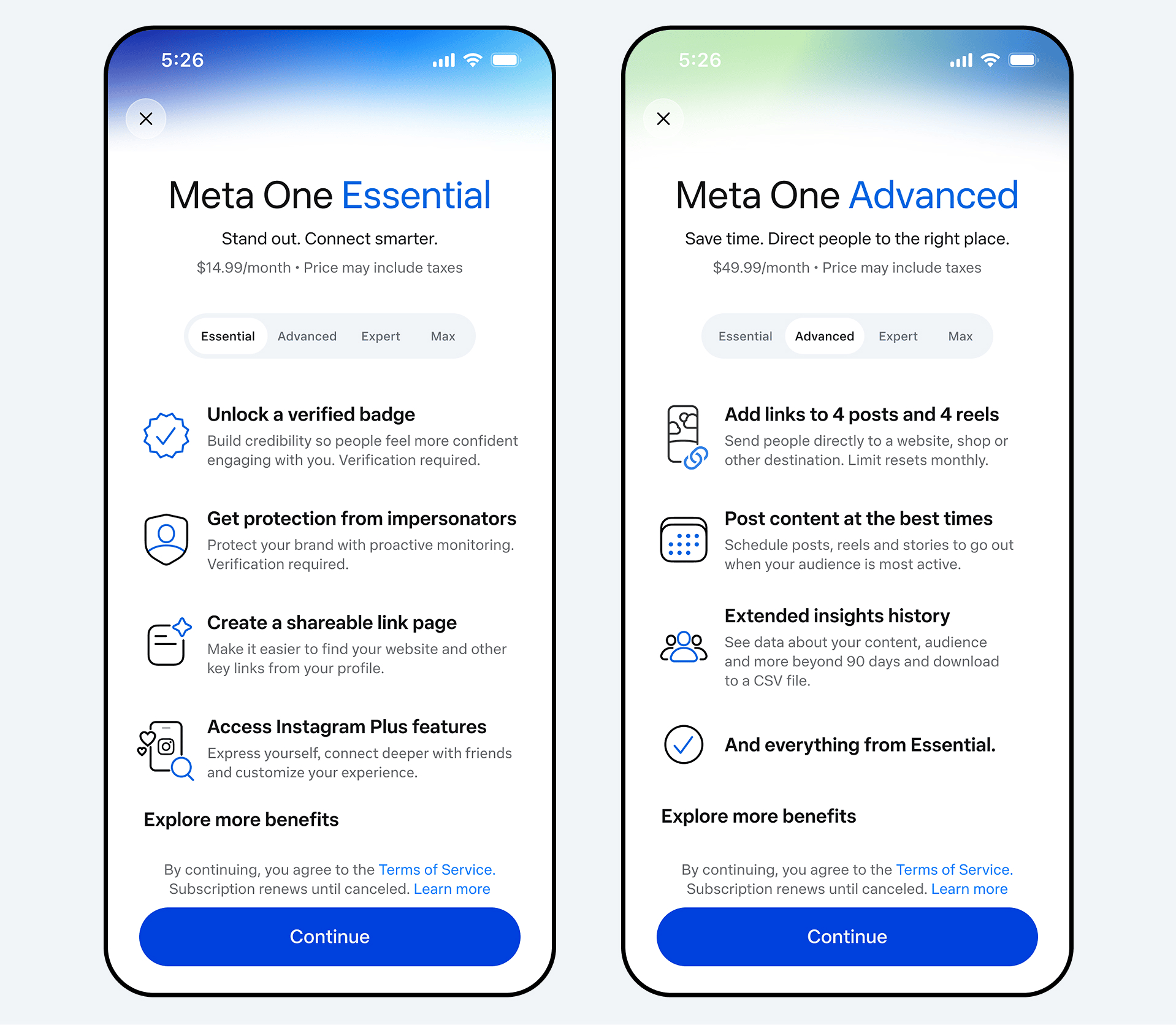
| Essential | $14.99 | 2 |
| Advanced | $49.99 | 8 |
| Expert | $149.99 | 20 |
| Max | $499.99 | Unlimited |
Prices vary by region, and plans are bought per profile, so budget for each Page if you run several for different campuses, teams or channels.
One catch: the Essential plan doesn’t add any links. Neither does an older Meta Verified subscription.
How do you adapt to the Facebook 2 link limit?
Start at the top. The free fixes come first in this list.
Check whether you’re affected
1. Look for the notice, then audit last month
If the limit has reached your Page, you may see a link counter or notice when you add a link to a post.
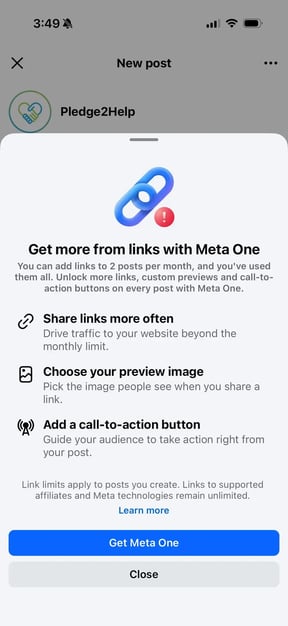
No notice yet? It probably hasn’t reached your Page. Either way, count the posts and comments with outside links your Page published last month. Two or fewer? You can relax a little.
Make your 2 links count
2. Keep a monthly link calendar
Plan your links ahead. Pick them at the start of the month and save them for moments when the click is the point, like a launch, a fundraiser, a registration deadline or ticket sales.
(Tip: There’s a sample month for churches, sports programs and creators below.)
3. Make every link post stronger
Meta’s help page says you can pick your own preview image from your camera roll and add a call-to-action button to any organic link post. With only two, use the custom image and the button on every one.
4. Tag your links so you can measure them
Add UTM parameters to both links.
These are short tags on the end of a URL that tell your analytics where a click came from, and Google Analytics reads them automatically.
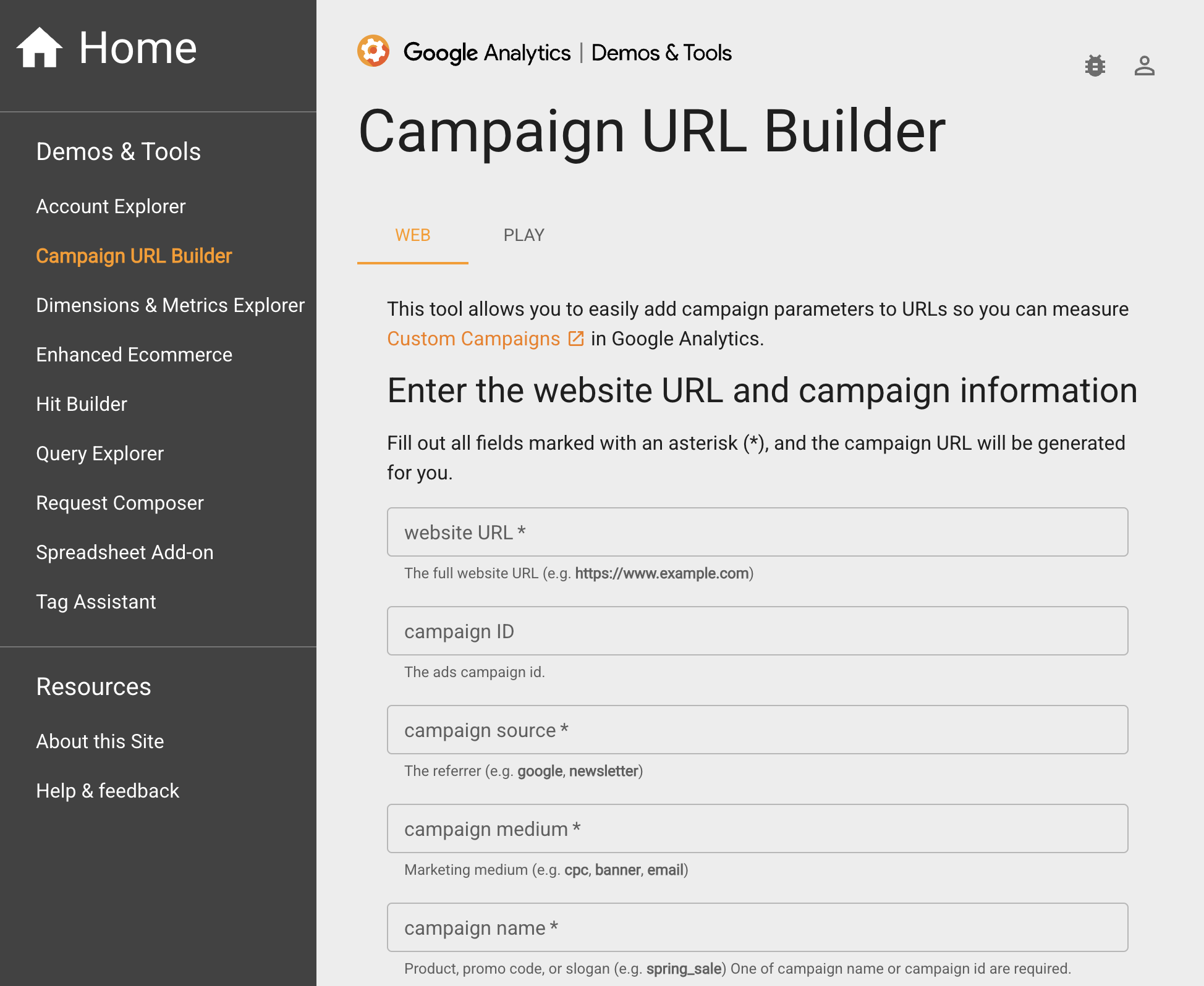
To make one, paste your link into Google’s free Campaign URL Builder, fill in the source (Facebook), the medium (social) and a campaign name (say, December-giving), then copy the new link it gives you.
After a month, you’ll know what each link did for you. Hang on to that number for tactic 13.
5. Bundle related links into one roundup post
Meta’s rule counts the post, so a roundup with three related links should only use one of your two.
A season schedule, a monthly events list or a “here’s everything for Saturday” post all work. Check the counter after you publish to be sure.
6. Add follow-ups in that post’s comments
Once a post has a link, extra links in its comments are free. Perfect for the replay of an event you promoted or the results page for a registration you announced.
7. Pin your best link post to Featured
You’ve already spent the link, so let it work all month. New visitors see it first.
Use Meta’s own features
8. Link to your own Facebook, Instagram and Threads content
Links to Meta’s apps are free, so point people to your pinned post, a Reel or your Instagram profile as often as you like.
Outside links posted in Facebook Groups aren’t restricted either, at least not yet. Already running a Facebook Group? Keep at it. Just don’t build your whole plan around it.
9. Set up comment-to-message replies
Someone comments a keyword you pick, and Facebook sends them your link in a private message.
It’s free in Meta Business Suite: go to Inbox, then Automations, then Create automation, then Comment to message. A few things to know first:
-
Set it up on desktop: That’s where the keyword automation builder lives.
-
Check your region: Some messaging features aren’t available in Europe or Japan.
-
Ask for something people want: “Comment GUIDE and we’ll send it” works. “Comment YES if you agree” is engagement bait, and Facebook has been demoting that since 2017.
-
Make the first reply count: Under Meta’s Messenger policy, as Smith explains, a Page gets one private reply per comment (within 7 days) and can only keep messaging if the person writes back. Put everything they need in that first message.
10. Update your Page’s intro, website field and action button
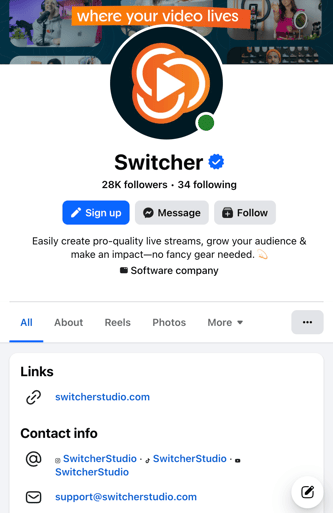
Profile fields aren’t posts, so they don’t count. Put your main link or link hub there, make sure your action button goes somewhere useful and remind people where to find it.
Build channels you control
11. Build a link hub and email sign-up on your own site
One page with your current events, offers and resources means one link for your Page profile and one place to update.
Add an email sign-up while you’re at it. Hosting the hub on your main site or live streaming website also keeps the traffic data in your hands.
An email list is an audience you can send a link to whenever you need one.
12. Say your web address in videos and live streams
Short and sayable wins, like yoursite.com/give or yoursite.com/tickets.
One heads-up: a web address typed into a video’s description may turn into a clickable link and count toward your two.
Compare your paid options
13. Work out what a link post is worth, then decide
(Yes, this one involves a little math. Stay with me.)
Here's how: Take the results from your tagged links (from tip #4 above) and divide what Facebook traffic brought in (gifts, registrations, sales) by the number of link posts behind it.
That’s what one link post is worth to you.
Then compare it to the plan: Advanced adds six links for $49.99, or about $8 a link. If a link post reliably brings in more than that, and you’d use Meta One’s other tools (story scheduling, exportable analytics, team access), a plan could pay for itself.
If you only need a link in front of people for a short push (a registration deadline, a ticket on-sale), a short ad run might fit better.
Ad links don’t count toward the limit, so you could also run a small remarketing ad set aimed at your existing Facebook and Instagram followers, at around $10 a day.
What templates can you use right away?
Copy these word for word. We won’t tell.
Comment-to-message replies
-
“Thanks for asking! Here’s the [registration page / schedule / guide]: [link]. Any questions, just reply here and we’ll help.”
-
“Here you go: [link]. It has everything you need for [event or offer]. Reply here if anything’s unclear.”
Post call-to-action lines
-
“Comment SCHEDULE and we’ll message you the full schedule.”
-
“Our website and sign-up page are in our Page intro.”
-
“Want the replay? Comment REPLAY and we’ll send it your way.”
A sample two-link month
| Link post 1 | Link post 2 | Follow-ups in that post’s comments | |
|---|---|---|---|
| Church | Holiday services roundup: times, registration and volunteer sign-up | Year-end giving page | Service replay, photos from the service |
| Sports program | Season ticket or registration on-sale | Playoff schedule and streaming page | Final scores, playoff game replays |
| Creator | Merch drop or new product | Membership sign-up or live workshop tickets | Workshop replay, merch restock page |
What this means for streamers

Keep your call to action on screen
Going live has a quiet advantage here: what’s on screen isn’t a post link, so it never touches your two. And it stays in front of viewers for as long as you want it there.
Think of the giving page that sits on screen through the offering in church service streams, registration info at halftime during Facebook Live sports, or a creator’s promo code popping up mid-demo in shoppable live video.
Plan the live description as if it counts
Meta hasn’t said whether a link in a live video’s description counts. It’s an organic Page post, though, so we’d assume it counts. Add a link there only when the stream is one of your two big moments.
Frequently asked questions
Does the limit apply to personal profiles?
Possibly, if you use Professional Mode. Meta’s help page only mentions Pages, but Mari Smith reports that profiles in Professional Mode are included, and TechCrunch reported that Meta’s December 2025 test covered professional mode accounts.
Do links other people leave on my posts count?
Meta’s rule counts links “in organic posts and comments you’ve published on your Page.” Based on that wording, links other people leave shouldn’t count, though Meta hasn’t said so directly.
Do posts from scheduling tools count?
Meta doesn’t say. Assume posts published through a scheduler or Meta Business Suite count the same as posts made in the app.
Does the limit affect Instagram?
Not the same way. Free Instagram accounts have never had clickable links in regular posts and Reels. Meta One adds a small monthly allowance of post and Reel links, starting with the Advanced plan, according to Meta’s help pages as summarized by Blotato.
The bottom line
Two links a month is tight. Spend them on the clicks that matter most, and let messages, your Page profile and your own website carry the rest.
If you go live, your stream can do some of that heavy lifting. With Switcher, you can put your giving link, ticket page or promo code on screen and leave it there while you talk. Try Switcher free for 14 days and test it on your next stream.