Online non-profit revenue grew in 2025, according to M+R Benchmarks, with one-time giving outpacing monthly giving.
In other words: Donors are giving — and actually giving in larger amounts — but you have to work harder to earn repeat support.
That’s where livestream fundraising helps. It turns the need from something donors read about into something they can witness and engage with in real time, which makes them more likely to care and give.
In this article, you’ll learn how to produce successful fundraising livestreams for nonprofits.
What is livestreaming for non-profit fundraising?
Non-profit livestreaming is using live video to engage supporters and raise money in real time.
That might look like a virtual gala or a behind-the-scenes update; the format is not the point. The point is creating a meaningful connection with your supporters and raising funds to support your work.
What makes a successful non-profit live stream?
A successful nonprofit livestream doesn’t need to feel polished like a TV broadcast, but it needs to be clear and connected.
Let’s run through 4 steps to achieve that:
-
Make the livestream simple and approachable
-
Make donors feel included
-
Make the stream worth watching
-
Make giving easy
Before you jump into the details of a non-profit live stream, check out our guides on how to plan your first successful livestream and how to create a winning livestreaming strategy.
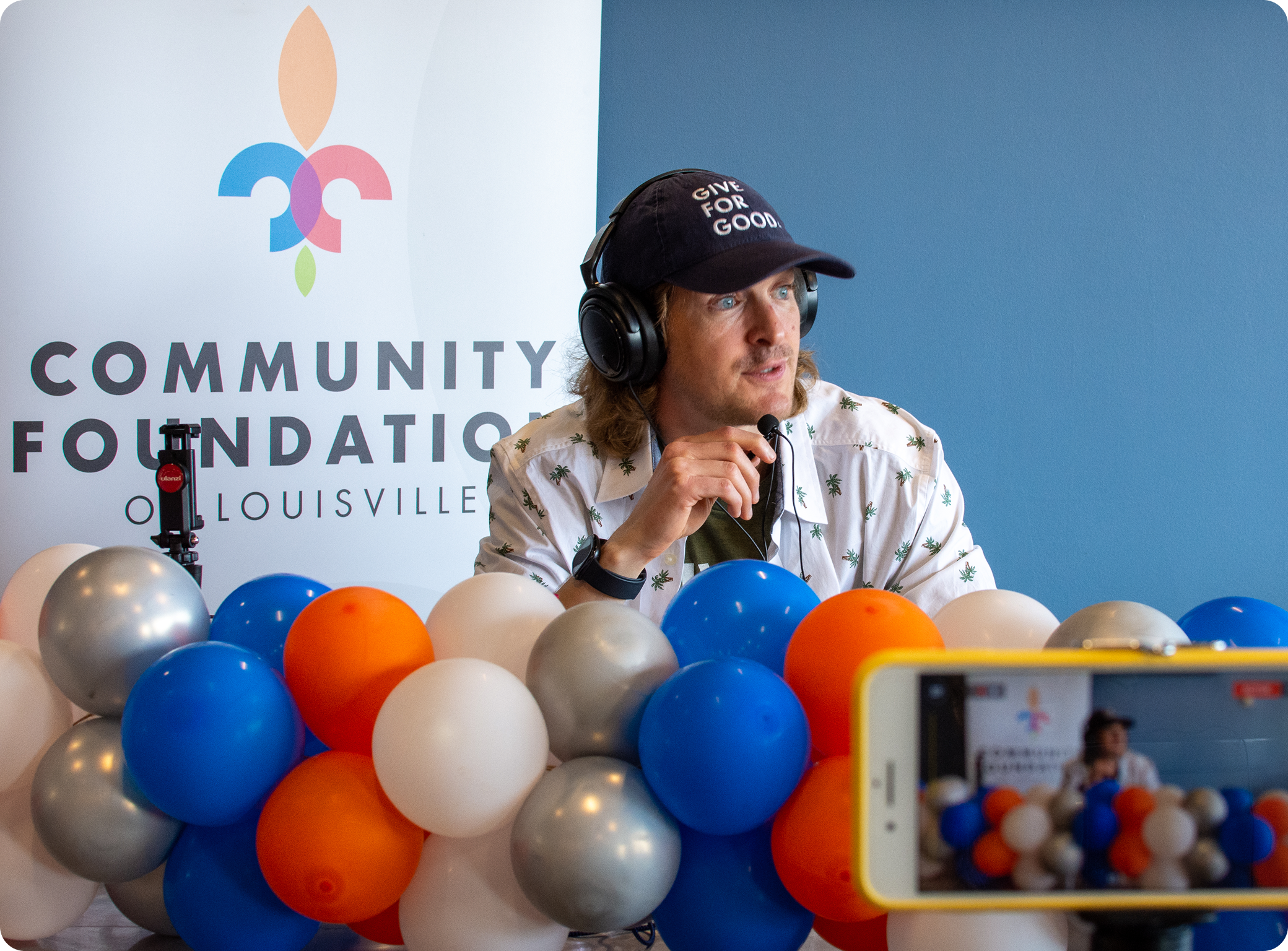
1 . Make the fundraiser simple and approachable
Your livestream fundraiser should help donors understand three things quickly:
-
What’s happening?
-
Why does it matter now?
-
How can I help?
Start by making the purpose of the livestream obvious.
Tell people what they’re watching, who it’s for, and what you’re trying to accomplish. Donors need urgency, but not pressure; Show them what’s at stake and explain the need in plain language.
For example:
“We’re live tonight to raise funds to feed 500 families affected by the hurricane and to distribute these meals in real time.”
Then make the next step clear:
-
Tell people how to donate: “You can donate using the link on the screen, or by calling us at 212-123-4567”
-
Tell viewers how much to donate and what different amounts can do: “Every 25 dollars buys 1 meal for 1 family, but you can donate 1,5,10, or 100 dollars. Every cent helps feed a family in need.”
People join late, get distracted, and need reminders. So, repeat the ask and keep the most important information visible throughout the stream.
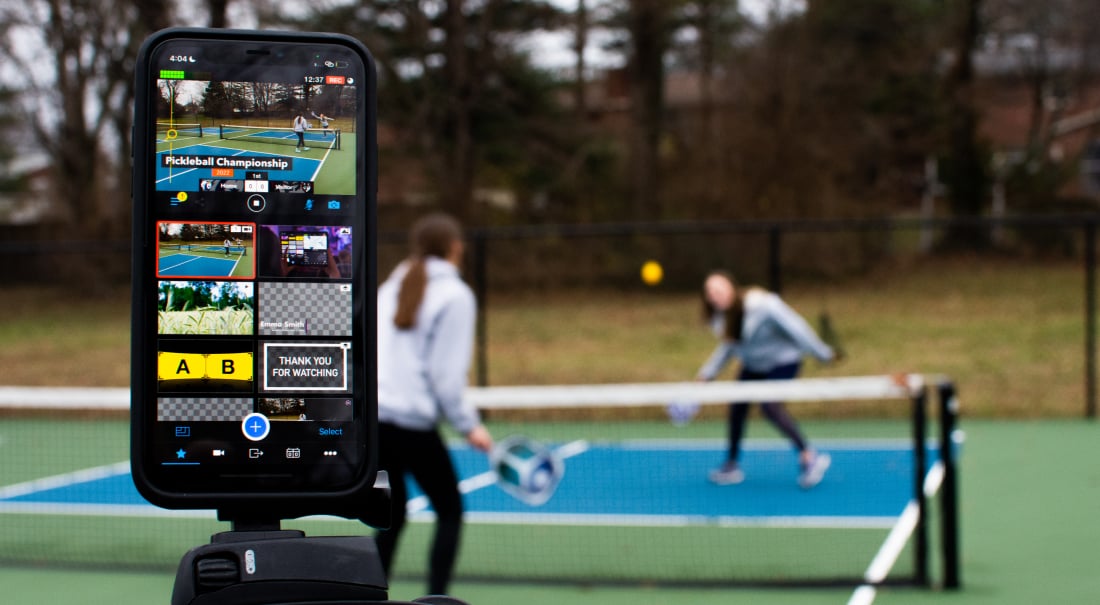
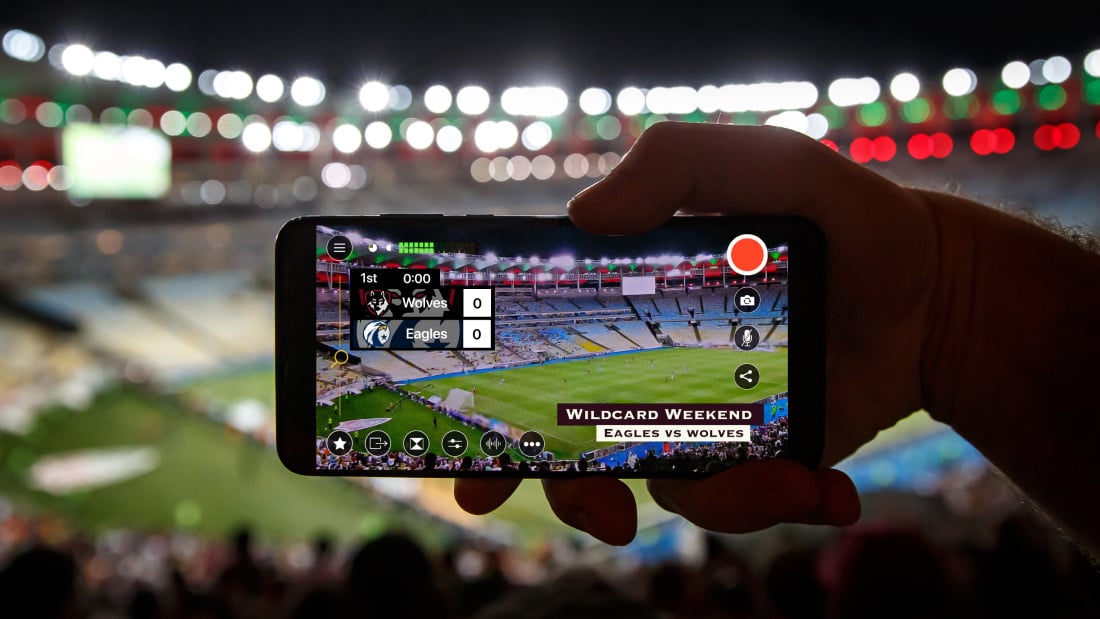
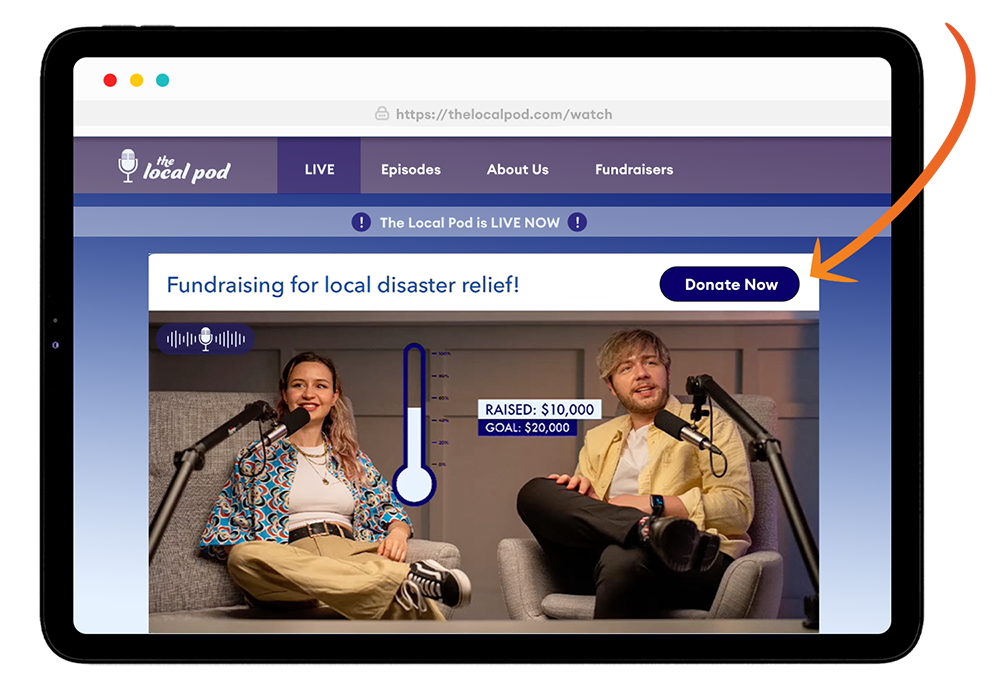
If you’re using Switcher, you can add customizable graphics, such as lower thirds and banners, to remind viewers what the campaign is, how close you are to the goal, and what they should do next.
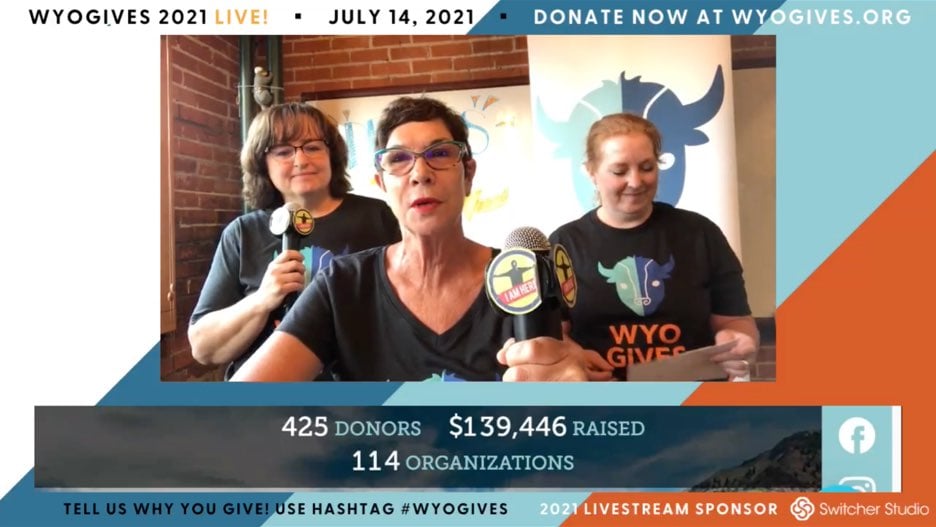
You can also use in-video donation calls to action to make the payment process simple and seamless for viewers.
2. Make donors feel included
Treat chat as part of the donor experience, not as a side feature.
A livestream fundraiser shouldn’t feel like a one-way presentation. People are more likely to stay engaged when they can comment, ask questions, react, and hear their names or questions acknowledged live.
Use chat throughout the stream to let the audience shape small parts of the conversation:
-
Ask people why they support the mission
-
Thank donors by name as soon as they give
-
Respond to comments from donors, volunteers, board members, community partners, and past participants
With Switcher, you can view audience comments from YouTube and Facebook in the same place inside the app. You can also display selected comments on-screen to make viewer participation part of the broadcast.
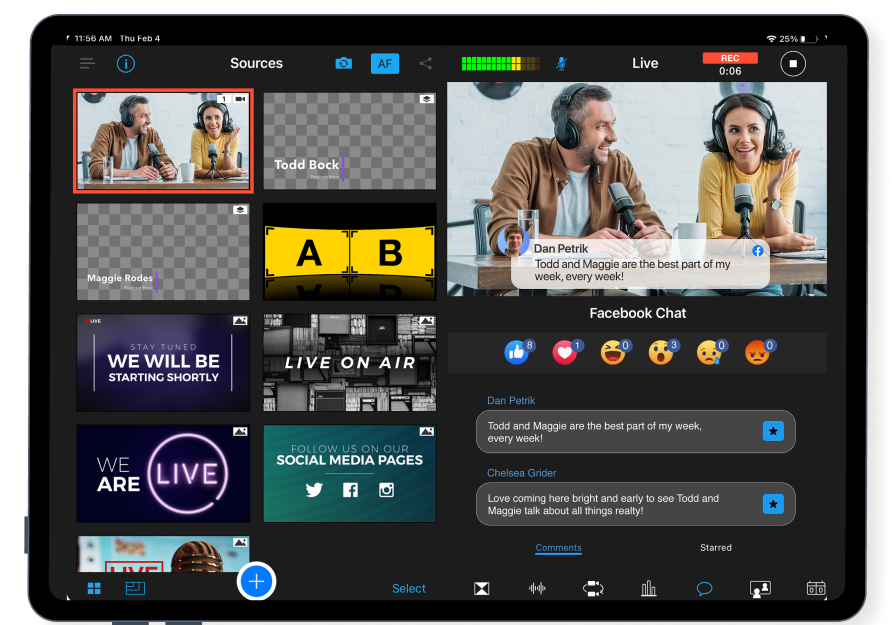
For example:
“Ryder, from Louisville, Kentucky, asked how far away we are from reaching our goal. Great question, Ryder: With your support, we can feed 216 families as of right now. Our goal tonight is to fund 500 families together. So, we’re almost halfway! Every $25 helps support another family in need.”
If you manage chat well, it can turn your fundraiser from a silent broadcast into a shared, impactful event.
3. Make the stream worth watching
One person talking at a camera for an hour gets flat quickly.
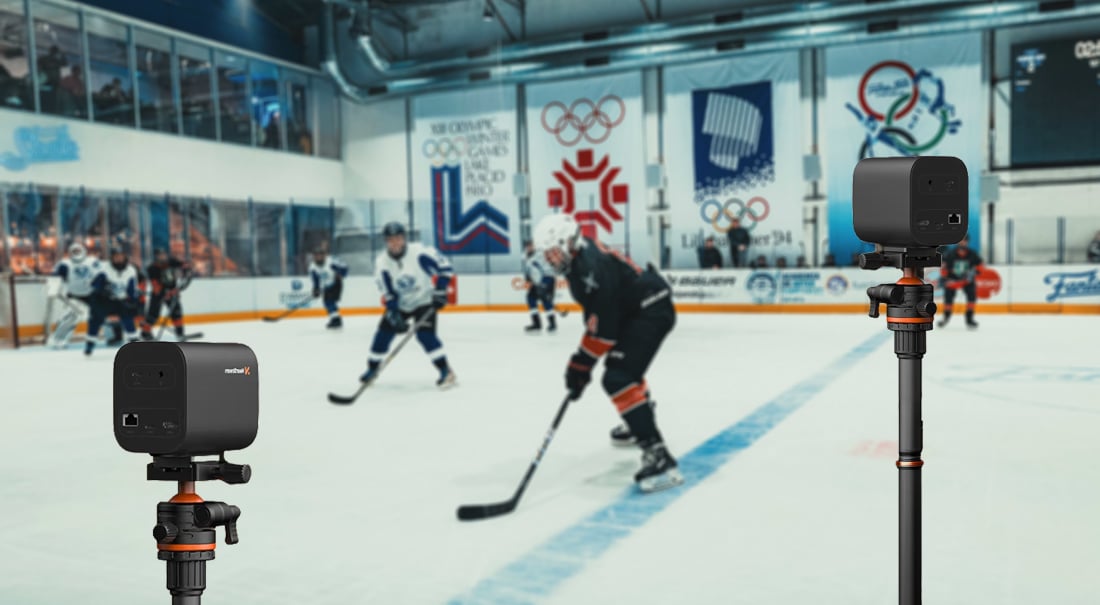
A single camera can capture your nonprofit fundraising livestream, but multiple camera angles can help people understand it and feel more engaged.
With Switcher, you can make the stream feel more active, more transparent, and more useful with devices you already have.
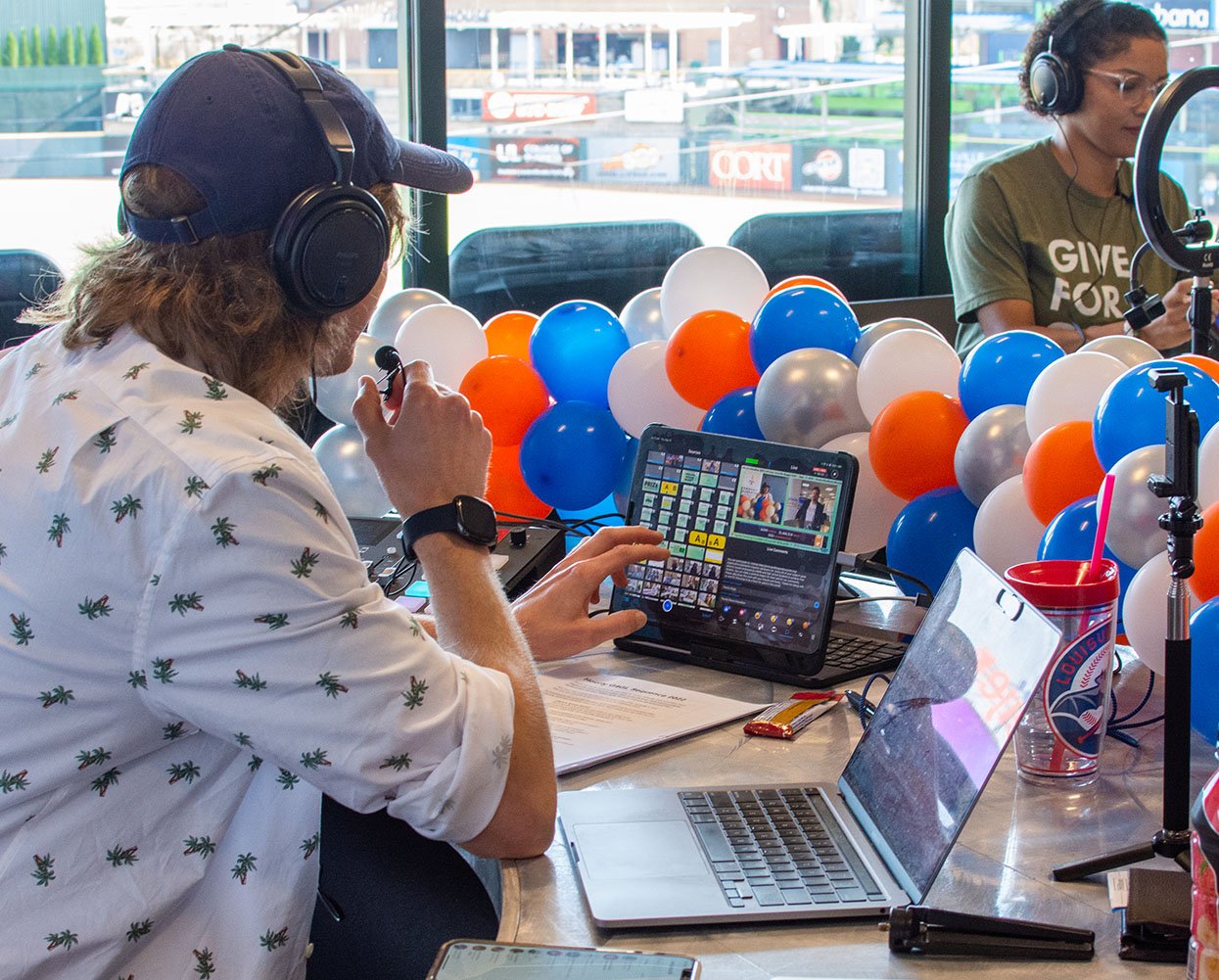
Use an Apple device to run your production, and then connect more Apple or Android devices to use as cameras so you can switch between views during the livestream. That gives you a more dynamic and connected stream without needing a full production crew.
Before you go live, decide what to show:
-
What moment would make the mission feel more real?
-
What angle would help donors understand the need faster?
-
What part of the work do supporters rarely get to see?
-
What would make someone think, “I get it now”?
Then decide on the number of cameras/angles you’d like to use.
With a multicamera production, you can show donors more of the work. For example, show the host, the speaker, the packed food, the kitchen, the volunteer table, and the distribution setup.
Then take your viewers along when you distribute the food so they can really feel the impact they can make through donating.
To learn more about how multicamera livestreaming can elevate your non-profit fundraiser, read our multicamera guide here.
4. Make giving the obvious next step
A non-profit livestream can help donors understand the need, feel connected to the mission, and see why their support matters, but none of that helps if there’s friction when giving.
Your viewers shouldn’t have to search for the donation link, wonder which platform to use, or wait for you to mention the ask again. The giving path should be visible from the start and easy to follow throughout the stream.
-
Use clear on-screen donation prompts.
-
Show the donation link, QR code, phone number, or payment instructions where viewers can see them repeatedly, if not all the time.
-
Repeat the ask at natural moments, especially after a strong story, a campaign update, a speaker segment, or a visible progress milestone.
Switcher lets you add donation call-to-action links and on-screen overlays during your stream.
You can also point viewers to various giving options like PayPal, Givelify, Tithe.ly, Venmo, Cash App, or Patreon.
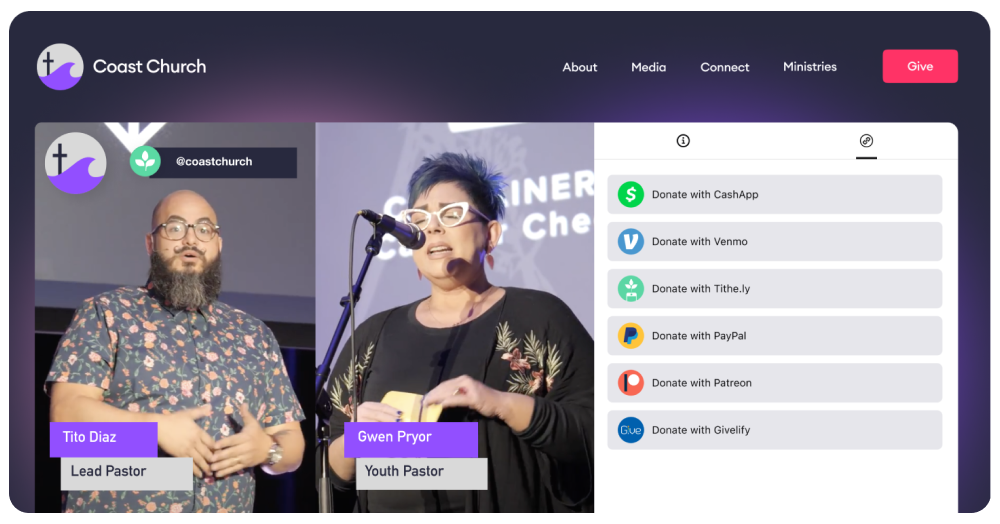
Switcher never takes a cut of your donations and only charges a flat $0.99 per transaction, so your cause keeps more of the funds you raise.
Livestream fundraising ideas for nonprofits
You can use live video throughout the year to launch campaigns, answer donor questions, show impact, thank supporters, and bring people closer to the work. The best format depends on what you need donors to understand or do next.
Here are a few nonprofit livestream ideas you can use:
-
Campaign kickoff: Use a livestream to launch a fundraising campaign, explain the goal, and make the first ask while attention is high.
-
Example: “We’re launching our summer meals campaign today. Our goal is to fund 10,000 meals before school lets out.”
-
GivingTuesday donor rally: Run a short livestream on GivingTuesday to bring energy to the campaign, share progress, and thank donors as gifts come in.
-
Example: Go live for 20 minutes at lunch, then again near the end of the day to update the total and make a final push.
-
Live impact report: Turn your annual or quarterly impact report into a live conversation instead of a static PDF. Walk donors through what their support made possible, then invite questions.
-
Example: Share three outcomes from the year, one story from the field, and one clear next funding priority.
-
Behind-the-scenes stream: Show supporters the work they don’t usually get to see. This helps donors connect their gift to the effort behind the outcome.
-
Example: Stream a supply-packing day, food distribution setup, shelter intake area, classroom, clinic, or event preparation space.
-
Donor thank-you event: Use live video to thank donors without making another ask. Gratitude builds trust, and trust makes future fundraising easier.
-
Example: Host a short appreciation stream after a campaign ends and show what donors helped fund.
-
Founder or executive director Q&A: Give donors direct access to leadership. This works especially well when you need to explain a new campaign, funding gap, program change, or urgent need.
-
Example: Invite supporters to submit questions in the comments about where donations go, what the organization needs most, or what’s coming next.
-
Live auction or virtual gala: Use a livestream for a larger fundraising event, but design it for online viewers. Keep the pace tight, use chat, show donation progress, and make each segment serve the goal.
-
Example: Combine a short welcome, two donor stories, a live auction segment, a campaign update, and a final donation ask.
-
Emergency response update: When urgent needs arise, livestreaming can help you communicate quickly and clearly. Explain what happened, what’s needed, and how donors can help right now.
-
Example: Go live after a storm, fire, displacement event, or sudden community need to share the response plan and direct people to your donation link.
Livestreaming for nonprofits helps turn donor attention into action
Livestreaming gives you a direct way to explain the need, involve supporters, show the work, and make giving easy while people are paying attention.
A strong nonprofit livestream should do four things well:
-
Make the purpose clear
-
Bring donors into the experience
-
Show people what their support makes possible
-
Keep the donation path easy to find and easy to follow
With Switcher, you can run polished, multicamera livestreams, display audience comments, add branded graphics, show donation prompts, and collect donations on the spot without needing a full production crew or complicated setups.
That means you can create a clearer, more organized fundraising experience with the devices and resources you already have. Try Switcher free today.
Subscribe to the blog
Sign up to receive notifications whenever a new blog post is published. You may unsubscribe at any time.

Share
About the Author