Somewhere in the middle of every spring concert, a parent in the third row holds up a phone, opens a video call, and points the camera at the stage so a grandparent three states away can squint at a shaky, sideways view of the second-grade choir.
Take that as your signal.
Your families want to be there when they can't be there, and live streaming for schools has gone from a nice-to-have to something parents expect the same way they expect an online lunch menu and a parent portal.
This guide is for the principals, superintendents, communications directors, and IT leads who sign off on the tools, field the parent emails, and answer to the board.
We'll cover why streaming is worth doing, how to keep your students safe and stay legal, what it actually costs, and how to make the case to your board.
What live streaming for schools actually means (and what it doesn't)
Live streaming and video conferencing are different things.
Zoom, Google Meet, and Microsoft Teams are video conferencing tools. They're built for two-way conversation among a limited group of people, and everyone in the room is a participant. Everyone who participates must have an account on your chosen software. It works fine for a parent-teacher conference or a remote staff meeting.
Live streaming, on the other hand, is one-to-many broadcasting. You stream, and dozens, hundreds, or thousands of people watch it on a public platform like YouTube or Facebook, or right on your school's website. Viewers don't necessarily need accounts, links with passcodes, or any software, although sometimes those are definitely worth having.
Schools that try to "stream" graduation through a conferencing tool run into the same problems every time:
-
Participant caps
-
Admins or viewers accidentally unmuting
-
Video quality built for talking heads rather than a stage or a field
If the audience is there to watch rather than talk, you want a live streaming setup.
Why should you consider livestreaming for school?
A single school live stream reaches almost everyone connected to your school at once: The families watching, the kids involved, the board you report to, and the people deciding whether to enroll. That's why this lands on an administrator's desk and not just a teacher's.
Here's what it does for each of them:
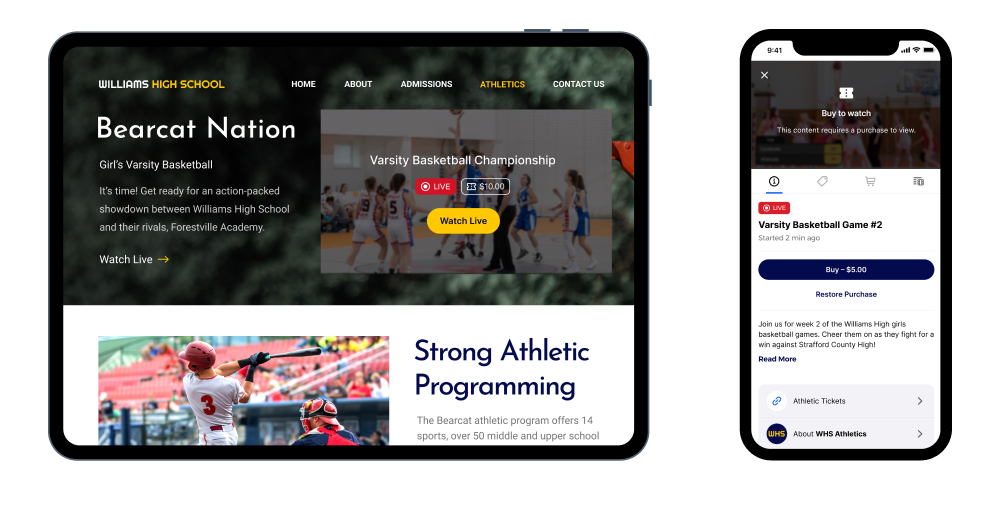
Give every family a chance to be there
Parents work shifts. They travel. They share custody across distances. Grandparents live in other states or other countries. Military families move mid-year. For every event you hold, there are people who want to be there and can't.
A school live stream lets them in anyway.
The working parent catches the concert on a lunch break. The deployed parent sees the graduation walk. Grandma watches the spelling bee from three time zones away. And perhaps most importantly, the child on stage knows their people are watching, which changes how they feel on and off stage.
Build community trust
Board meetings, budget presentations, and town halls are public business. When you stream them and keep the recordings, that business is easy to see, and nobody has to find a sitter on a Tuesday night to stay informed.
That's good for the board, too. Decisions made in plain view get questioned less later. Schools that stream their meetings spend less time cleaning up secondhand versions of what happened.
Boost enrollment chances
Families look up schools online before they ever call. A good stream of your fall musical or science fair shows them what your school is actually like, which is something a brochure can't quite capture.
For private, charter, and magnet schools competing for students, a streamed open house reaches families who can’t make the date in person.
Add journalism, media, and tech to your curriculum
Your streaming setup doesn't necessarily have to live in the front office. You can hand it all to students.
A student crew responsible for scripts, running the stream, cameras, production, and distribution picks up real skills that carry into media, communications, and tech careers. Older students train the younger ones, and the program keeps itself going.
Is live streaming legal for schools? FERPA, consent, and student privacy
Quick disclaimer before anything else: this is general information, not legal advice. Run your streaming plans past your district's counsel, because the rules vary by state.
Now, let's answer some general questions you may have:
1. Is it legal to live stream school events?
Yes. Schools stream games, graduations, concerts, and board meetings every day, legally.
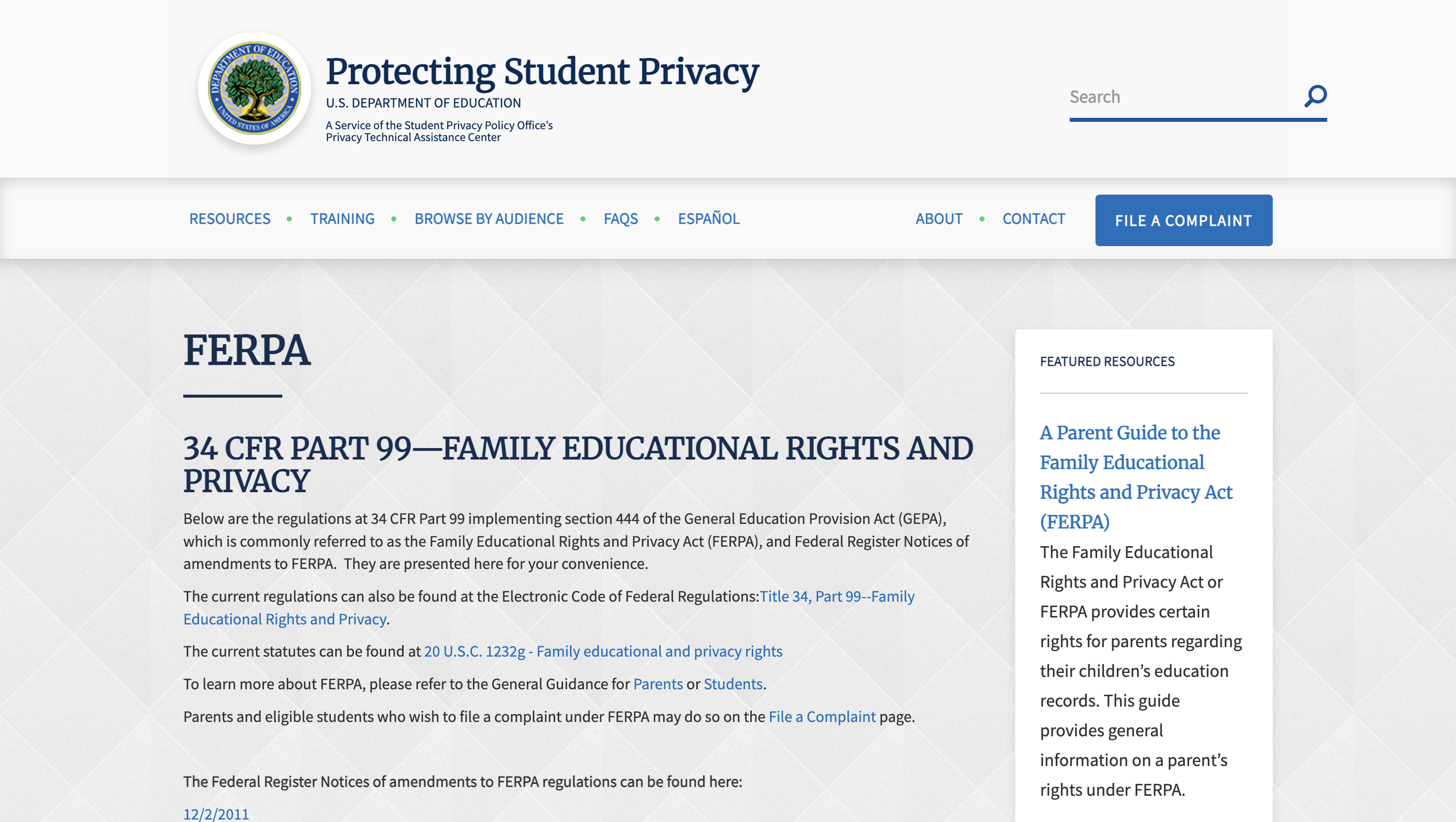
The law you're worried about is FERPA, the federal student privacy law. FERPA protects student education records. Grades, IEPs, discipline files, ID numbers, etc. A student playing basketball in front of a crowd isn't an educational record. Neither is a student singing in the winter concert.
2. So when does FERPA actually become a problem?
When the camera catches the private stuff. A stream that shows a gradebook on a screen, an IEP document on a desk, or a seating chart with names and reading levels can land you in trouble.
The other danger zone is the classroom.
Instruction is where protected information like grades, accommodations, and behavior is discussed. Some states explicitly prohibit that. For example, in California, you can't record or stream a K–12 classroom without consent from both the teacher and the principal.
Rule of thumb: stage and field, generally fine. Inside the classroom, talk to counsel first.
3. What paperwork do I need before I livestream a school event?
Two documents, and you probably have one already:
-
An annual media release form: It goes home at the start of the year and covers photos, video, and live streaming — check that yours actually says "live streaming," because older forms often don't.
-
A do-not-broadcast list: Give the list of no-consent students to every teacher, coach, director, and stream operator. This protects students in custody disputes or protective situations, where appearing on a stream is a safety issue.
4. How do I protect students during the stream itself?
A few simple habits can protect your students:
- Shoot wide at public events: Use crowd and stage shots, not lingering close-ups of individual kids in unscripted moments.
- Check what's in the frame: No gradebooks, rosters, or student work with names on screen. Make it a standing rule for whoever runs the camera.
- Decide where the stream lives: A public YouTube stream is searchable forever, but a stream embedded on your school's site — or gated behind a password — lets you control who finds it and how long it stays up. If a stream is internal or sensitive, don't put it on the open internet.
- Know how to pull the plug: Decide now who can end a stream mid-broadcast if something shouldn't be on camera, and who removes the saved replay afterward if a parent raises a concern. Most platforms save your stream as a public replay by default, so make this call before your first event, not during it.
5. Do I need special approvals for school livestreaming?
For the event itself, usually just your own district's policy. For the tools, yes, you need approval. Any software touching student images or data should go through your district's privacy review. We cover that in the cost section below because it's a bigger purchase blocker than price.
How much does livestreaming for schools cost?
There are basically three ways a school can live stream:
1. The free route
-
Cost: Nothing. A phone and a free account on Facebook or YouTube.
The catch? You get one angle of whatever you pointed the camera at. That can be fine for a board meeting at a podium, but it’s useless for a basketball game.
You’re also bound by the platform's rules:
-
YouTube picks the ads before your kindergarten concert
-
Unlisted or private stream links don't actually keep people out
-
Copyright bots can mute your band’s concert mid-performance
-
There’s no technical support
Most importantly, streaming students to public platforms puts students' faces on a commercial platform that profiles viewers and sells ads. Some district policies and state student-data laws don't allow that. So if you’re going this route, get your privacy officer's sign-off first, and check that your media release forms specifically mentions live streaming to public platforms.
Pick this route if: You stream occasional one-speaker public events and your privacy policy allows it.
2. The dedicated-hardware route
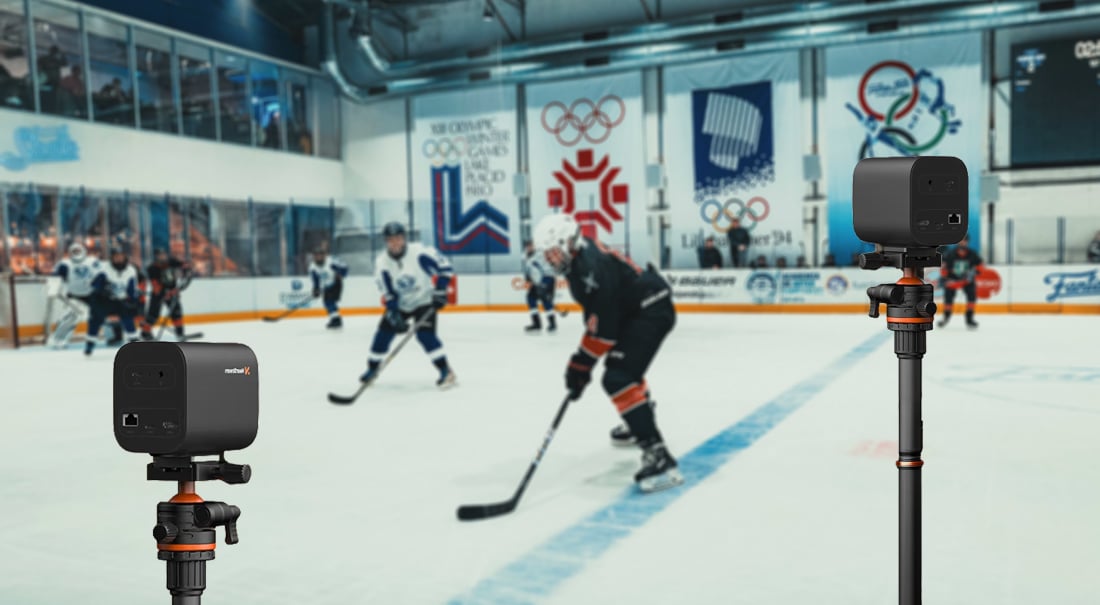
Cost: $2,000–$6,000 up front for an encoder box, cameras, mounts, cabling, audio, lighting and service subscription.
To learn more, check out our guides on multicamera setups, HDMI cameras, and audio setups.
The catch:
-
This generally means “set it up and leave it where it is”. In other words, streaming the gym is one thing, but streaming the gym, auditorium, field, and board room means buying more gear or hauling your gear between buildings for each event.
-
The install itself is a real IT and facilities project.
-
Some services require you to schedule the broadcasts in advance, which limits your short notice streams.
Pick this route if: You stream from one venue, have the budget, and have a dedicated audio/video team.
3. The use-what-you-own route
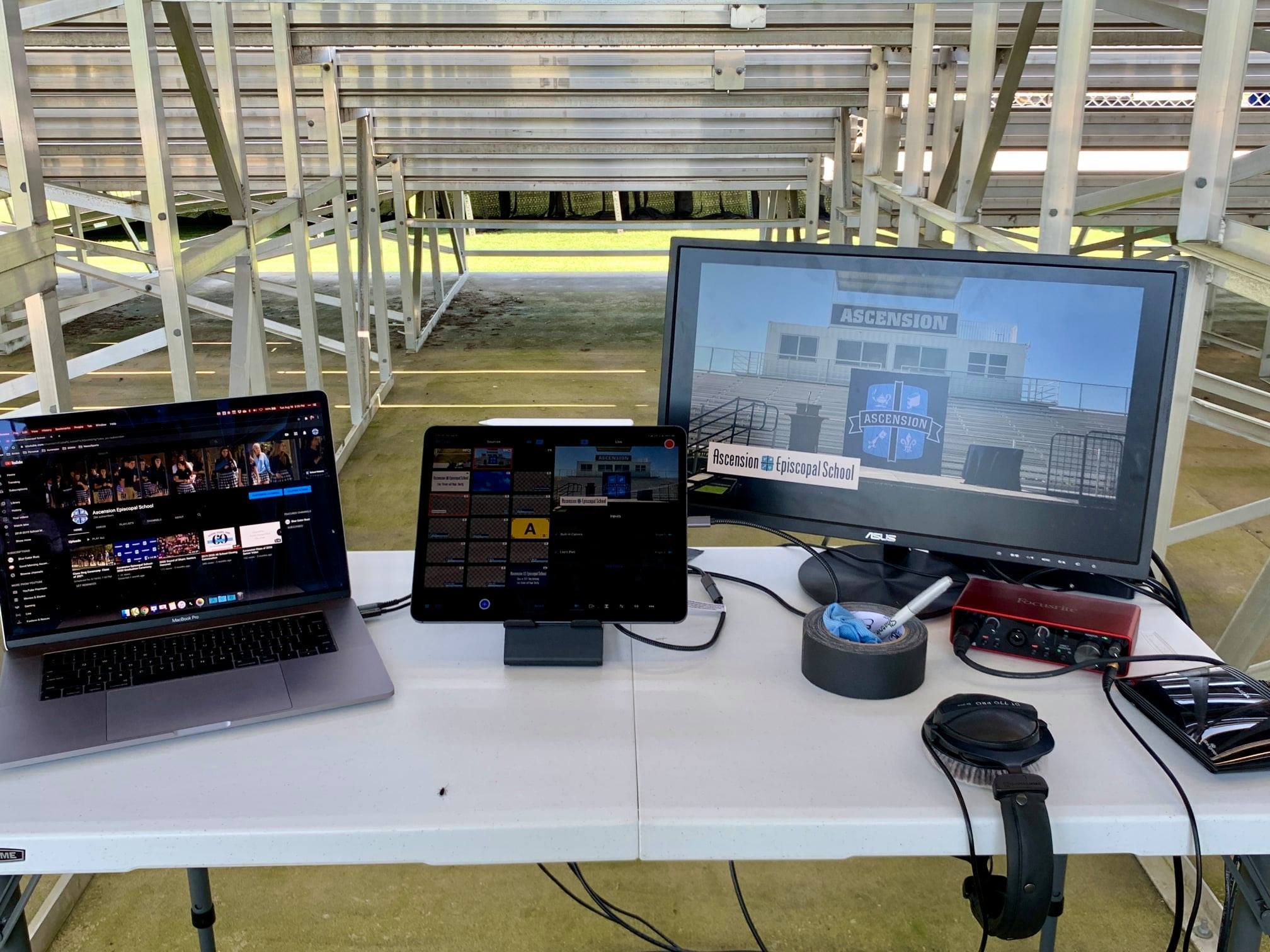
Cost: Low. If your school has tablet carts and computer labs, you already own most of the equipment.
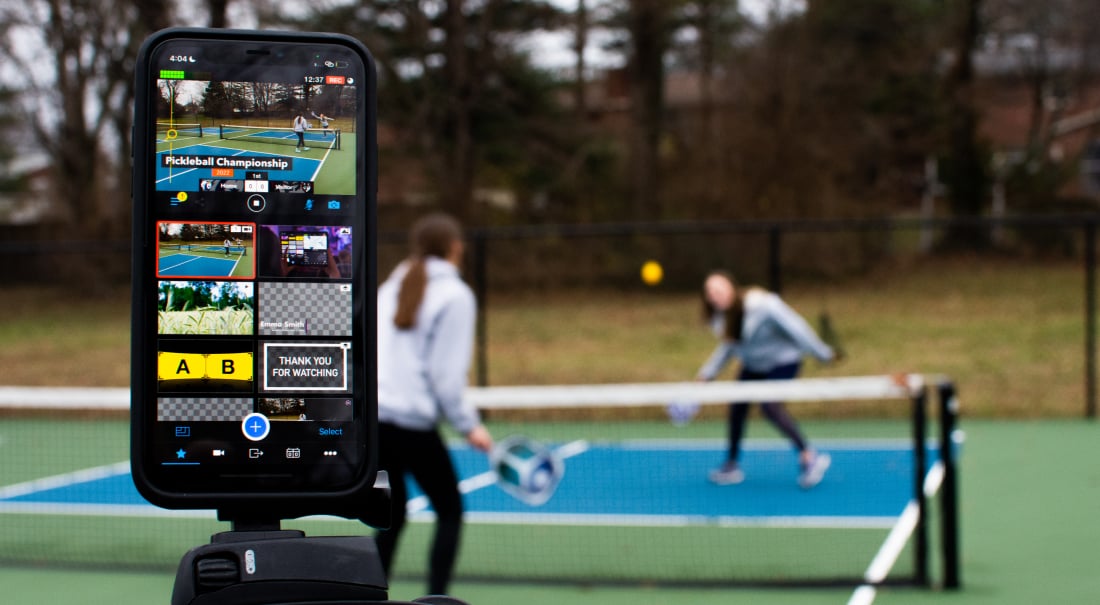
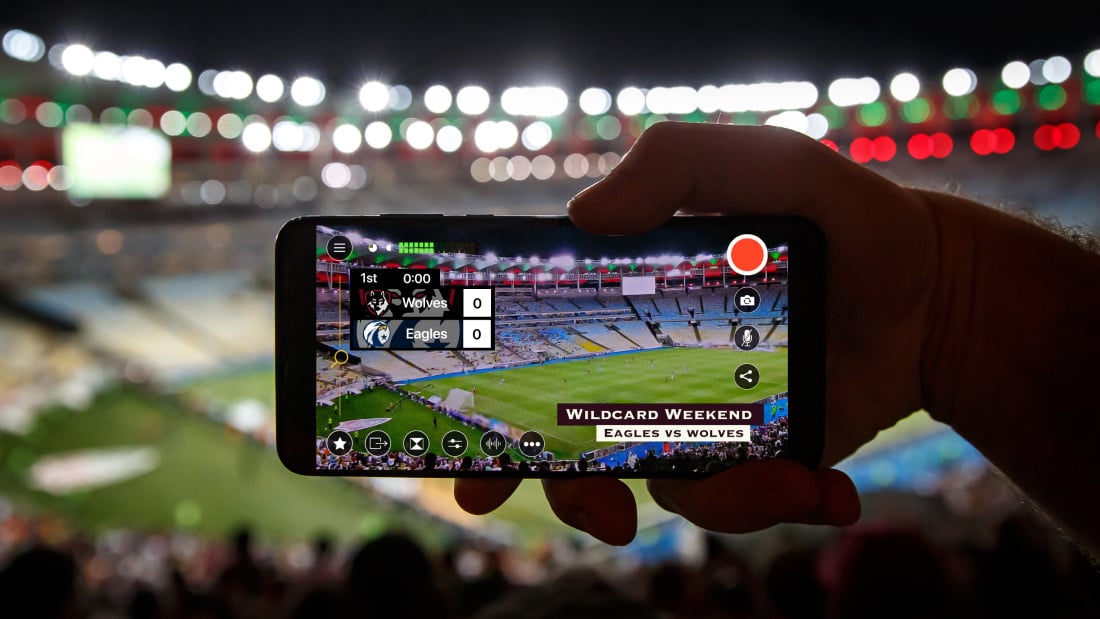
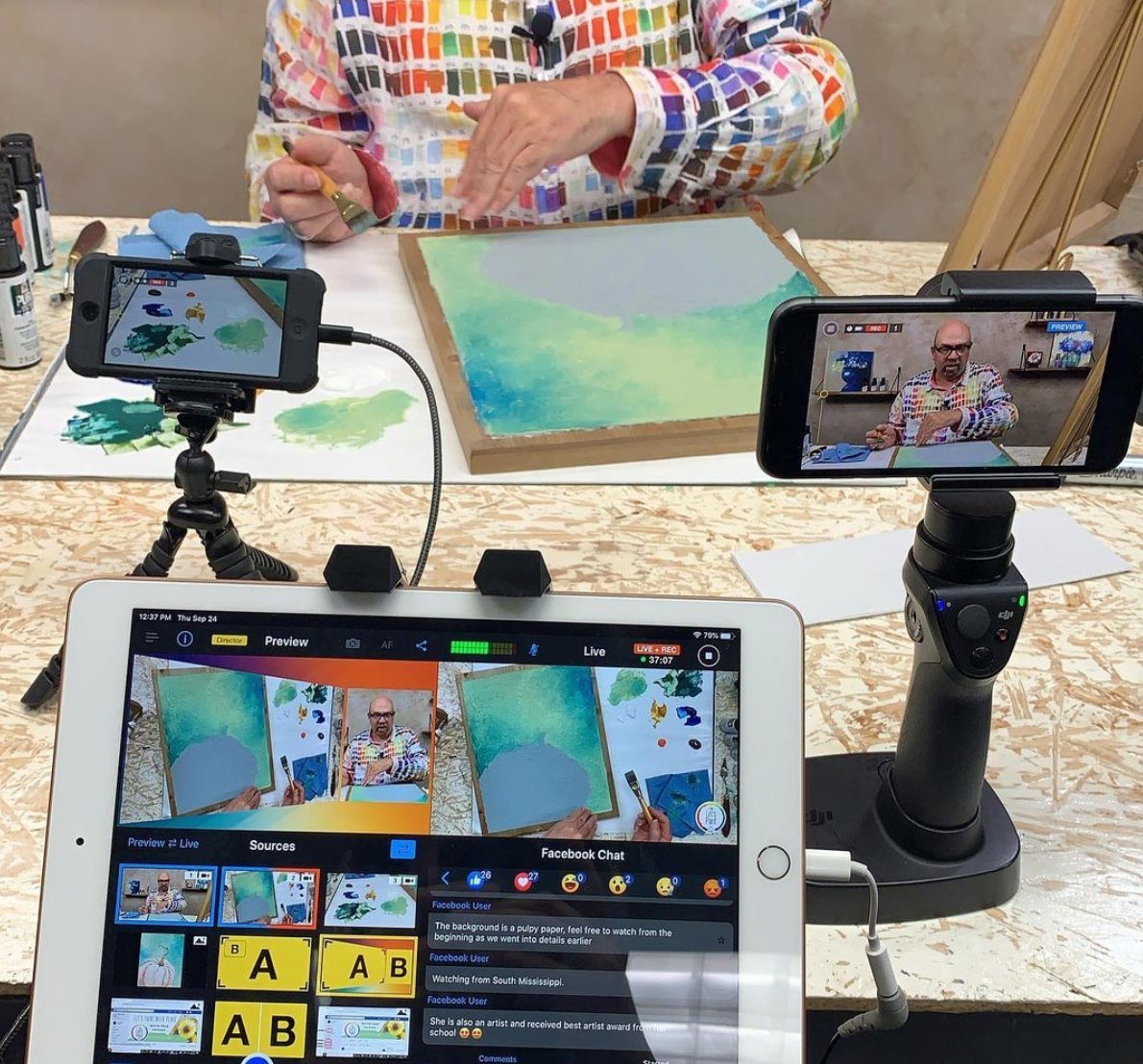
With streaming software like Switcher, all you need is an iPhone, iPad, or Mac as your control device. Your phones and tablets become the cameras, and laptops can feed in slides and scoreboards.
Other software in this category runs from a browser or a Windows machine instead — the device you use to control your stream differs between vendors, so check each option against the devices you actually own.
Read our guide comparing the best live streaming software here.
You'll still need to invest modestly in mounting gear and microphones, and pay for the software subscription. Switcher costs $45 per month (billed annually).
The catch:
-
You need strong WiFi in every venue you stream from, which means you may have to invest in strong connections.
-
You'll also need a vendor your district can approve. Either find a streaming service provider already on your state's approved list, or get the vendor to sign your Data Privacy Agreement and show that they comply with your state's student-data law.
Pick this route if: Your events happen in more than one place, you own the devices already, and you want a flat learning curve that your students and staff can pick up quickly.
How to make a case for school livestreaming to your board
When your board asks why you should spend money on streaming, here's what you can point to:
Live streaming pays back
You sell stream tickets or run a fundraiser to the people who can't be in your gym. If 40 of them pay $10 to watch a playoff game, that's $360 you would never have collected. Switcher charges just $0.99 per transaction, so you’d keep $9.01 of every ticket.
Across a season of games, plus a ticketed concert or two, you've covered your year's subscription, perhaps some of the equipment cost, and maybe even made a profit.
It replaces money you already spend
You pay an outside AV company real fees to film your graduation, and pay to bus staff between buildings every PD day. Livestreaming school events eliminates both bills.
It puts equipment you've already paid for back to work
Your district already bought the iPad carts, and most of them sit in a closet after 3 p.m. Streaming runs on devices your board already approved and paid for.
It means you're not starting from zero when your buildings close
If you weren't streaming before 2020, you remember the COVID scramble — figuring it out mid-shutdown while equipment was sold out and prices were up.
If you're already streaming when a snowstorm or an emergency closure hits, you skip all of that: your teachers already know the tools, your families already know where to watch, and you're not shopping for gear the same week as every other district.
It keeps your district visible to the people who vote on your funding
Your community will fund schools they can see inside. Many of the people who vote on your levies and bonds don't have kids in your buildings, and your streamed concerts, games, and board meetings may be the only way they see inside.
What school events can you live stream? Any event with an audience can be streamed.
-
Graduation ceremonies
-
Athletic events
-
Concerts, plays, and musicals
-
Award ceremonies, science fairs, and spelling bees
-
School board meetings
-
Budget and bond presentations
-
Superintendent or principal town halls
-
Assemblies and pep rallies
-
Professional development sessions
-
Open houses for prospective families
-
Morning announcements and student news
-
Journalism and media classes
-
Guest speakers and career days
The bottom line on live streaming for schools
Live streaming earns its place in a school the same way any tool does: it solves problems you already have, such as:
-
Families who can't attend
-
Enrollment competition
-
A media program looking for something real to produce
The barriers that used to make this a huge undertaking — like needing a dedicated AV-department, expensive hardware, technical staff and a sizable budget — have mostly been eliminated by straighforward software like Switcher.
If your school has a few phones or tablets and a decent network, you have what you need to broadcast your next event with multiple camera angles, your school's branding, and an audience that finally doesn't depend on who can get off work by 5 pm.
We're partial to Switcher around here, obviously. But whichever route you take, the families pointing their phones at the stage would rather be watching your stream.
Try Switcher free or see how schools use it on our education page.
Subscribe to the blog
Sign up to receive notifications whenever a new blog post is published. You may unsubscribe at any time.

Share
About the Author