Instagram Edits for Mac is a free desktop video editor with a multi-track timeline, 4K export, and AI agent support. Here's what it does and who it's for.

Get your church Christmas live stream ready with 8 last-minute tips: promotion, gear, stream audio, CCLI licensing, rehearsal, giving, and follow-up.
Instagram Edits for Mac is a free desktop video editor with a multi-track timeline, 4K export, and AI agent support. Here's what it does and who it's for.
How to live stream a church service in 6 steps, what equipment you need, simple to advanced setups, clean sound board audio, and CCLI streaming licenses.
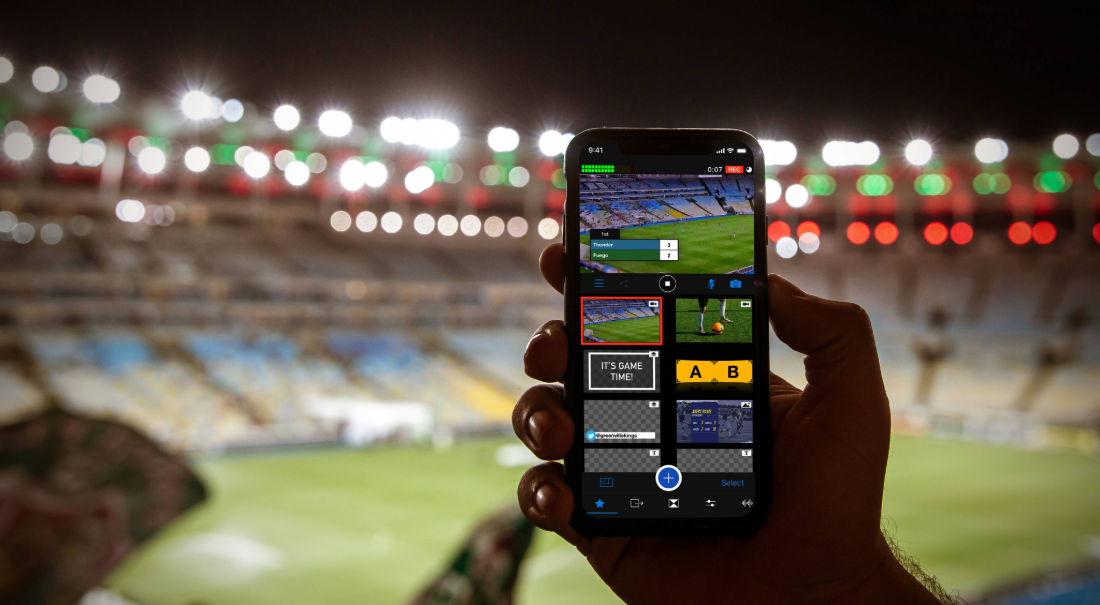
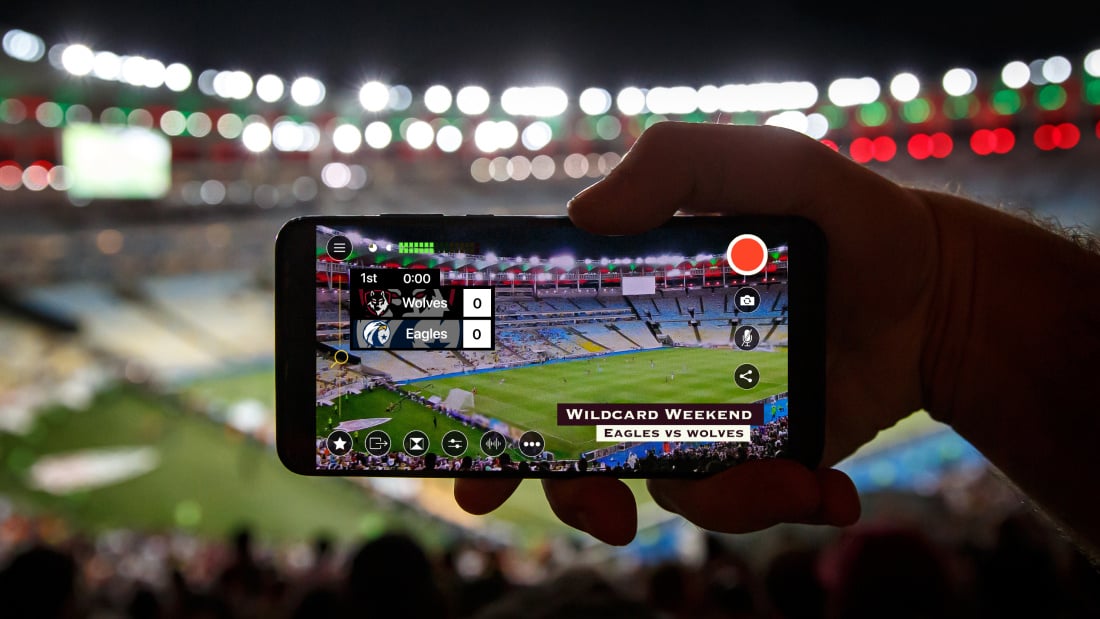
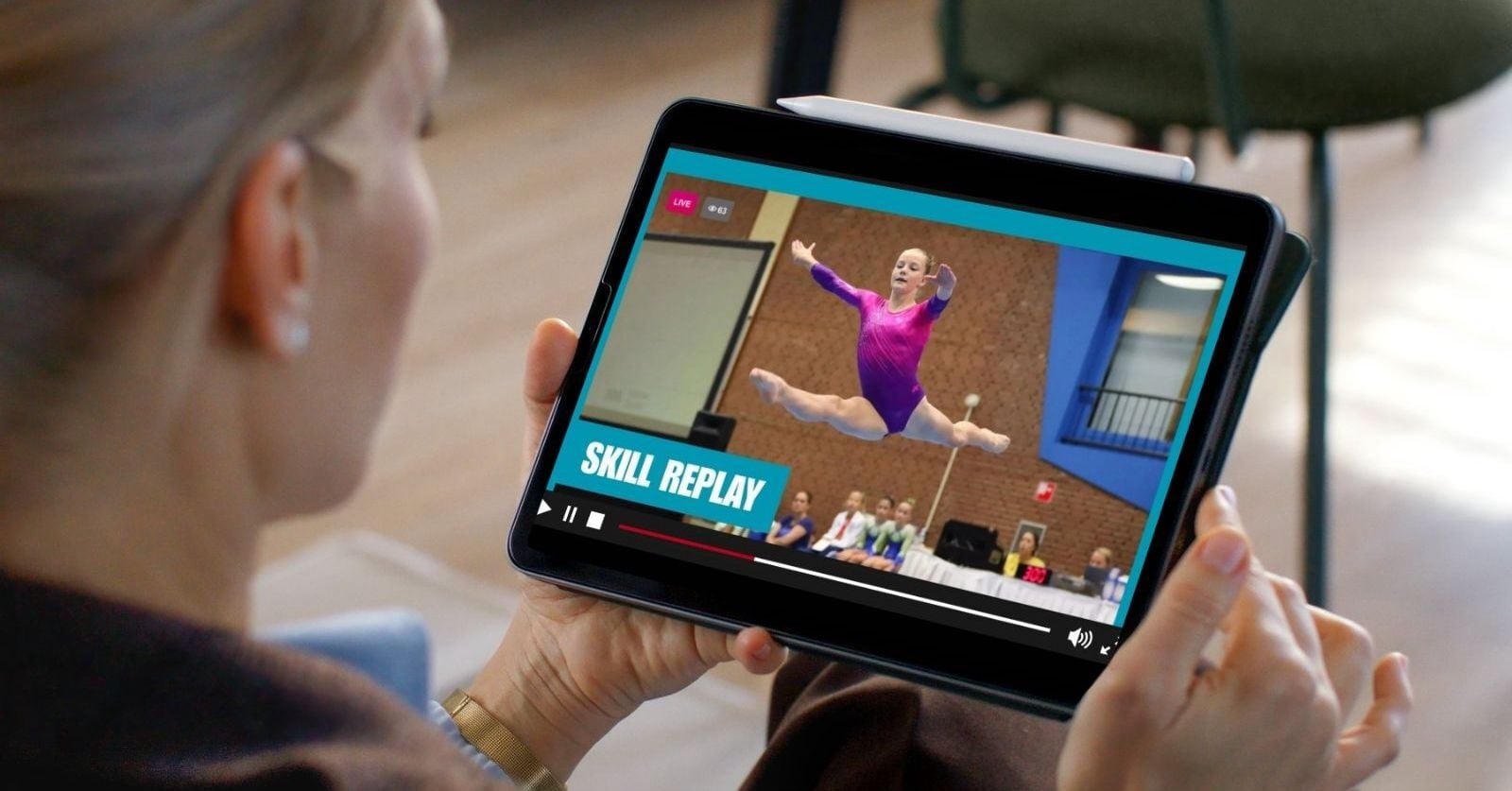
Use live graphics for sports broadcasts, instant replay, and multicam layouts to make your sports livestream look like a real broadcast with Switcher.
Sign up to receive notifications whenever a new blog post is published. You may unsubscribe at any time.
Learn how to automate parts of your live streaming workflow to save time on repetitive tasks so you can focus on engaging and growing your community.
Looking for the best live streaming software for your needs? Get expert tips, learn what to look for, and make the right choice to stream with confidence.
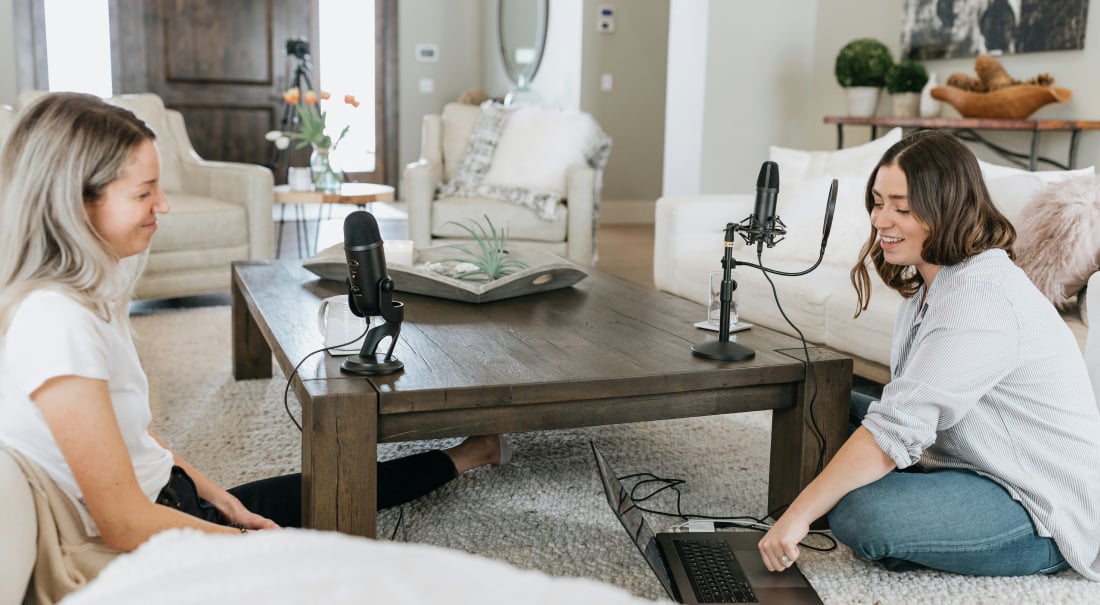
Learn what features to look for in video podcast recording software, compare 5 top tools, and find out how to choose the best video podcast software for you.
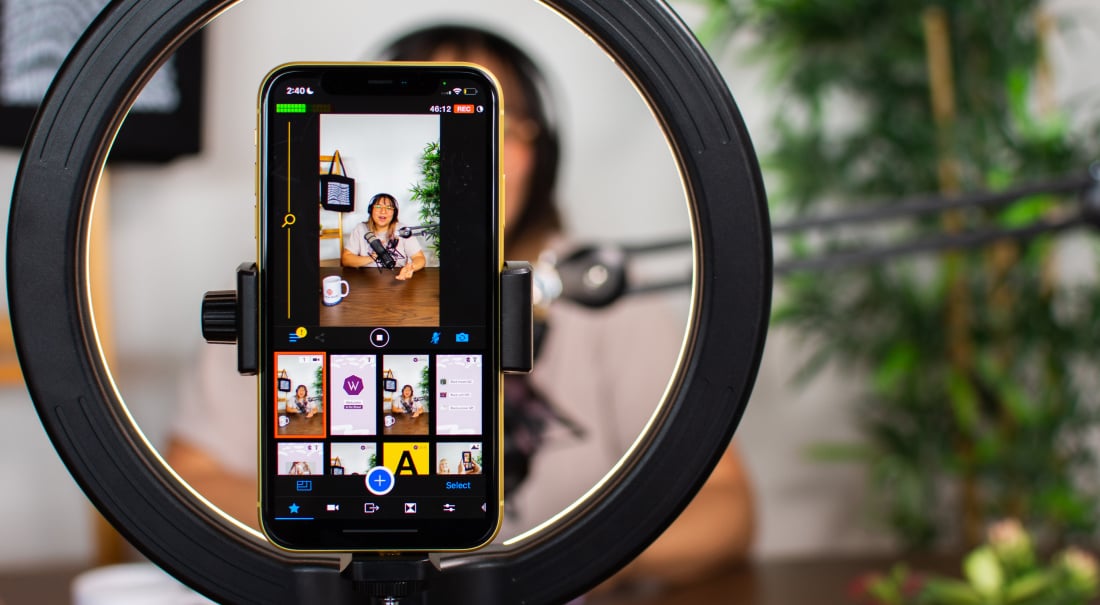
Live streaming for iPhones is easier than ever. Learn tips, fixes, and tools to turn your iPhone into a pro streaming setup with studio-quality results.
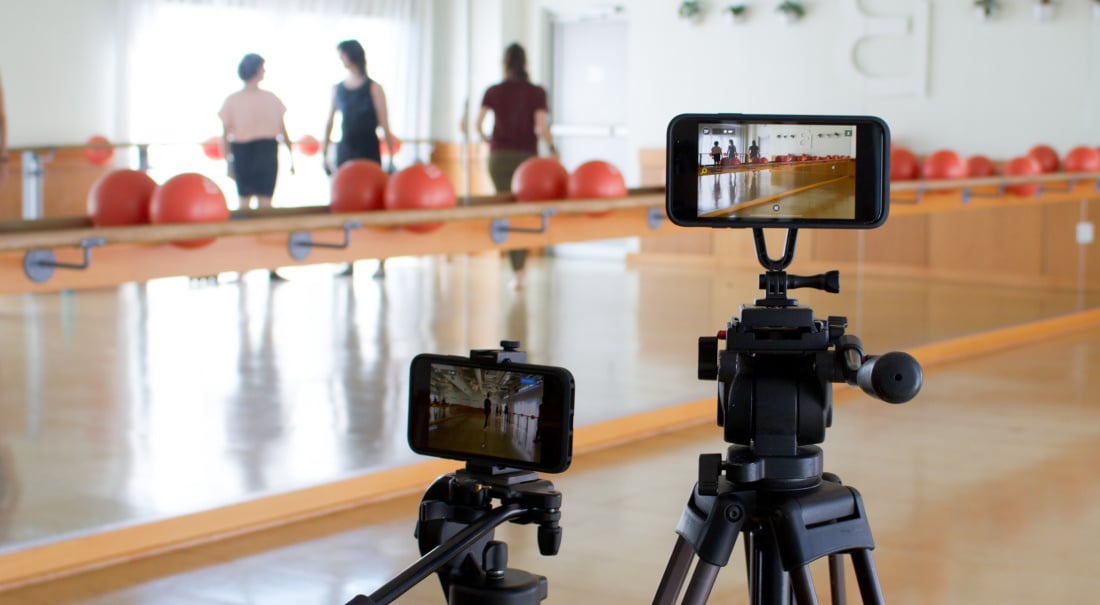
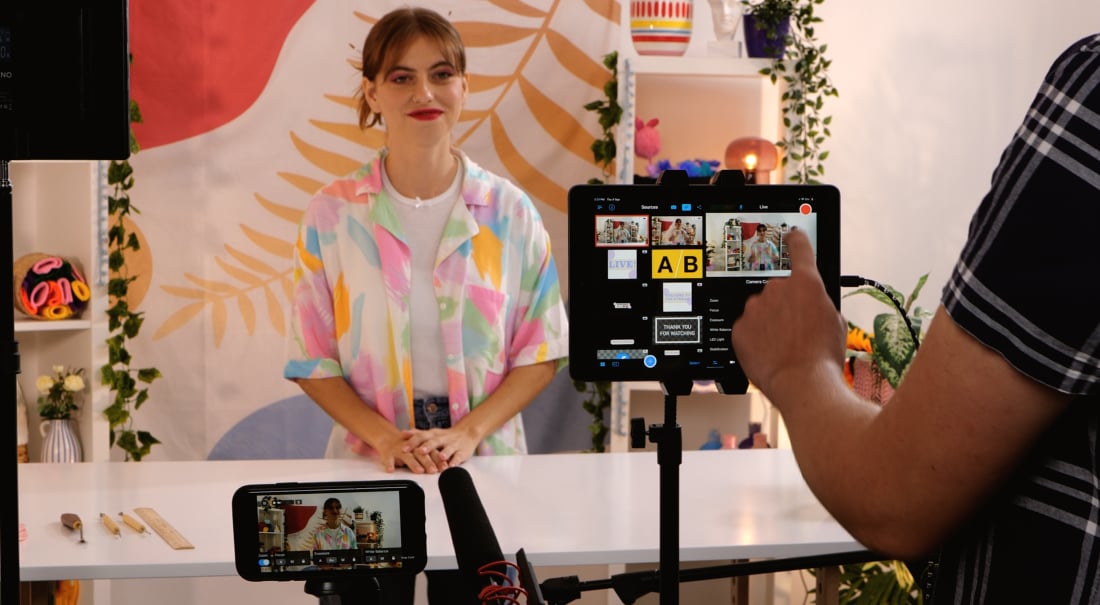
A practical guide to multi-camera live streaming: the equipment you need, when to use it, and how to set up your first multi-cam stream.
Compare the 20 best live streaming apps for 2026, from free picks like OBS Studio and YouTube Live to multicamera apps for iPhone, iPad, and Mac.
Discover the best iOS live streaming apps for iPhones and iPads. Learn what features to look for and how to choose the best app for your goals and workflow.
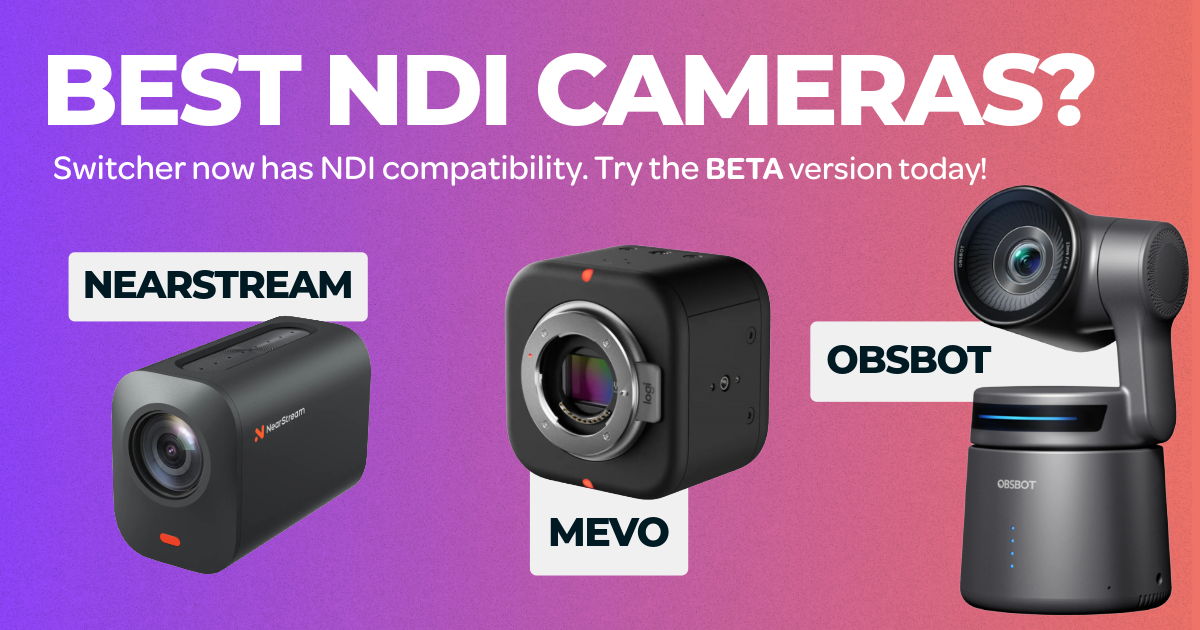
Compare the best NDI cameras for live streaming in 2026 — budget picks under $450 and pro 4K options, all compatible with Switcher Studio.
Learn how to add a scoreboard overlay to your 2-camera sports live stream in 5 simple steps using Switcher Studio.
See every piece of equipment (iPhone, Android, webcams, HDMI, NDI) you need to set up multi-camera live streaming, plus real pricing and budget picks.
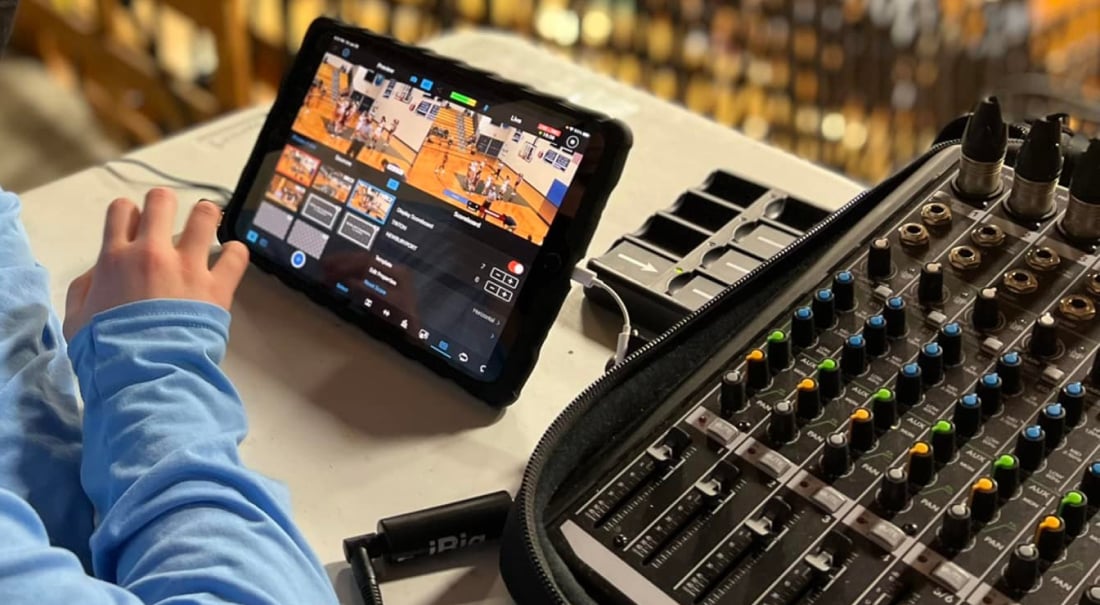
Everything you need to broadcast a game: the kit list, the software, the scoreboard, instant replay, and how to get people watching.
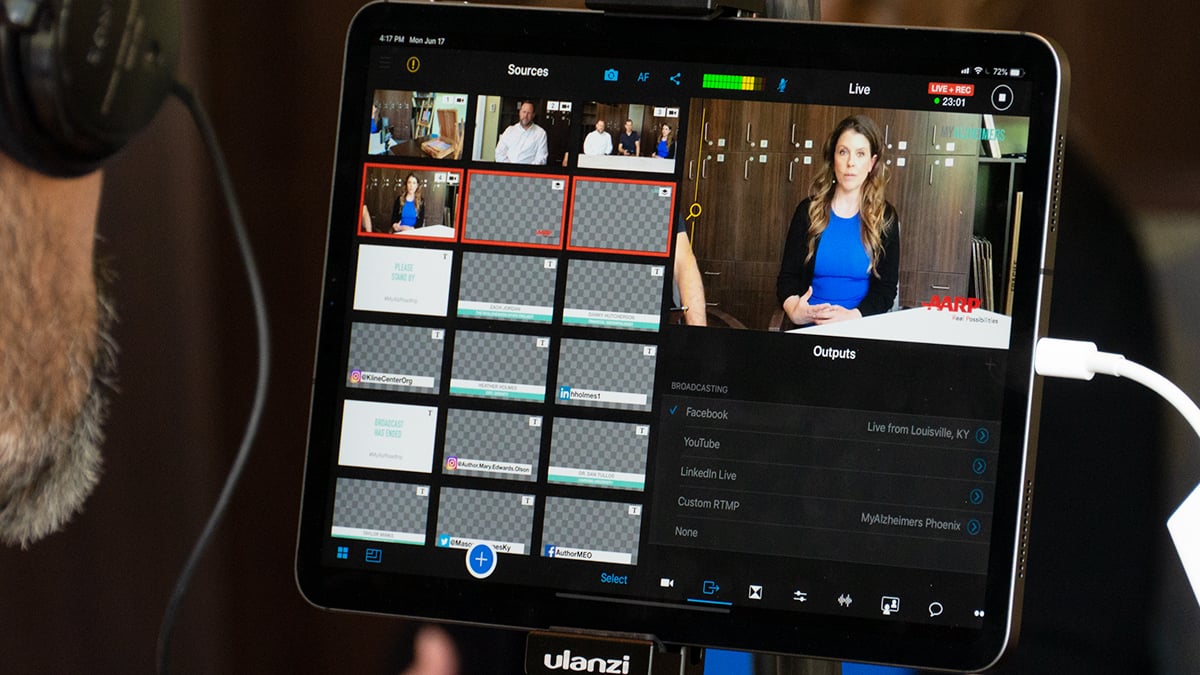
Compare seven of the best multi-camera live streaming apps and software options for mobile, Mac, PC, and browser-based productions, including free tools and recording features.
Instant Replay for Switcher captures the last 10, 20, or 30 seconds of your live stream and plays it back with one tap. No capture card. No extra hardware.
Get clear live stream audio with 3 mic setups from $0 to $900+, plus mixer and musician tips and fast fixes for hiss, hum, and clipping.
Sponsorships, ad revenue, tips, subscriptions, merch, and more: 7 real ways to make money live streaming, no matter what you stream or who's watching.
Facebook's app won't let you put a logo on your live video. Here's how to add logos, lower thirds, and overlays from your iPhone, iPad, or Mac.
Want to launch your own OTT streaming service? Here's what OTT means, what you'll need, and how to launch one without building an app.
From ChatGPT to Runway: what's actually worth using for writing, visuals, and video in 2026, what it costs, and where each tool falls short.
AI live streaming that helps you connect and AI live streaming that replaces you. Why it's everywhere, and how to protect yourself as a creator.
Frame rate (FPS) shapes how cinematic, smooth, or realistic your video looks. Compare 24, 30, and 60 FPS and find out which one fits your next shoot.
Reels and Stories aren't interchangeable — one grows your audience, the other keeps it. Here's the real difference, current length/format specs, and content ideas for both, updated for 2026.
Low video click-through rate? Get 8 proven tactics — thumbnails, titles, keywords, and more — to boost CTR on YouTube, TikTok, and beyond.
Most churches record over an hour of content every Sunday and never touch it again. Church Media Squad and Switcher break down the system for changing that.
Turn your livestreams into a podcast and reach more people.Switcher + RSS.com break down the workflow you can use to multiply your reach and impact.
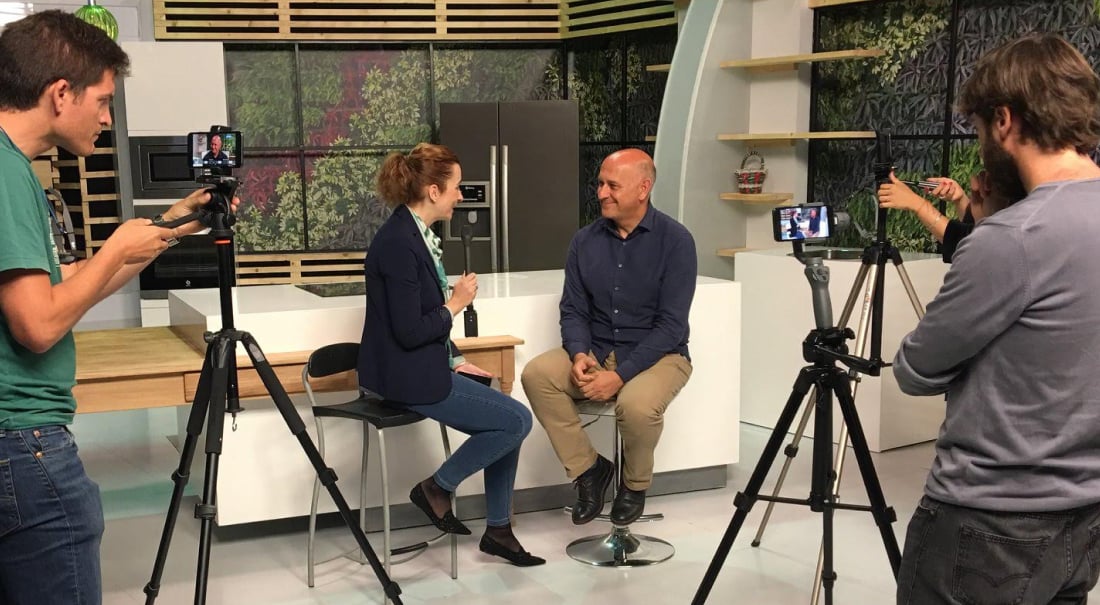
Learn how to build a multicam workflow for live streaming to create smoother, more engaging live content.
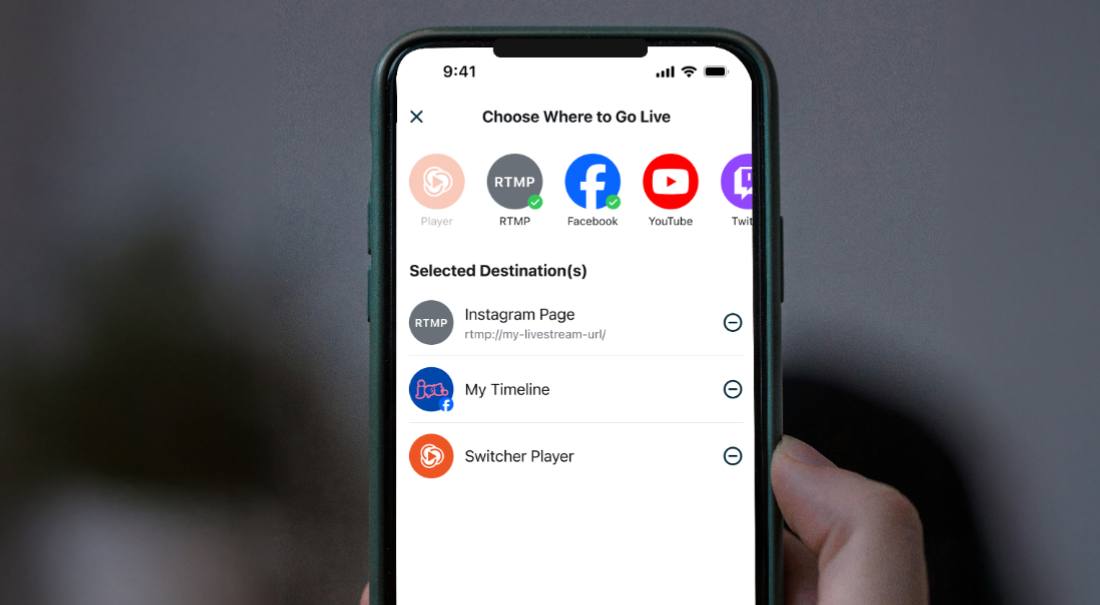
Learn multistreaming best practices to choose the right platforms, create a stable, platform-optimized multistream, stay unbanned, and build a community.
Explore the future of livestreaming: From multicamera mobile workflows to AI-powered production, learn how you can capitalize on these live streaming trends.
Want to start a podcast with no audience? Learn how to find your niche, choose a format, plan episodes, publish, improve discoverability, and grow faster.
Learn how low-latency video streaming reduces delay and keeps your live video smooth, plus 9 simple tips to speed up your broadcasts.
What is RTMP, and how can you use it to stream confidently to every online platform at once, even as a beginner? Read this quick and simple guide to find out.
Learn how to identify, test, and fix packet loss when live streaming. Get troubleshooting tips to improve your connection and deliver reliable broadcasts.
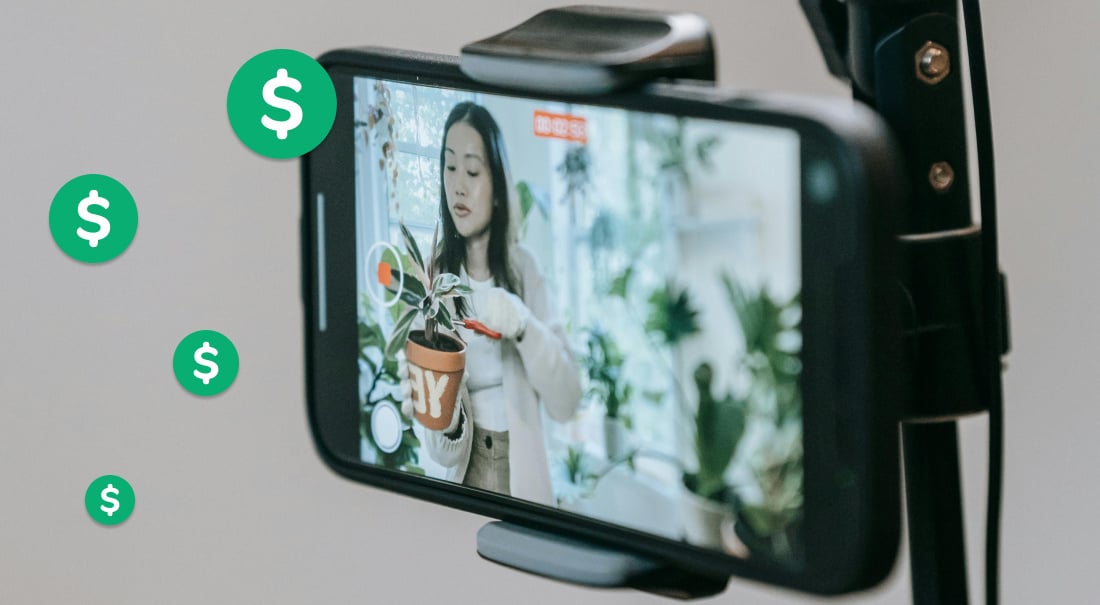
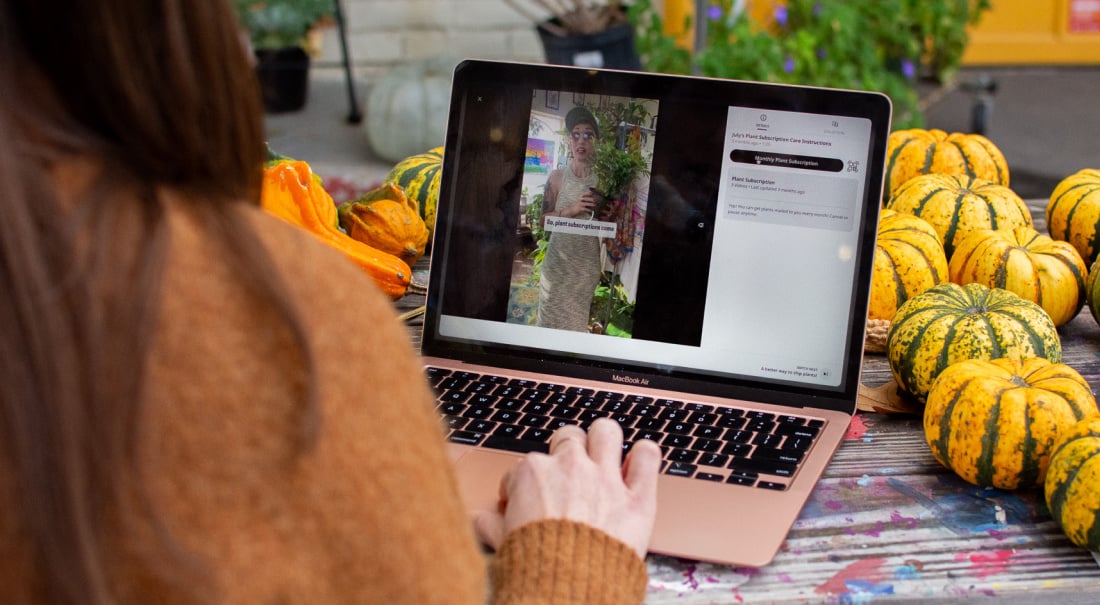
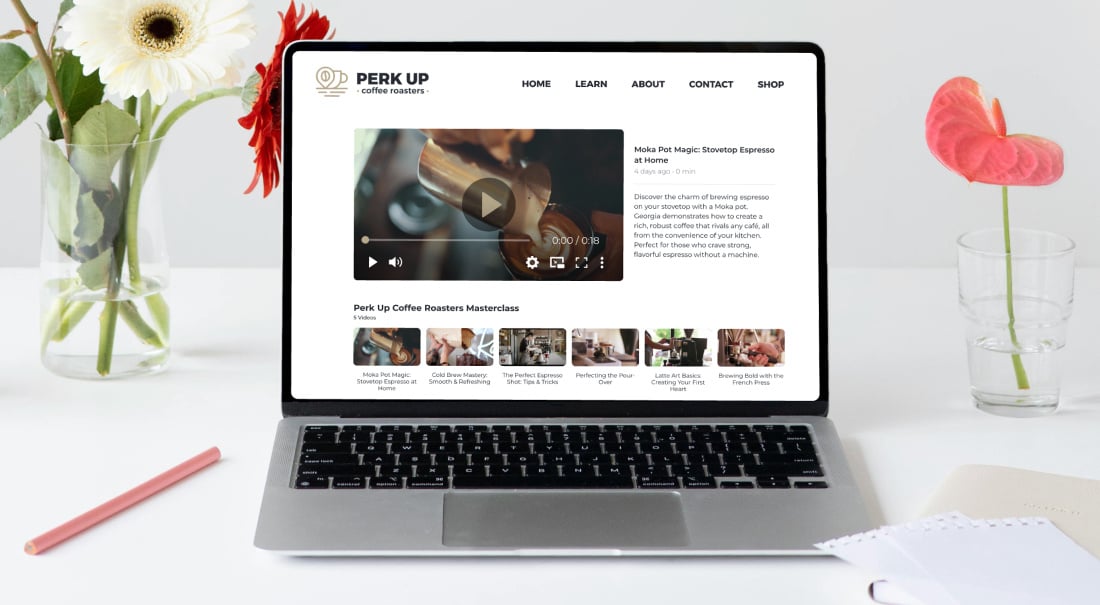
Want to make money from videos without relying on going viral or battling social media algorithms? Here’s everything you need to know.
Whether you’re a creator, small business, marketing team, or enterprise, discover the best video platform for your business in minutes.
Embed a broadcast on any website! Follow our step-by-step guide to learn how to embed live streams on your site.
Enter your search terms and hit ENTER or use ESC to exit